


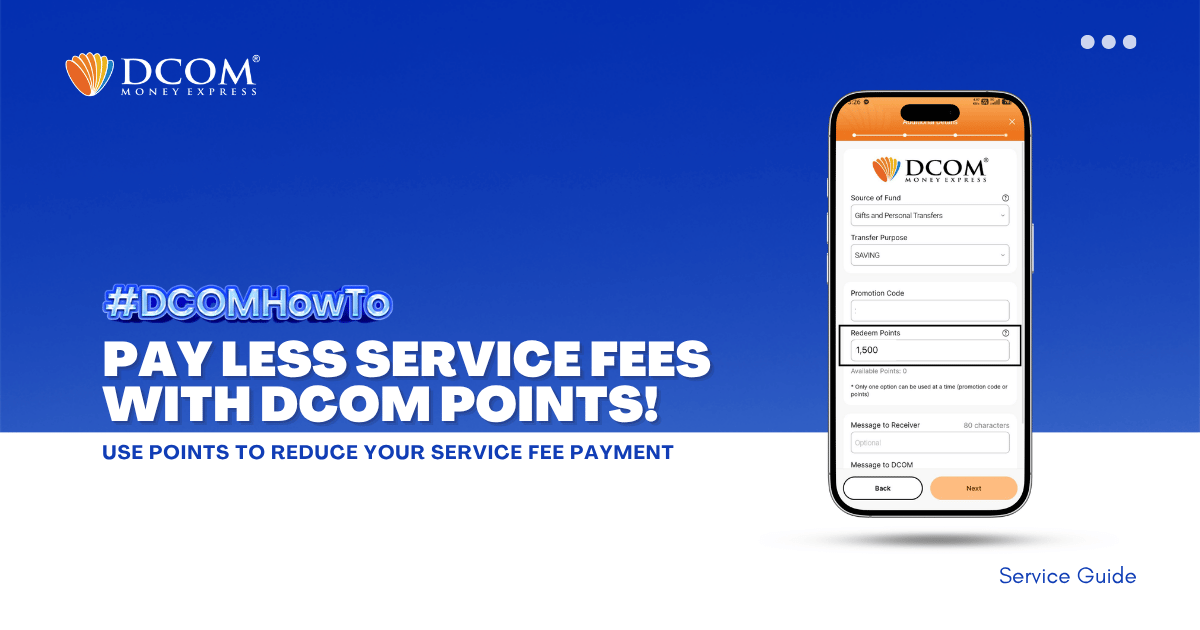
Unlock exclusive savings in just a few taps! Redeem your DCOM points now to enjoy lower service fees on your next transaction. Don’t let your rewards go to waste! Follow the steps below:
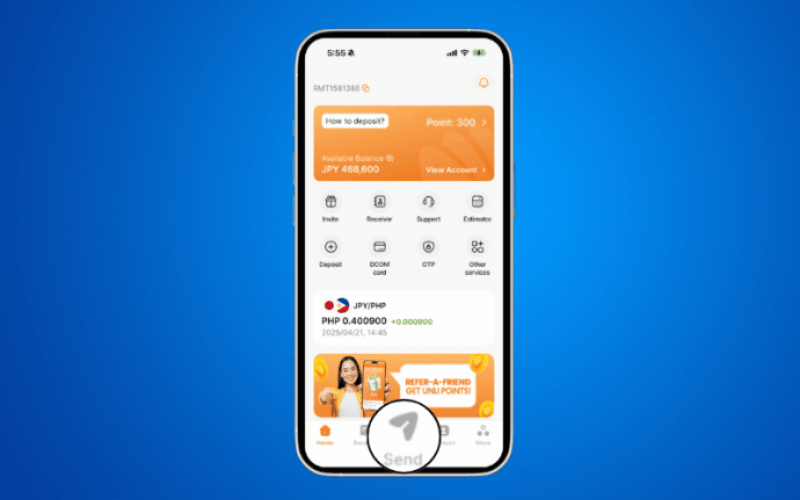
Step 1: Tap SEND.
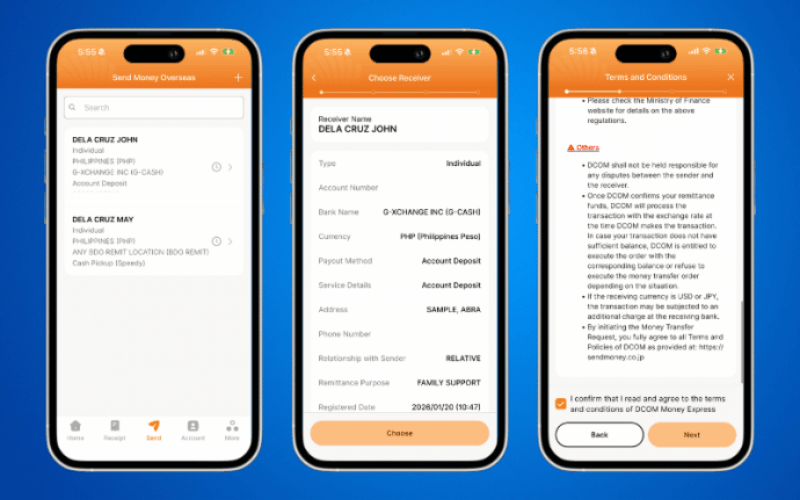
Step2: Proceed with your remittance transaction as usual.
Step 3: Under Additional Details, input the number of DCOM Points you want to use. You can also check your current available DCOM Points in this section.
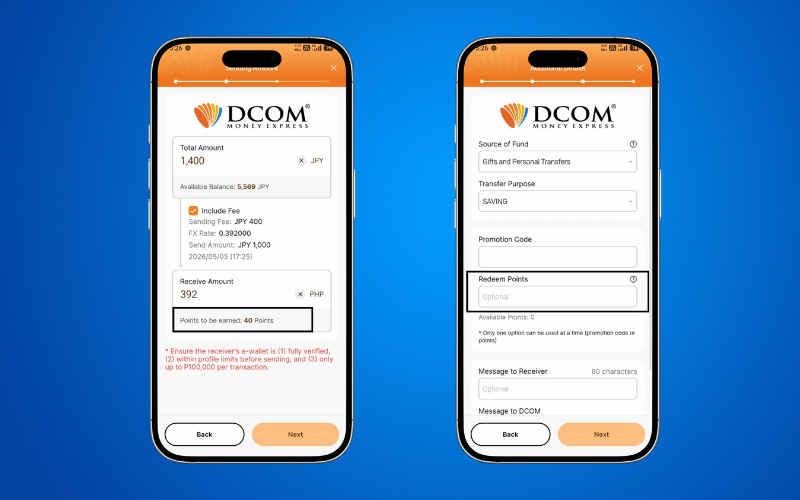
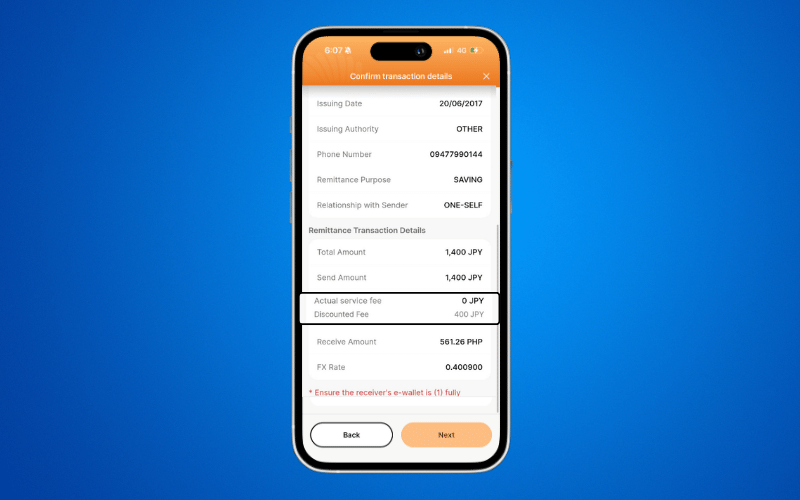
Step 4: Review all your transaction details then click NEXT to proceed your transaction.
📌 Important Reminders
- DCOM Points can only be used for the service fee.
- If both a Promo Code and Points are entered, the Promo Code will be prioritized.
- Partial points earned from the transaction will be reflected after the transaction has been successfully completed.