


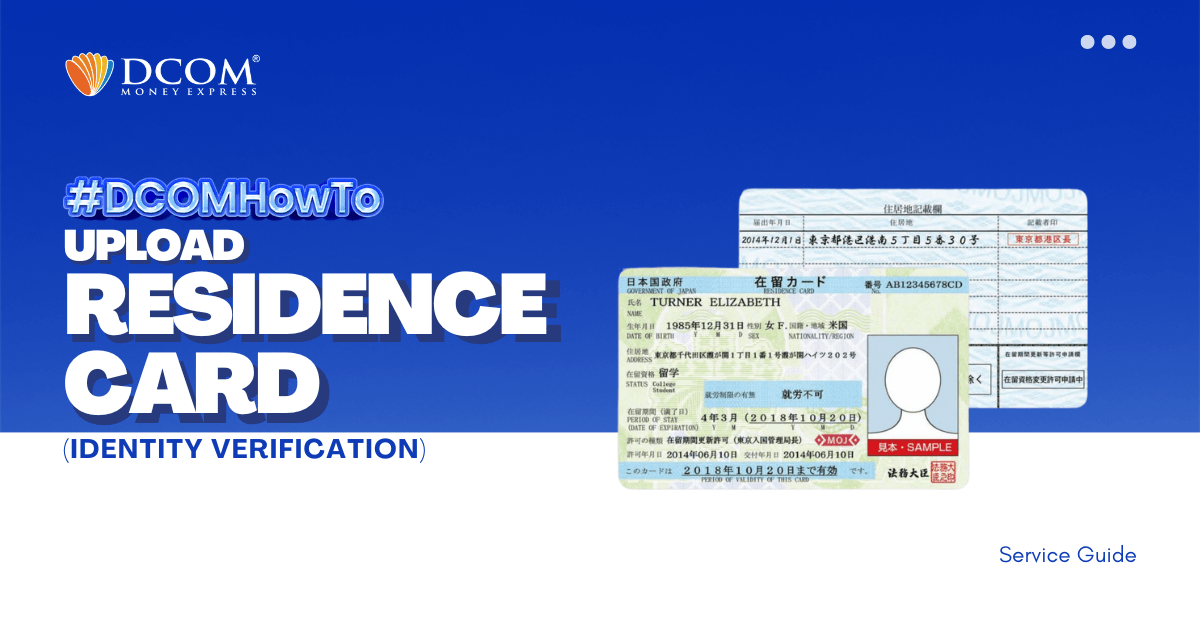
To complete your registration, here are the steps to easily upload your Residence Card using the DCOM APP through Online Verification. Step 1: Tap the “VERIFY YOUR IDENTITY notification on the DCOM App.
Lost your password? Please enter your email address. You will receive a link and will create a new password via email.
To complete your registration, here are the steps to easily upload your Residence Card using the DCOM APP through Online Verification. Step 1: Tap the “VERIFY YOUR IDENTITY notification on the DCOM App.
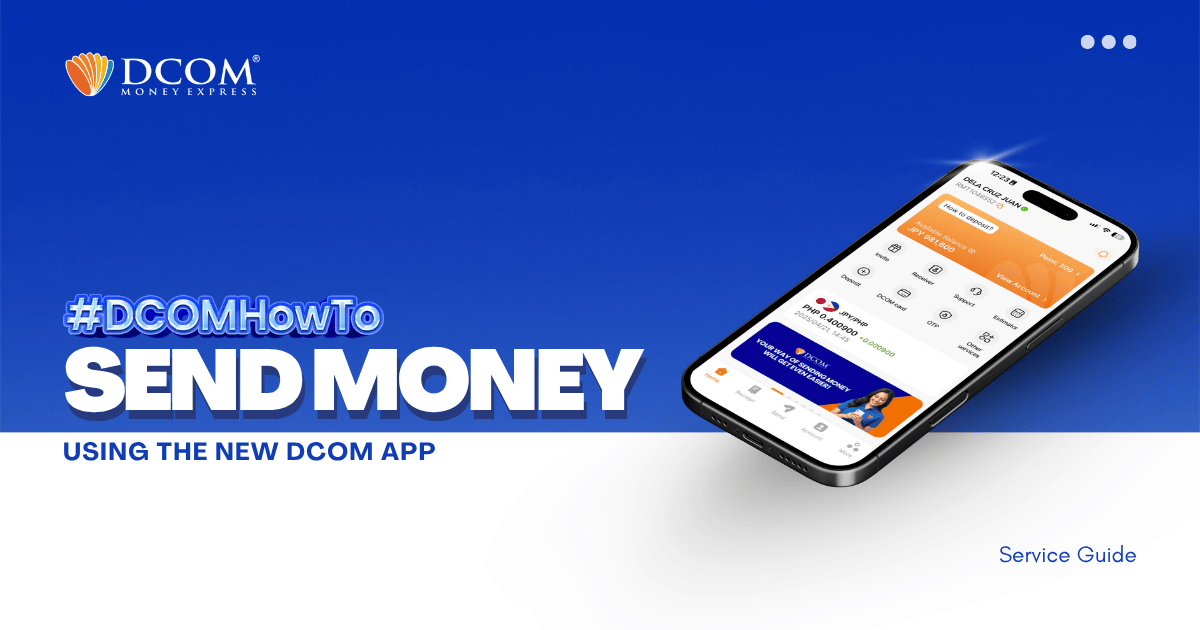
With the latest DCOM App update, sending money via DCOM Money Express is now easier, faster, and more secure! To access these enhanced features, please ensure that your DCOM app is updated to version 5.9 STEP 1: Tap the SEND icon.
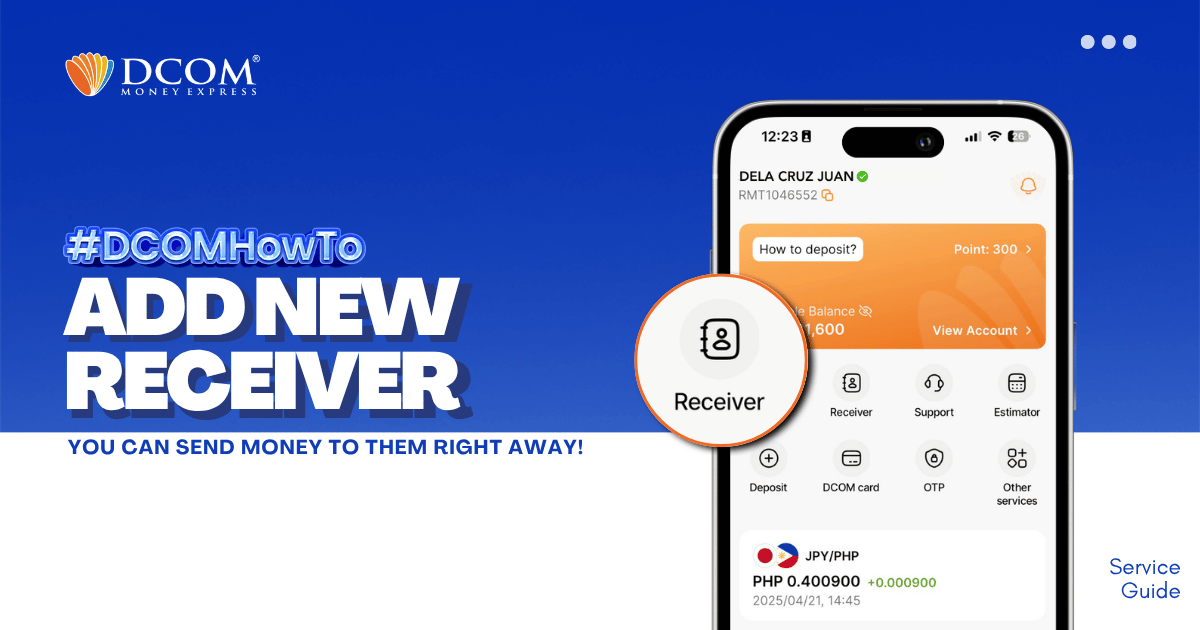
Whether it’s for Cash Pickup or Account Deposit, adding a receiver is now easier with the DCOM App! STEP 1: Tap the RECEIVER.
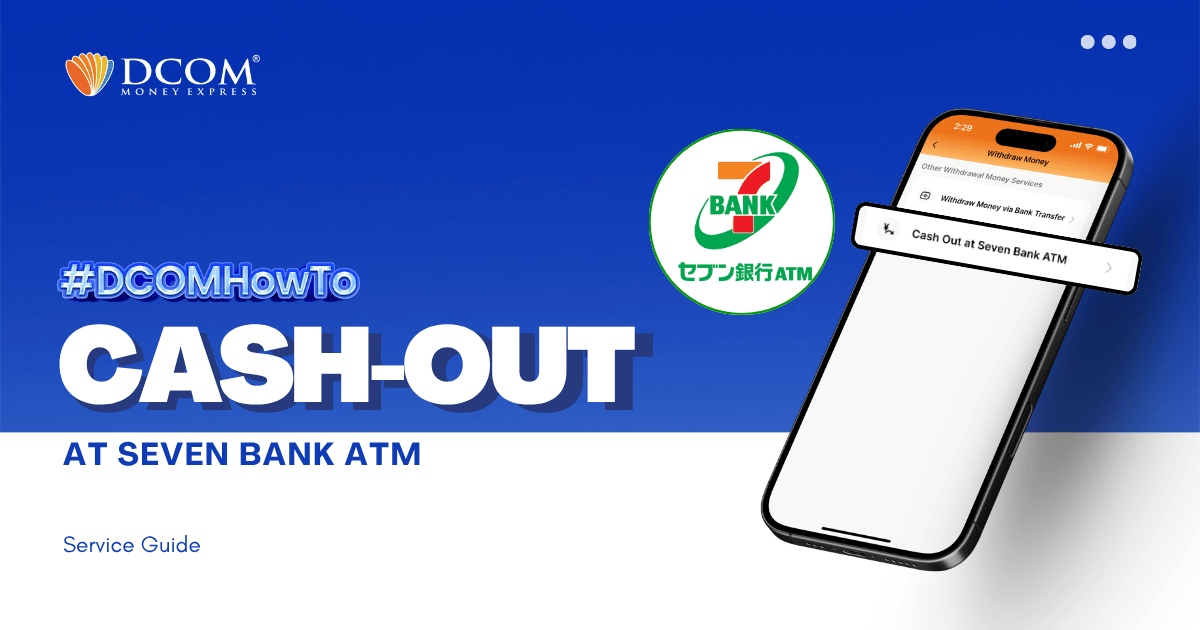
With the DCOM App, you can cash-out or withdraw money from your DCOM Account via Seven Bank ATM! To cash-out your DCOM funds, you have to log-in to your DCOM Account and make a cash-out request. Follow the step-by-step ...
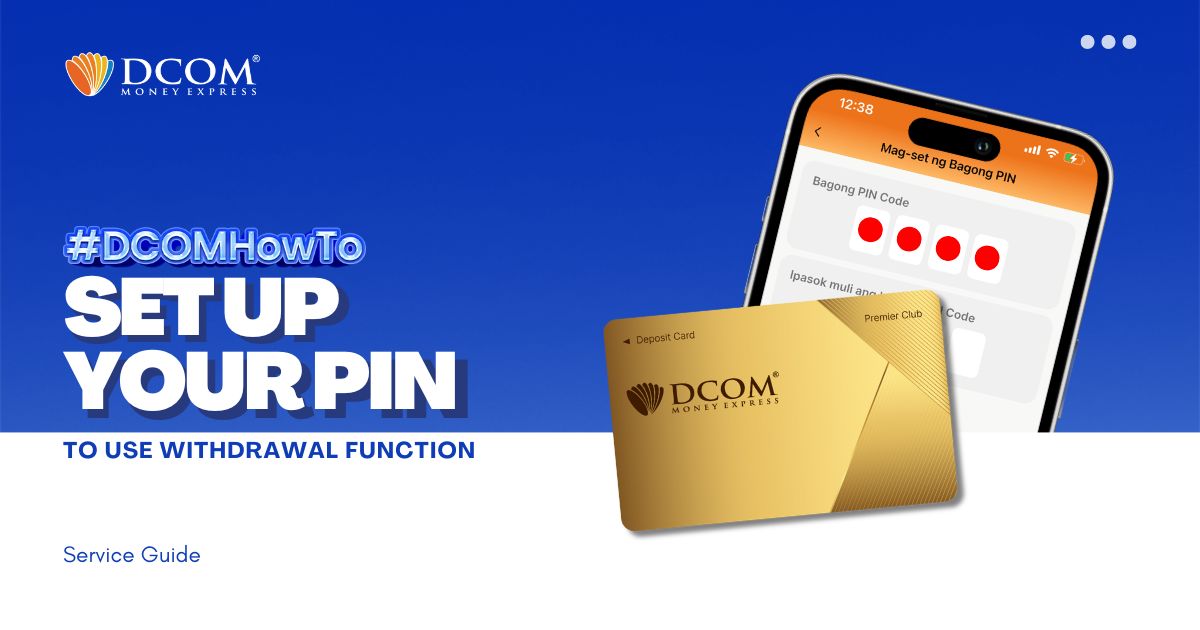
You now have the power to withdraw money using the DCOM Gold Card at any JP Post Bank/Yucho or Lawson ATMs nationwide! To utilize this feature, you must first set up your PIN. Here’s how: Step 1: On the Home screen, tap ...
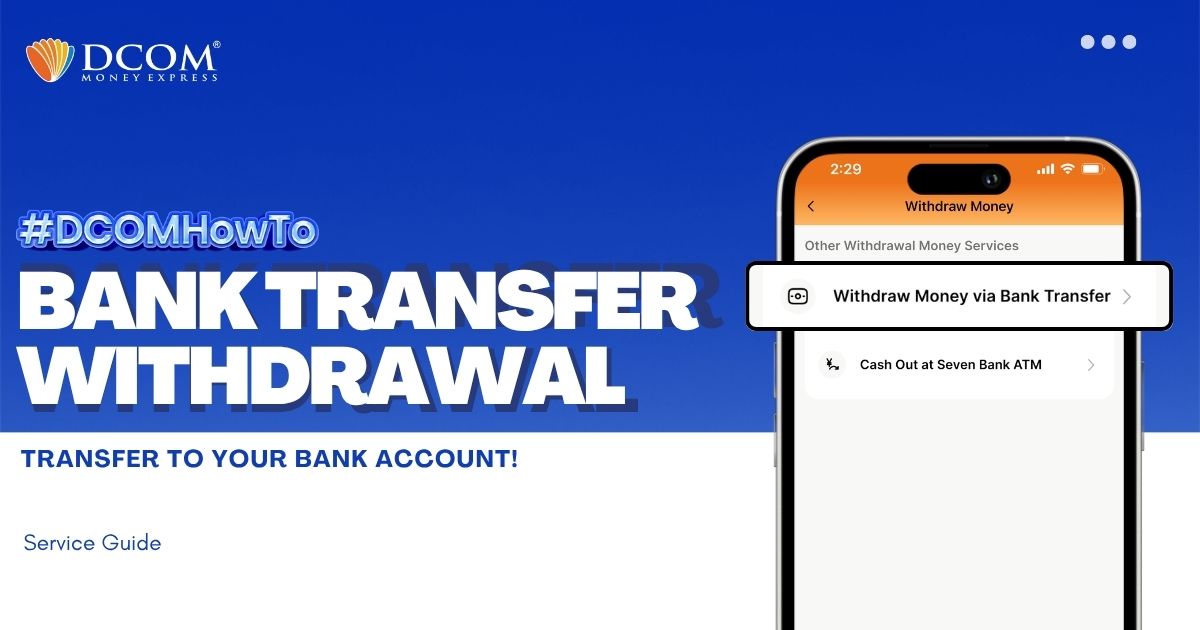
You can withdraw money without having to go out of the premises of your home. With the DCOM App, you can make a request to withdraw your cash from your DCOM Balance back to your bank account. Follow the guide ...
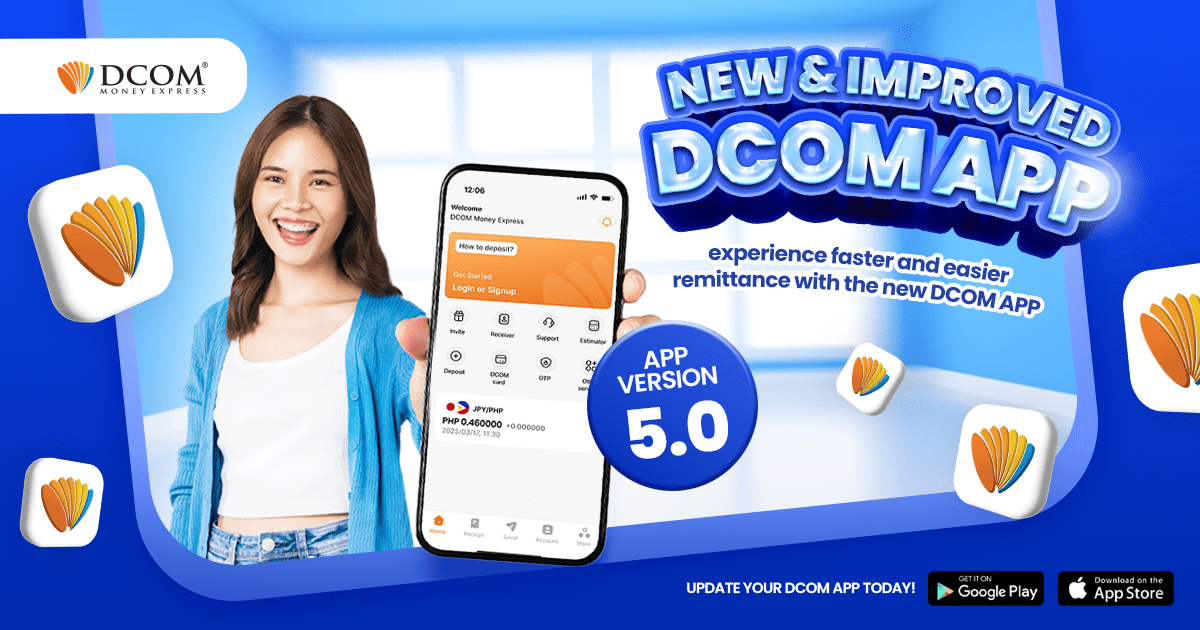
We are very proud to announce the release of the greatest update the DCOM app has ever received — yet! Improved ...
I want to add my receiver’s GCASH or Paymaya in DCOM app
Please give instruction on how to make free call to DCOM using DCOM App?
I want to know the way to do Identity Verification in DCOM App.

