


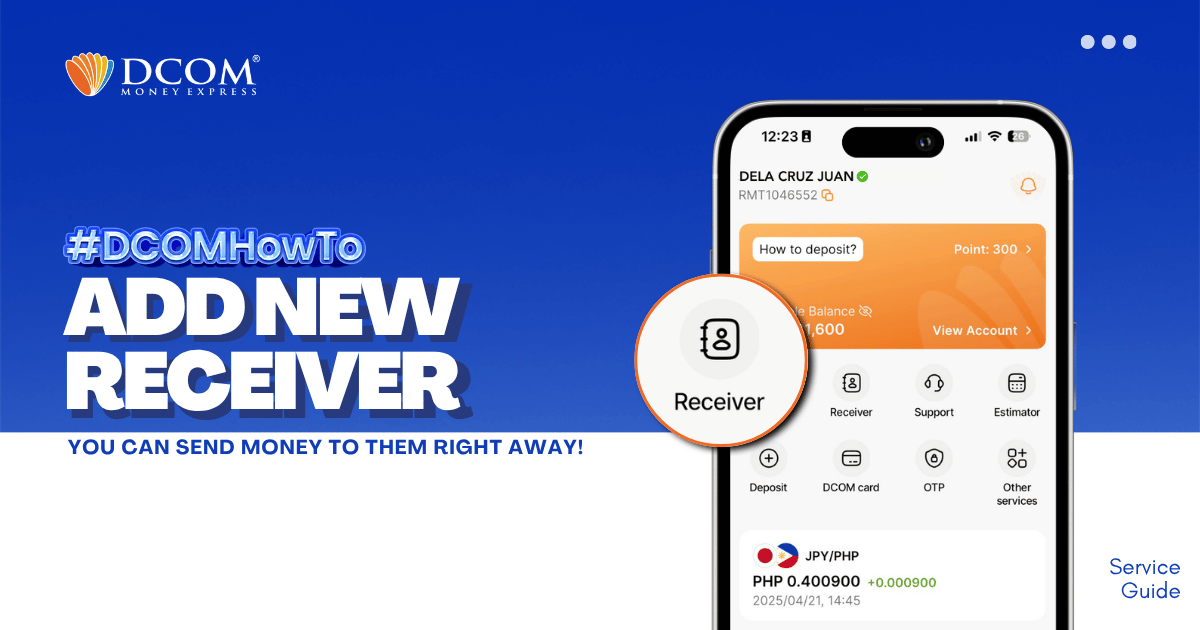
Whether it’s for Cash Pickup or Account Deposit, adding a receiver is now easier with the DCOM App! STEP 1: Tap the RECEIVER.
Lost your password? Please enter your email address. You will receive a link and will create a new password via email.
Whether it’s for Cash Pickup or Account Deposit, adding a receiver is now easier with the DCOM App! STEP 1: Tap the RECEIVER.
How long does it take until my receiver can claim the remittance for cash pick-up via DCOM?
Can I change my receiver because I have already sent money but my receiver can not claim?
What should I write if there is no issued date in my receiver’s ID?
What IDs are accepted for my receivers?
How many receivers can i register and send money to?

