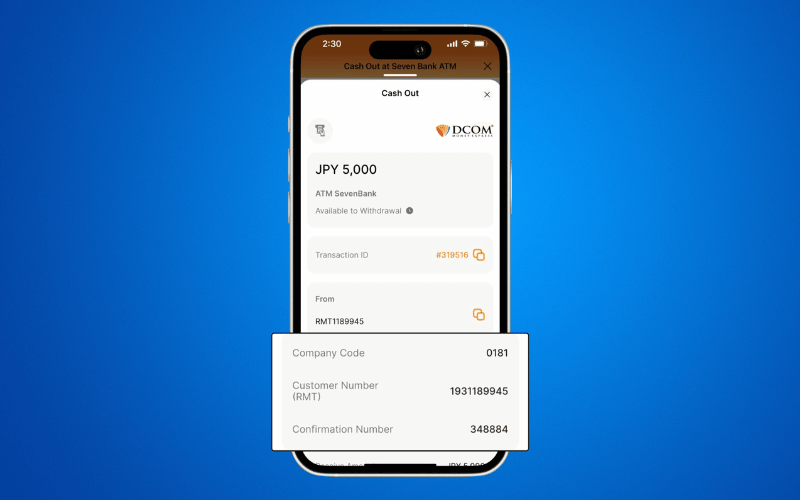
With the DCOM App, you can cash-out or withdraw money from your DCOM Account via Seven Bank ATM!
To cash-out your DCOM funds, you have to log-in to your DCOM Account and make a cash-out request. Follow the step-by-step guide below:
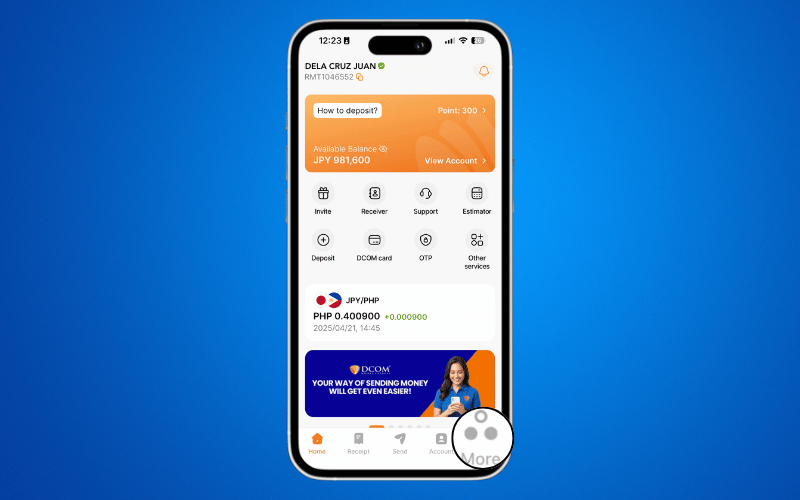
Step 1: Open the DCOM App and tap MORE.
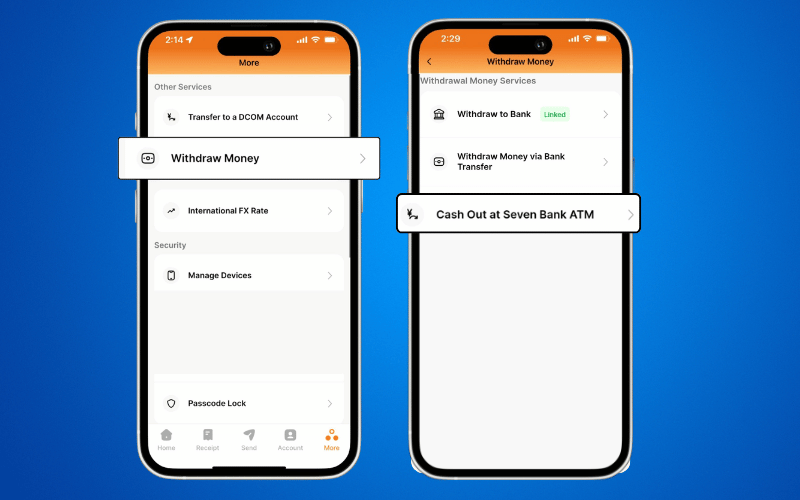
Step 2: Select WITHDRAW MONEY and choose CASH OUT AT SEVEN BANK ATM.
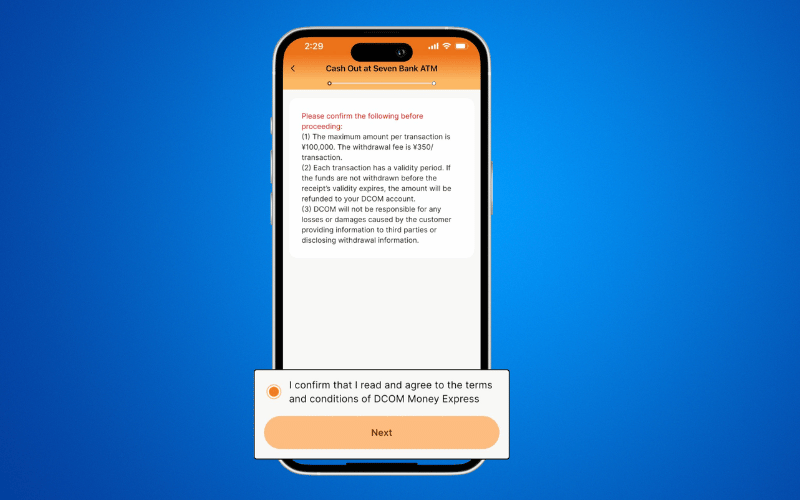
Step 3: Read the terms and conditions, then click NEXT.
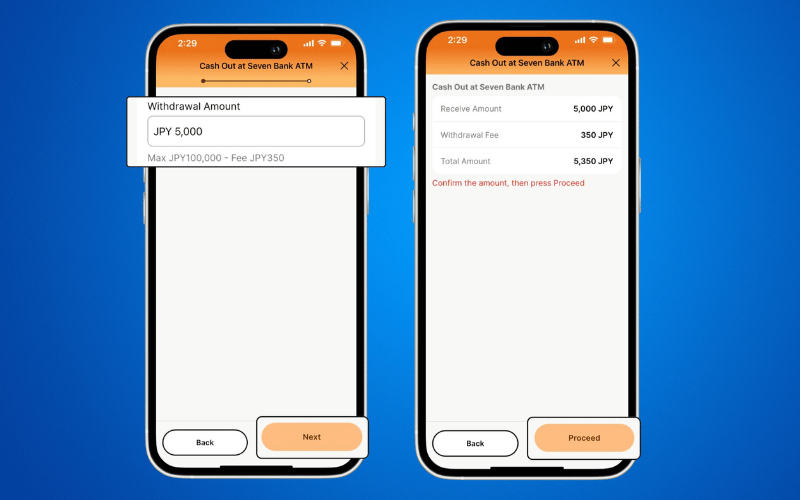
Step 4: Enter the amount you wish to withdraw and tap NEXT. Review your transaction details and select PROCEED.
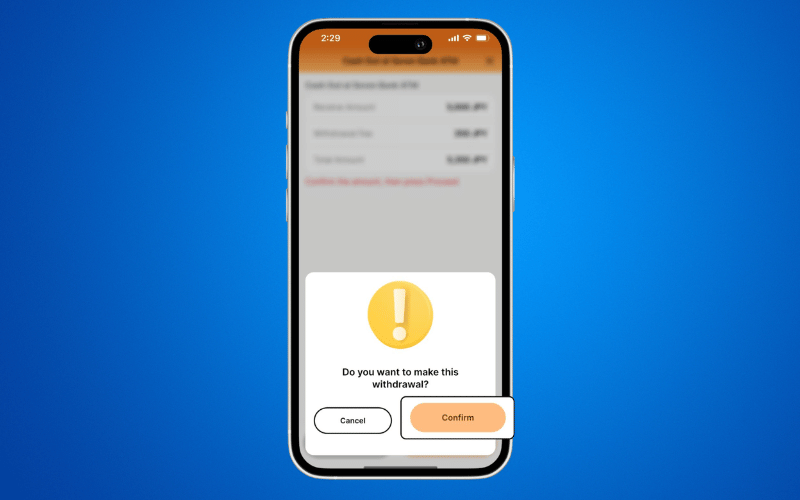
Step 5: Tap CONFIRM to finalize your withdrawal request.
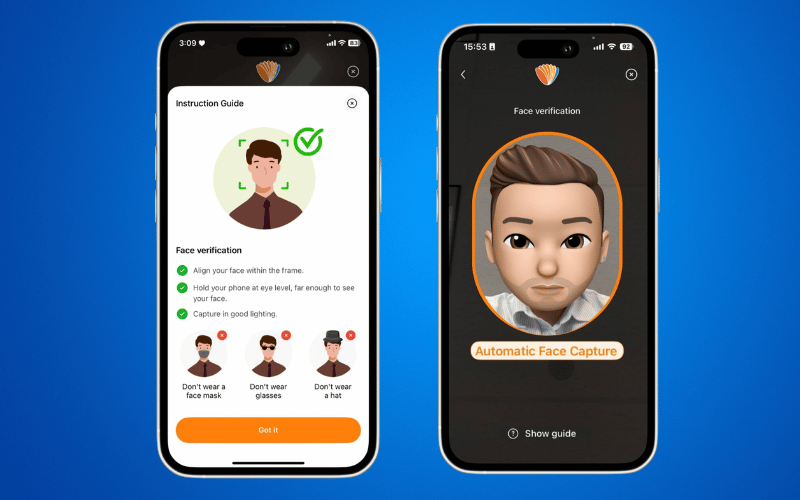
Step 6: Complete the FACE VERIFICATION.
Step 7: Once your request is successful, visit any Seven Bank ATM and use the provided CONFIRMATION NUMBER to receive your cash.