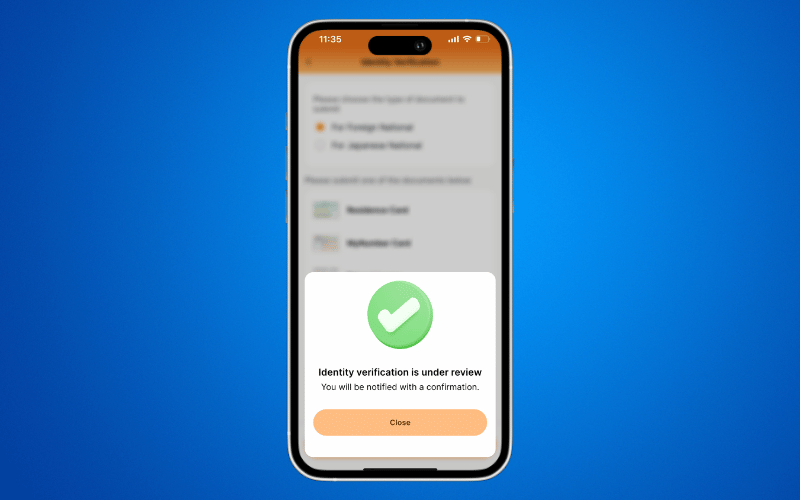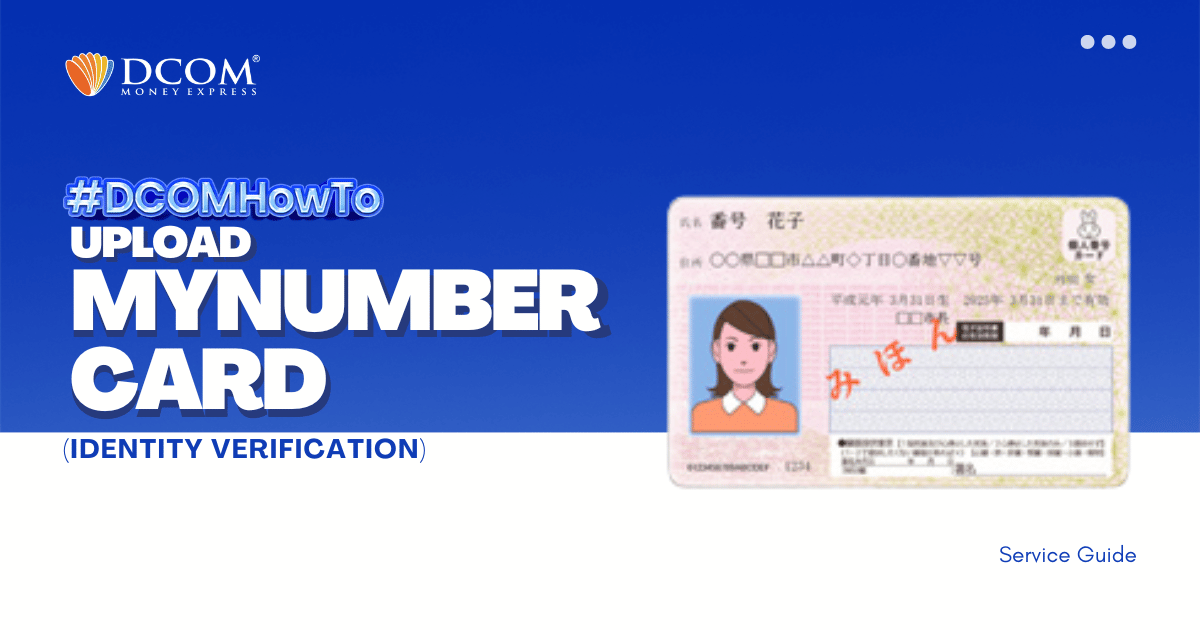
Identity verification made seamless. Secure your account and unlock faster remittances by completing your identity verification today. Follow our simple guide below to get started!
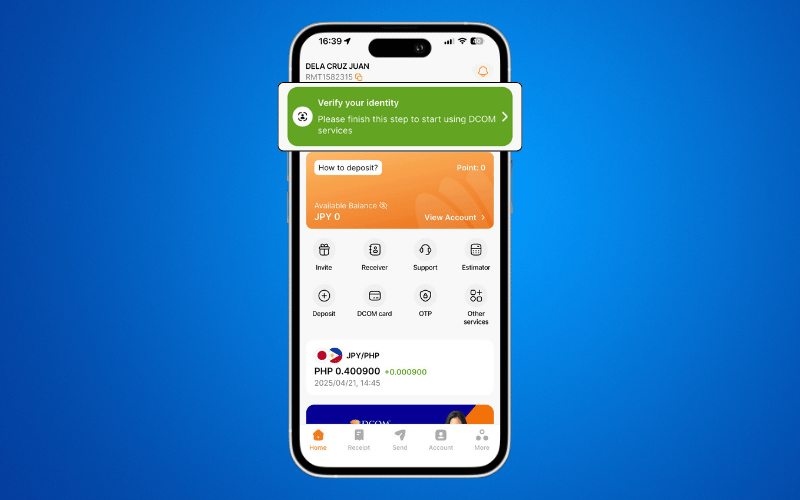
Step 1: After successfully registering your account, log in to the DCOM App and select “VERIFY YOUR IDENTITY” on the Home Screen.
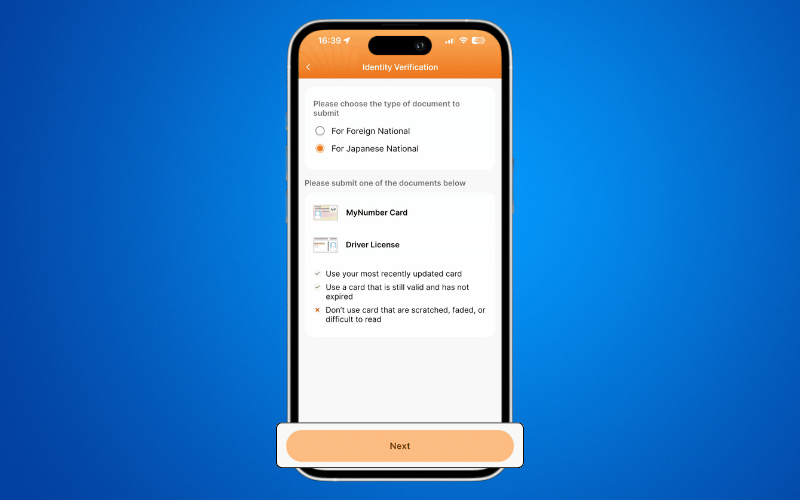
Step 2: Select your nationality to view the required documents, then click NEXT
Step 3: Capture a clear photo of the front of your MyNumber Card.
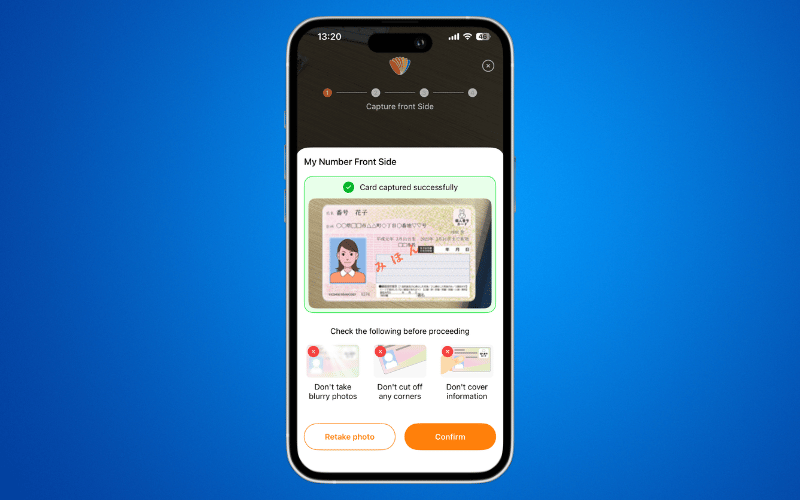
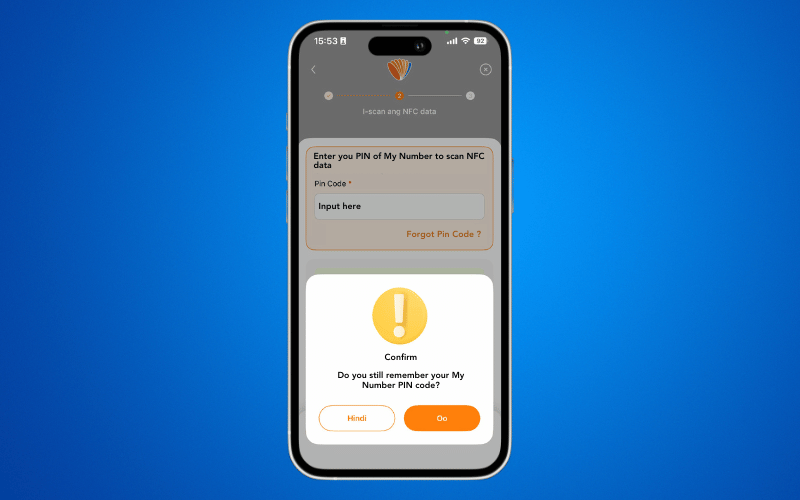
Step 4: If you know your MyNumber Card PIN, select YES Enter the PIN, place the ID card on the back of your phone, and click SCAN.
If you DO NOT have the PIN, select NO Enter the 12-digit number printed on the back of the card and the 4-digit number found on the front.
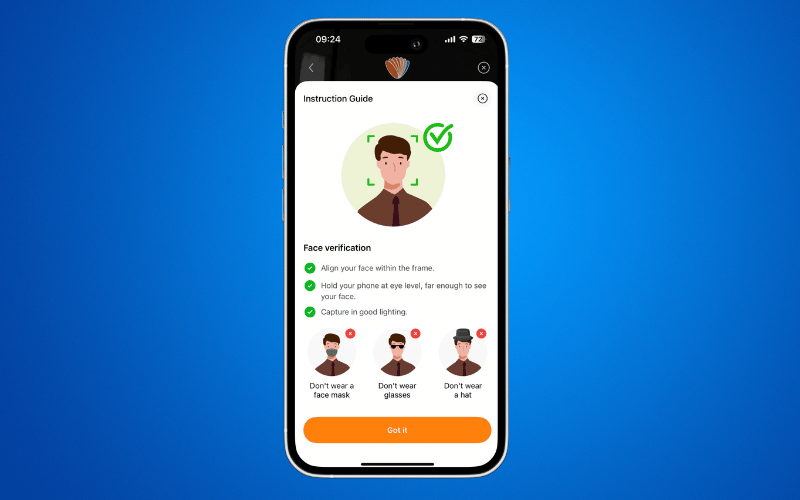
Step 5: Carefully read and understand the guidelines for Face Verification.
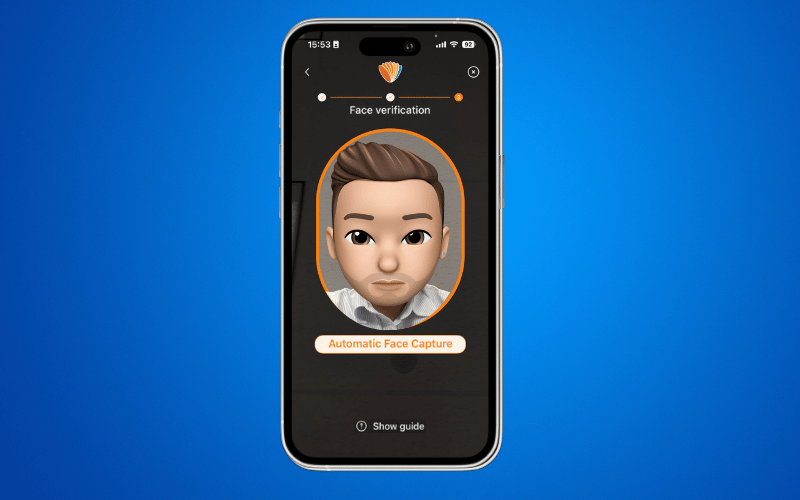
Step 6: Complete the face verification process.
Step 7: Once the “Successful” notification appears, click CLOSE.