Why pay more when you can save? Every time you send money with DCOM, you earn points that can be used to lessen your service fees. Maximize your hard-earned money and enjoy a more rewarding way to remit today!
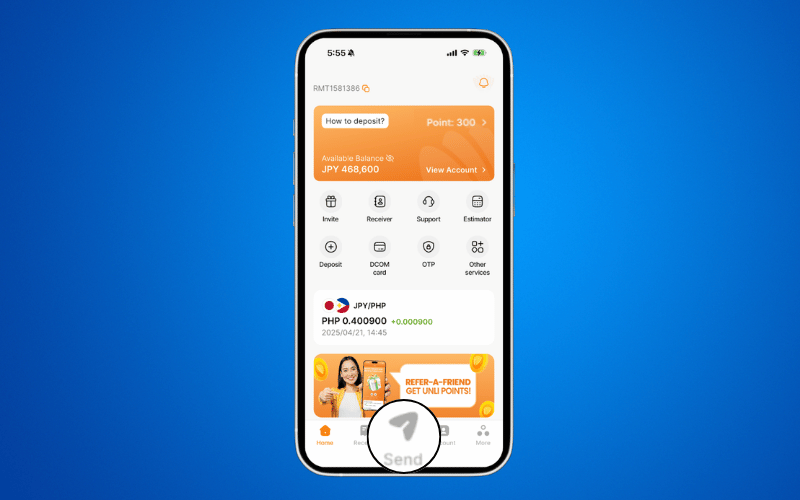
Step 1: Click SEND.
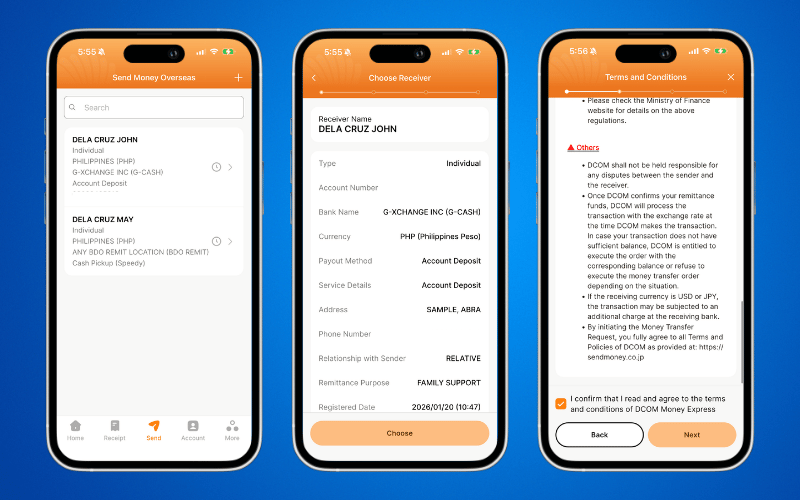
Step 2: Proceed with your remittance transaction as usual.
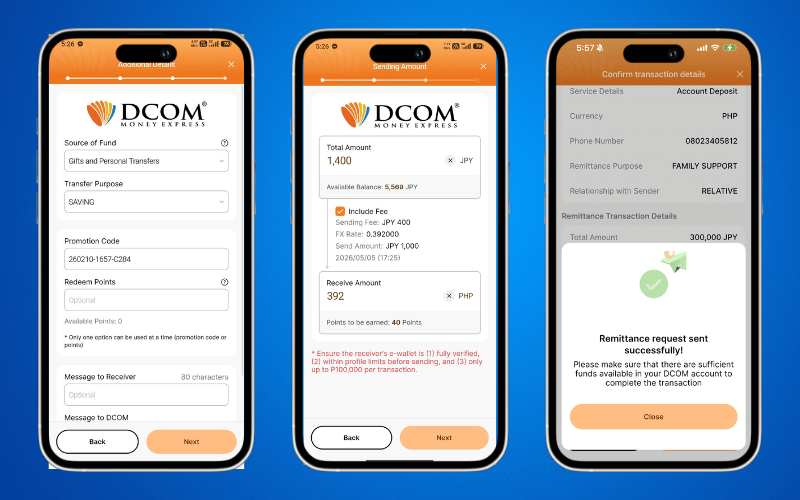
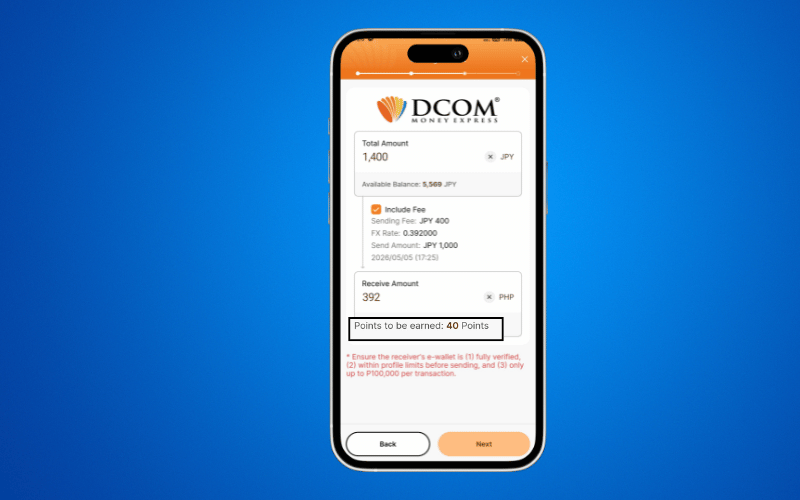
STEP 3: Review your earning points then tap NEXT.
- Review the Sending Amount and Sending Fee.
- Check the Earning Points displayed at the bottom of the screen.
- Check that the points shown are correct.
STEP 4: Complete and Confirm Your Remittance then tap NEXT to proceed.