


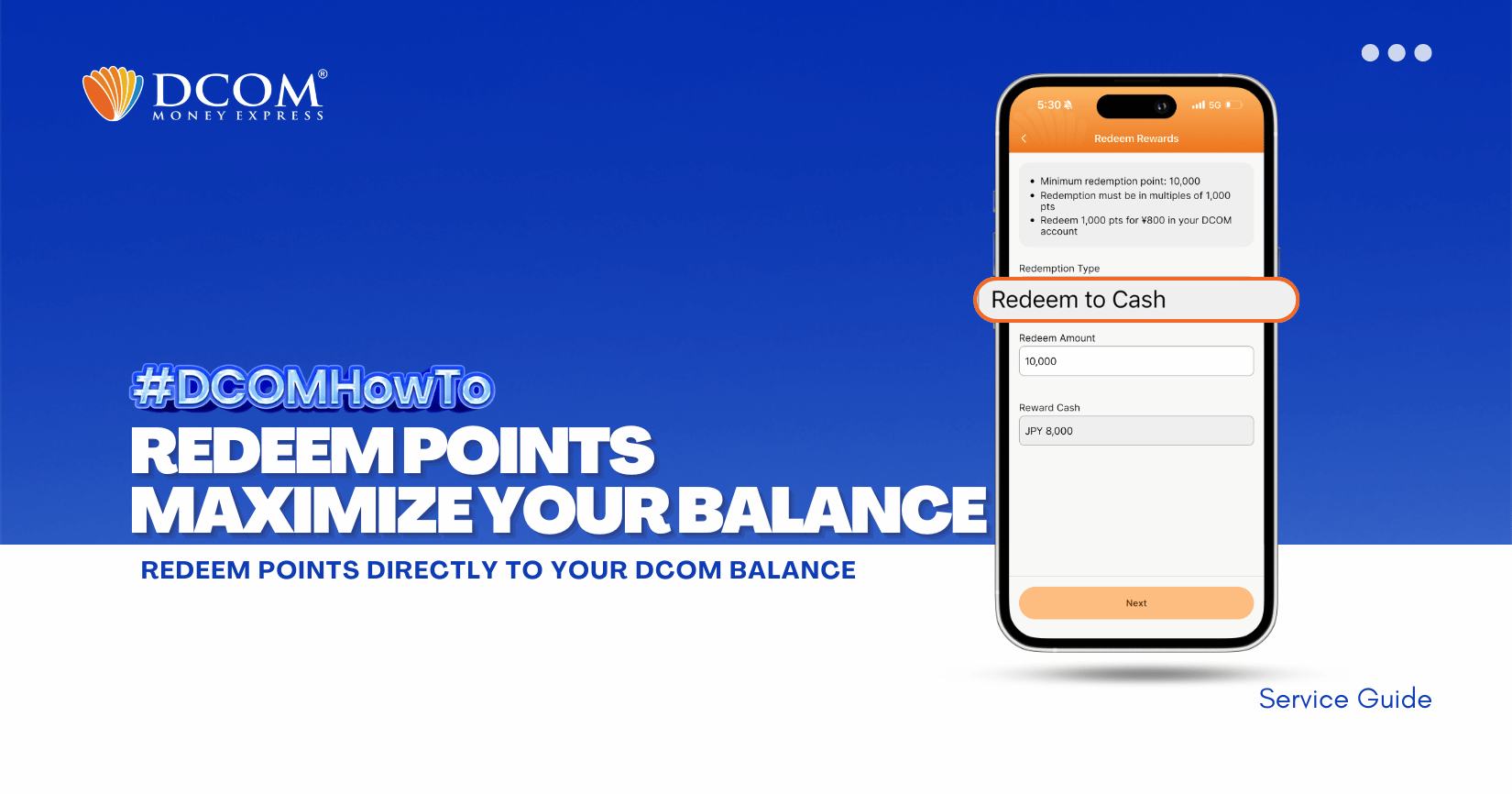
Maximize the power of your balance! Apply your DCOM points to your transactions and enjoy lower fees. It’s the smartest way to send more while spending less and make sure to update your DCOM App to latest version 5.7. Follow the steps below to redeem your points.
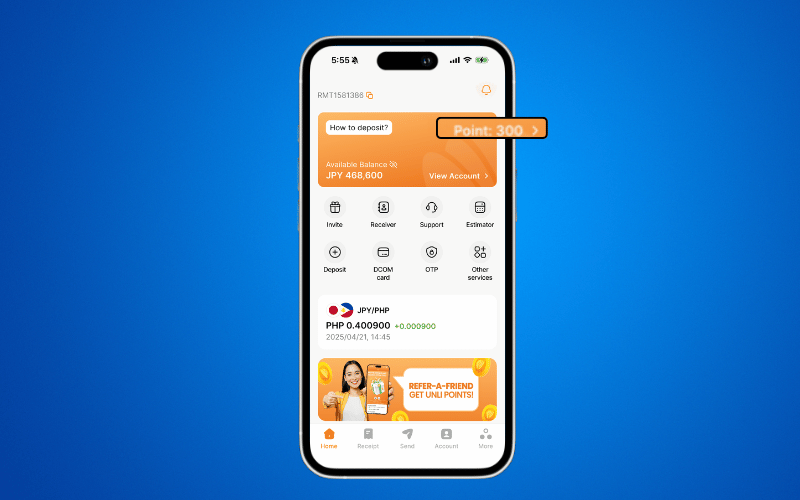
Step 1: From the Home Page, tap POINTS.
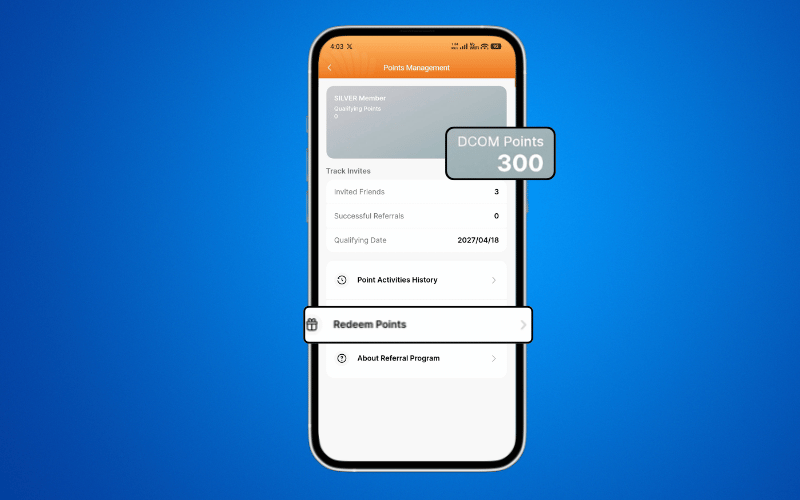
Step2: Select REDEEM POINTS.
Step 3: Input the number of Points you want to convert into DCOM Balance.
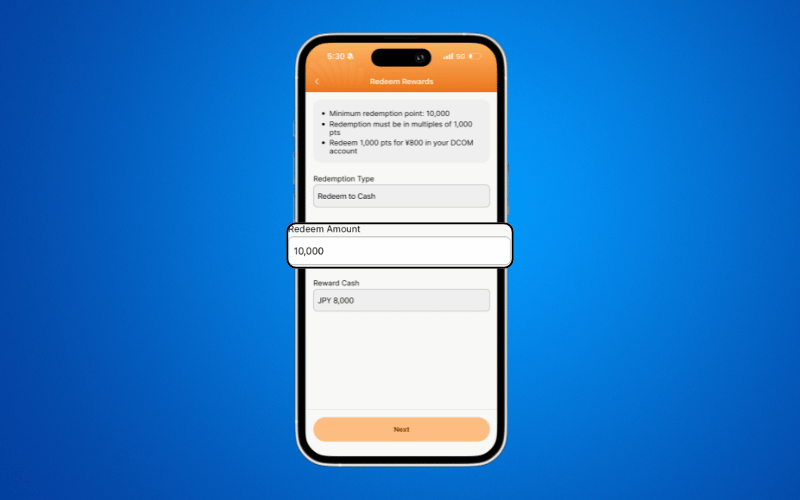
⚠ Make sure the amount follows these requirements:
- Minimum: 10,000 points
- Multiples of 1,000 points only
Step 4: Review and CONFIRM
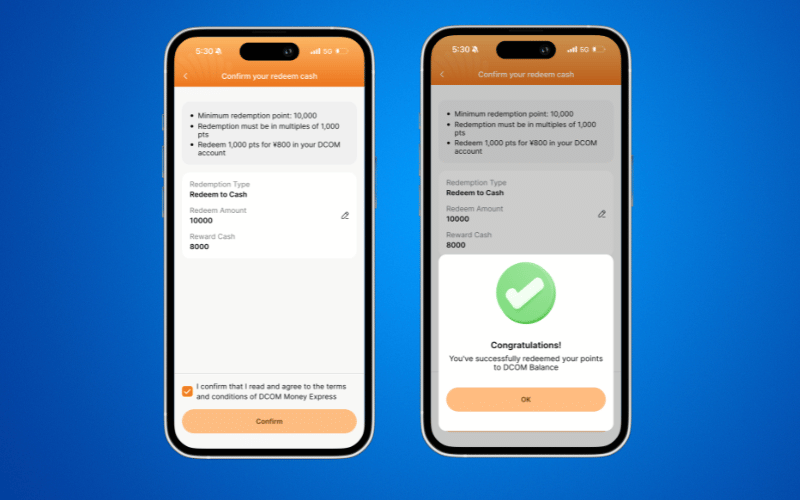
Before confirming, carefully double-check all the details.
Once confirmed, your Points will be successfully converted to DCOM Balance. To verify your updated balance, return to the Home Page.
⏳ Important Reminder
Redeemed points will only be reflected in your DCOM Balance after successful confirmation. Please ensure all details are correct before finalizing the redemption.