

Using the DCOM GOLD Card, you can withdraw money from your DCOM Account via any JP Post or Yuucho ATMs!
To avail DCOM Card’s withdrawal function, you must first set a PIN Code via DCOM App. Follow this guide on: How to Set Your DCOM Card’s PIN Code.
After setting your card’s PIN Code, proceed to the nearest JP Post ATM and follow the guide below:
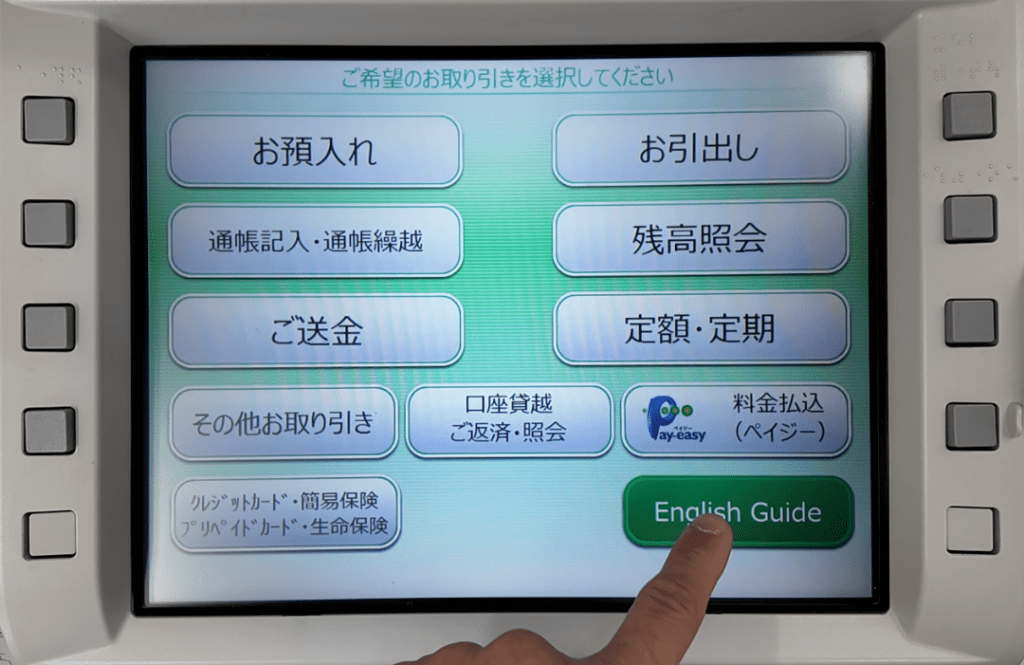
STEP 1: Press ENGLISH GUIDE.
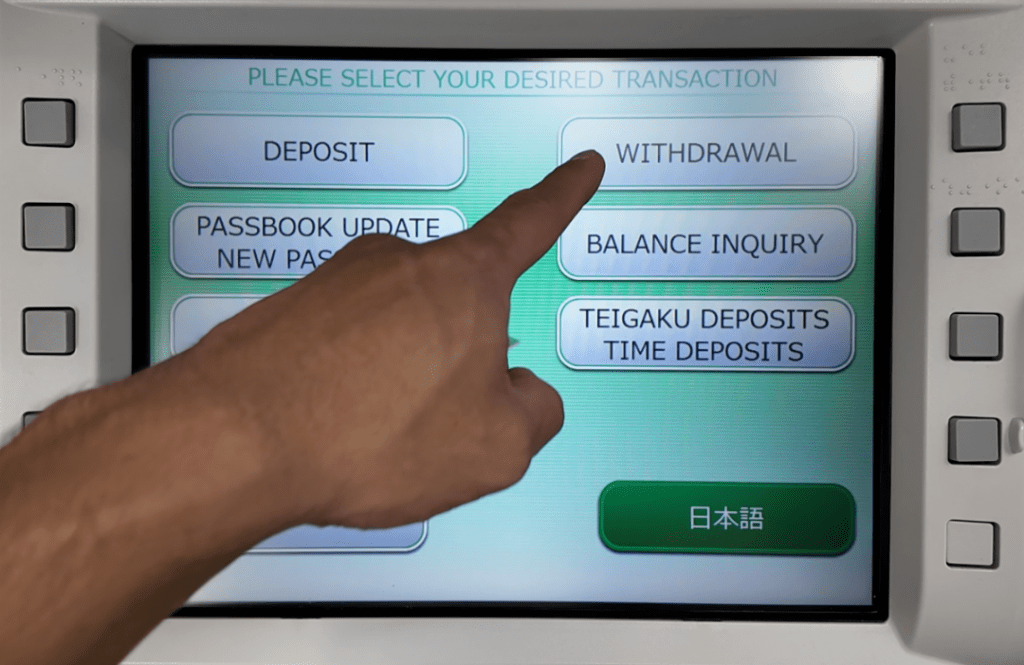
STEP 2: Choose WITHDRAWAL.
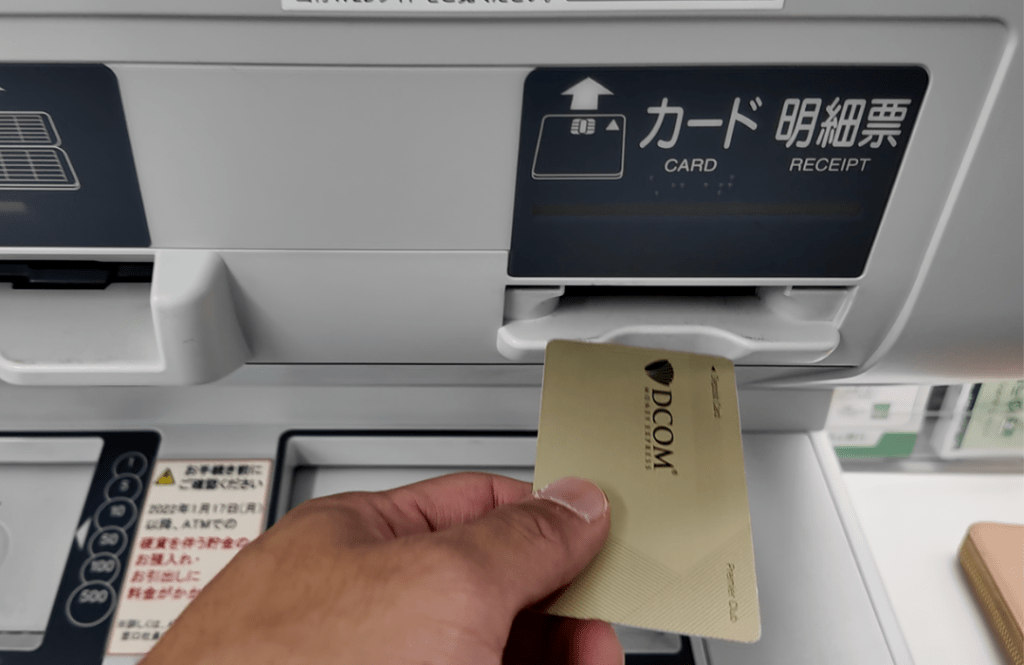
STEP 3: Insert your DCOM CARD.
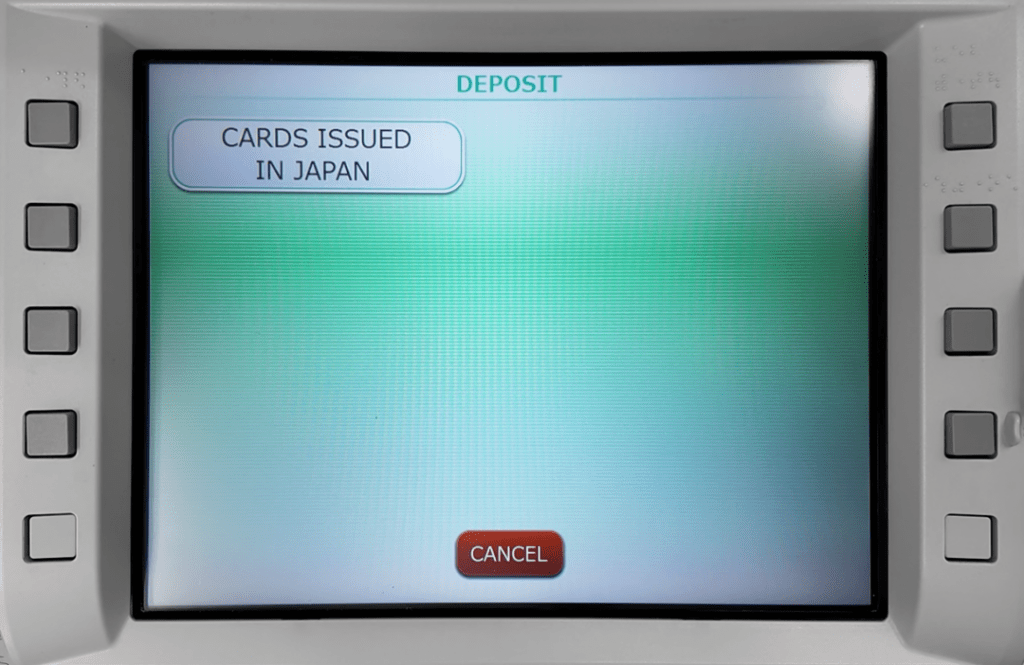
STEP 4: Press CARDS ISSUED IN JAPAN.
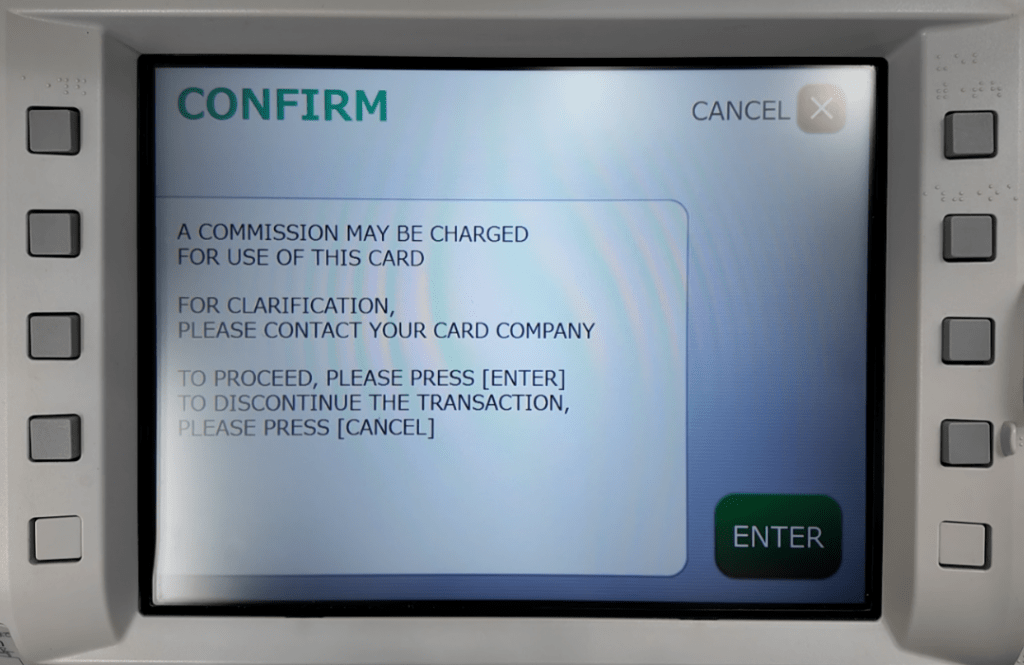
STEP 5: Read and confirm the details, then press ENTER.
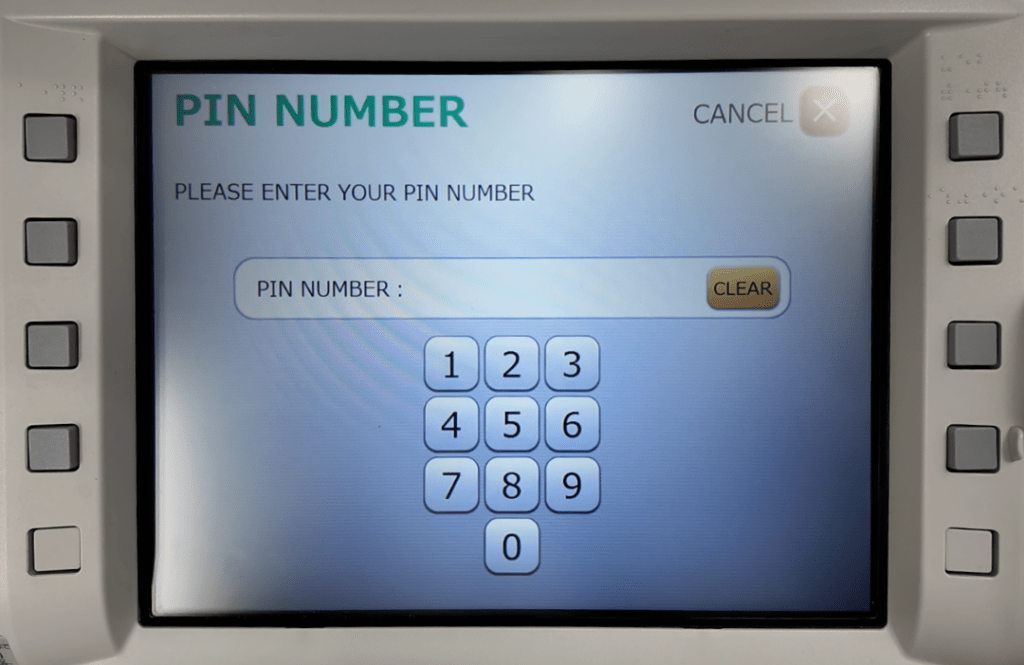
STEP 6: Type in your 4-digit PIN CODE.
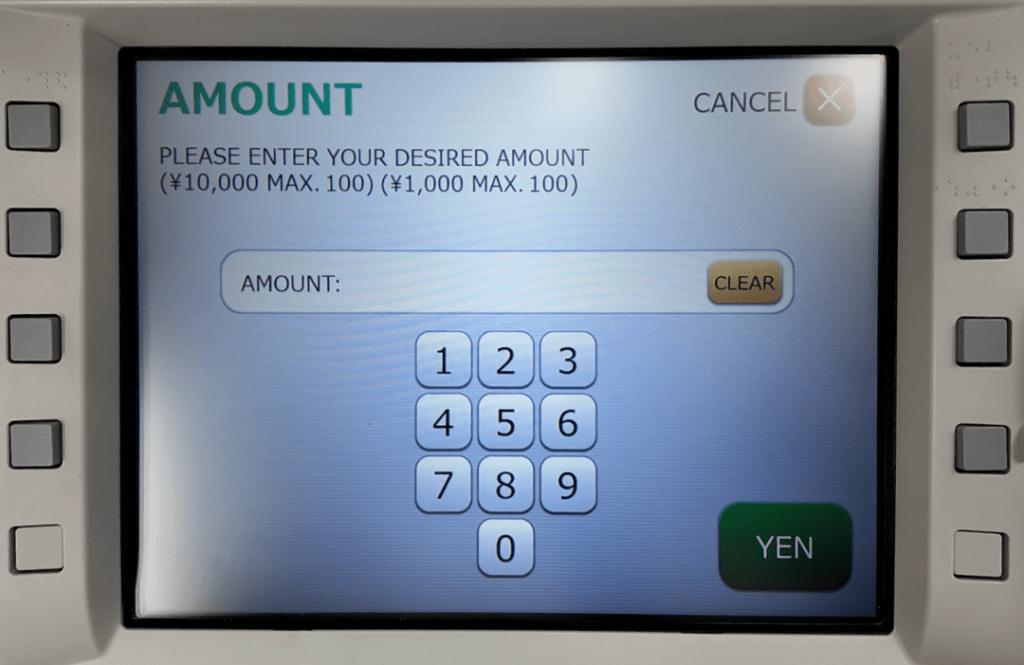
STEP 7: Type in the amount you wish to withdraw and press the YEN button.
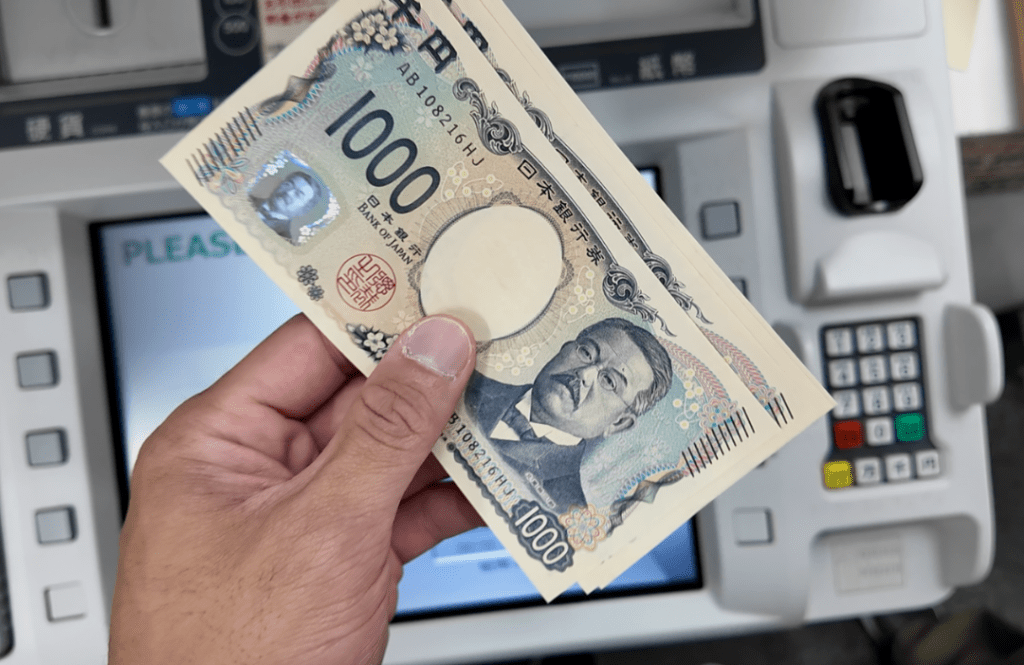
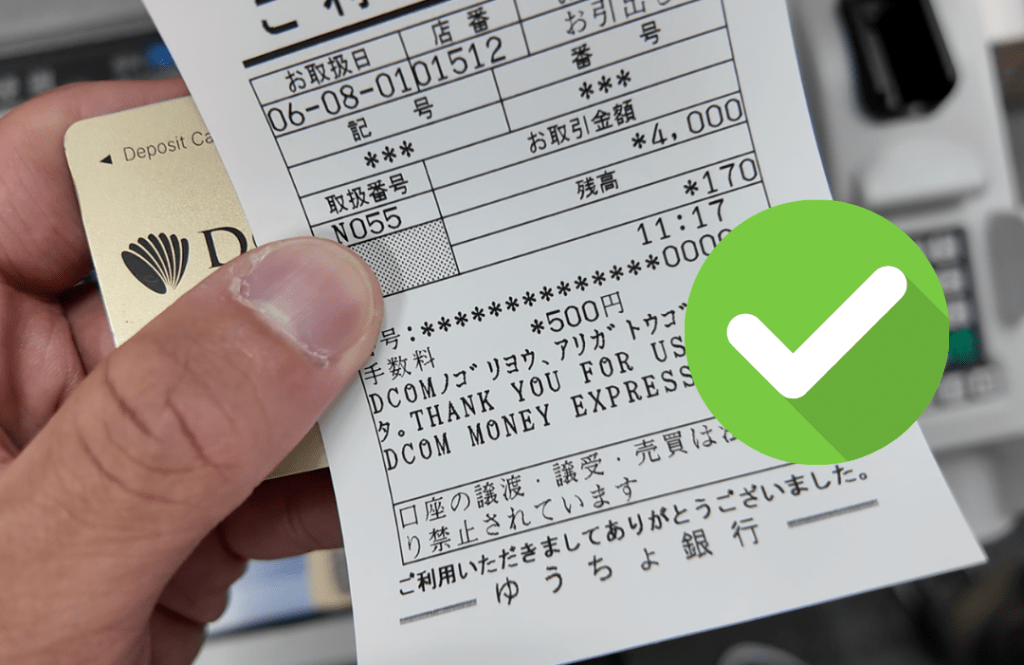
STEP 8: Don’t forget to take your CASH, DCOM CARD and RECEIPT.
A friendly reminder:
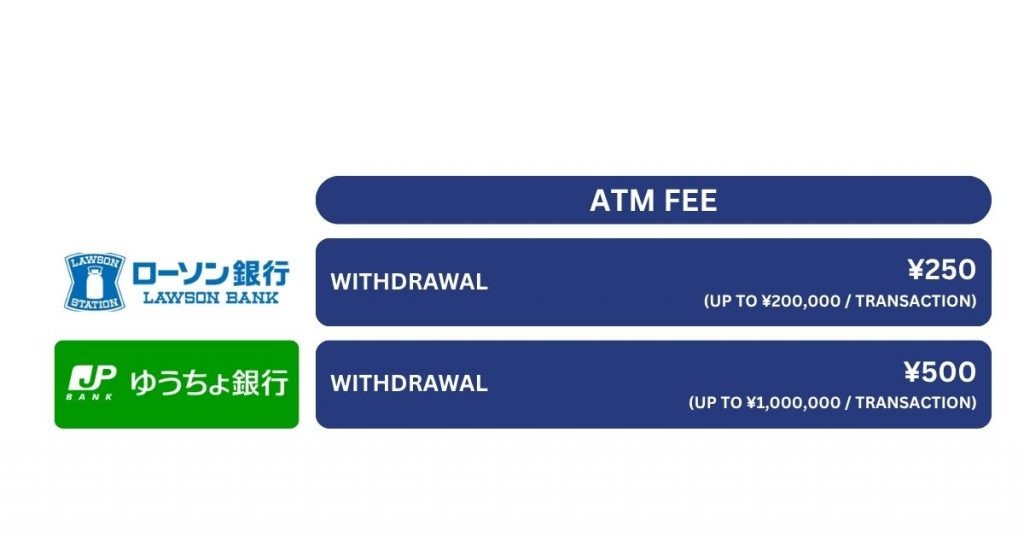
In case you are withdrawing less than ¥200,000, it is better to withdraw via Lawson ATM. You can check out this link on: How to Withdraw Money from Lawson ATM.