


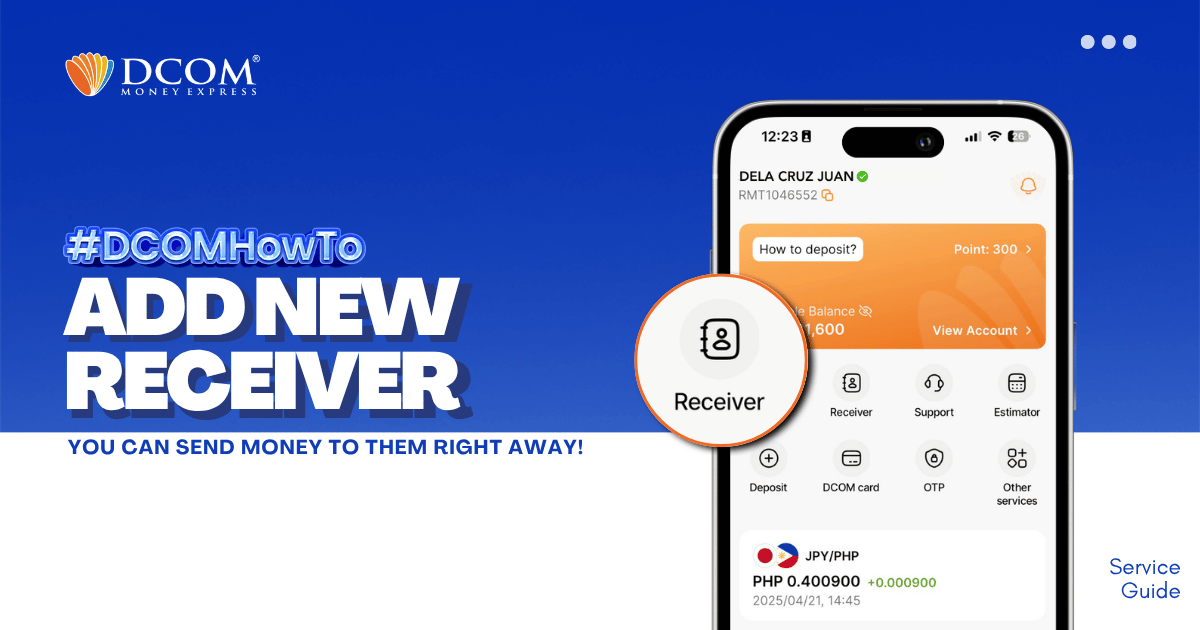
Whether it’s for Cash Pickup or Account Deposit, adding a receiver is now easier with the DCOM App!
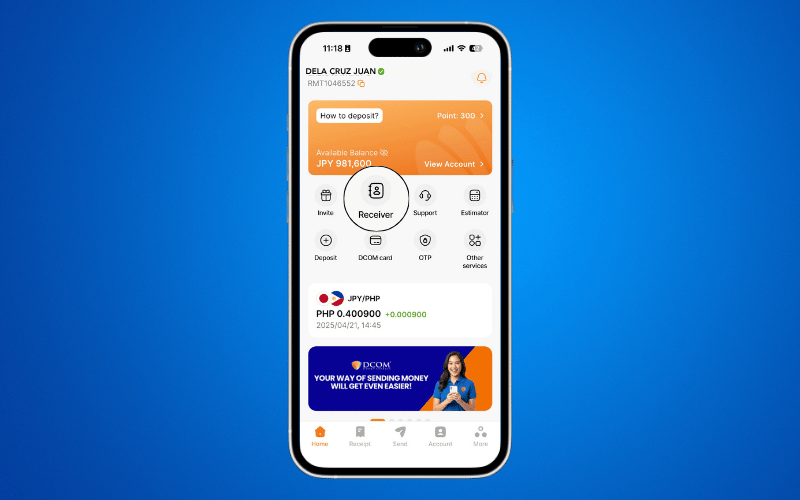
STEP 1: Tap the RECEIVER.
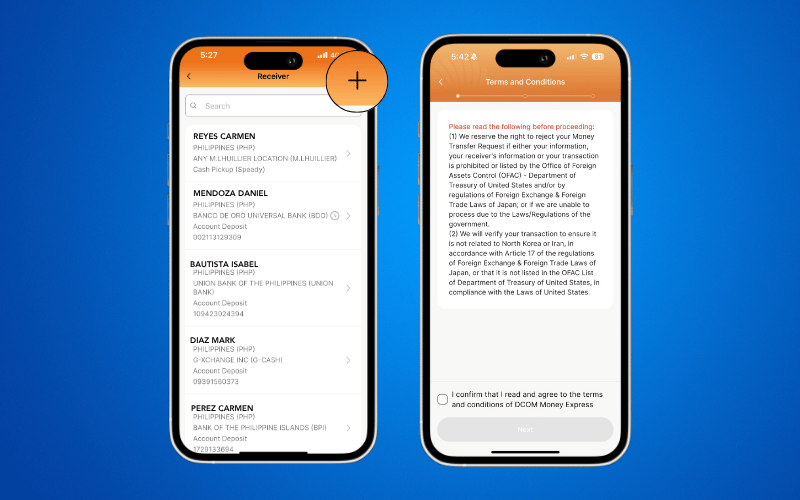
STEP 2: Tap the PLUS ( + ) icon. Read the Terms and Conditions. Confirm the details and click NEXT.
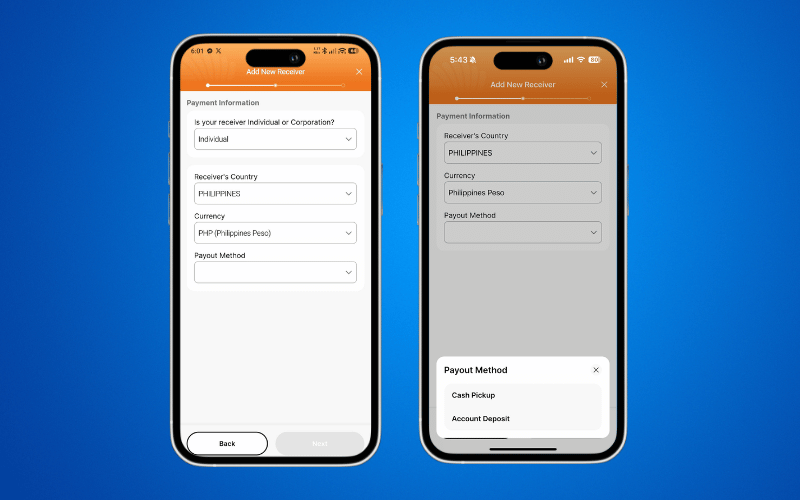
STEP 3: Choose your preferred Payout Method.
For Cash Pickup:
Select one of the available cash pickup centers. Please note that the reference number you receive from us can be used at any cash pickup location.
For Account Deposit:
Make sure the bank name and account number match exactly. To avoid errors or delays in your remittance, check your receiver’s bank book or deposit slip.
For E-Wallet:
To send money to E-wallets, choose Account Deposit, then G-Cash or Maya
For GCash, you can send to a Japan mobile number too! Just follow the format below:
- Japan number – 81XXXXXXXXXXX
- Philippine number – 639XXXXXXXXX
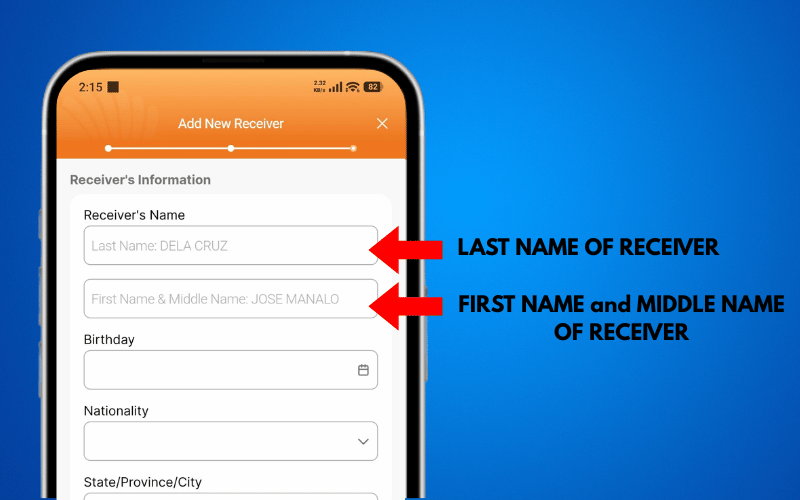
STEP 4: Complete all the receiver details.
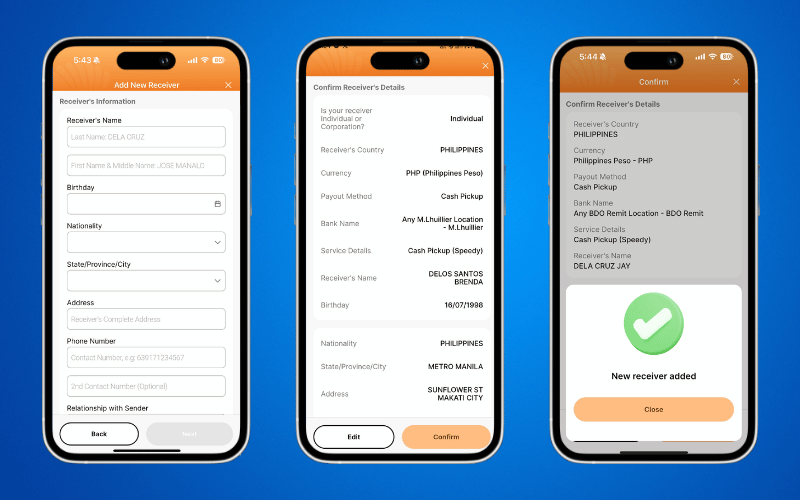
With DCOM, after adding your receiver, you no longer need to wait for verification from us. You can send money right away!
To make a transaction request, click here and follow the guide:
How to Make a Transaction via DCOM App