



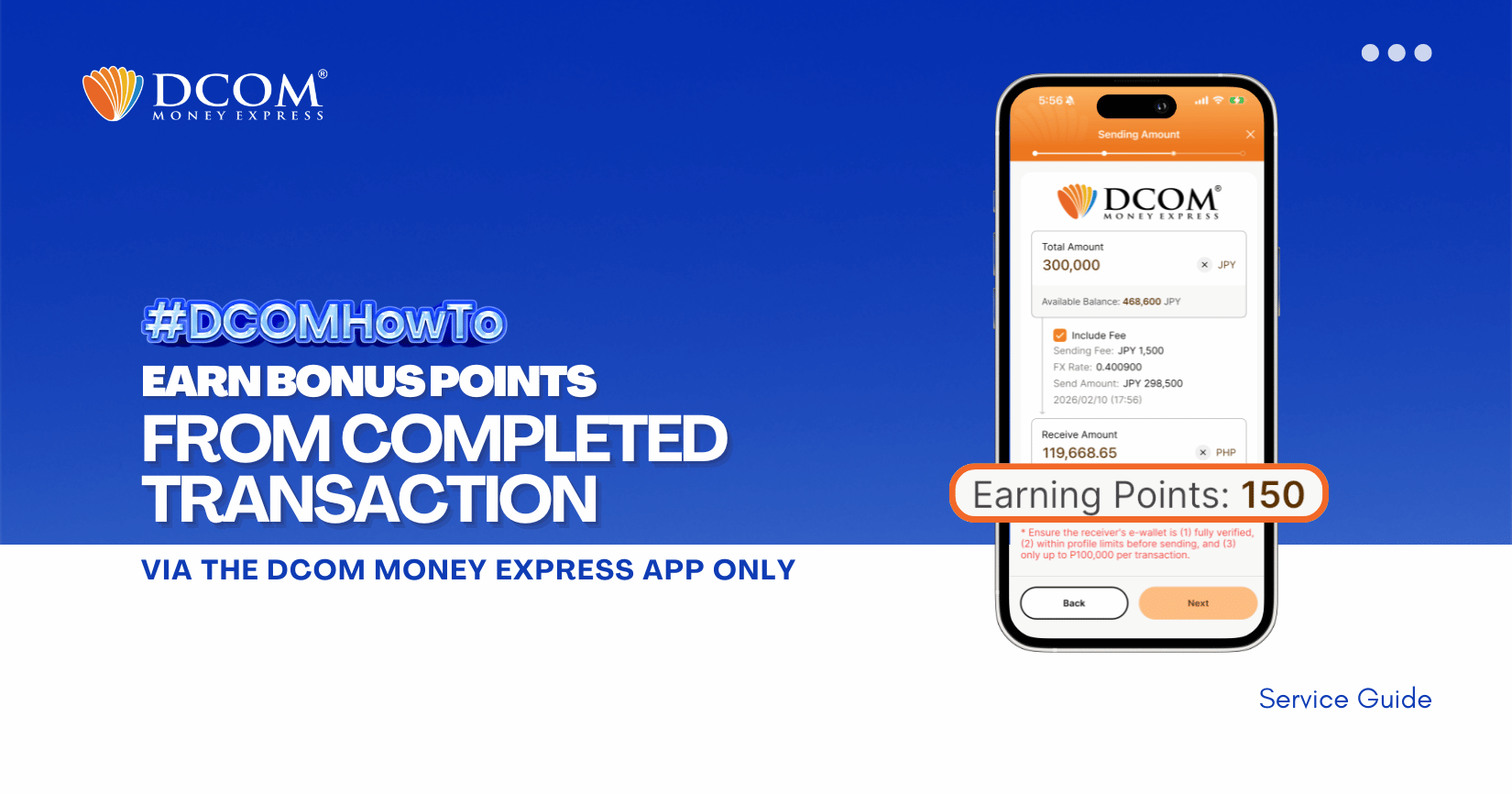
Here’s how to get points for every successful remittance transaction made through the DCOM Money Express App.
STEP 1: Open the DCOM Money Express App and log in to your account.
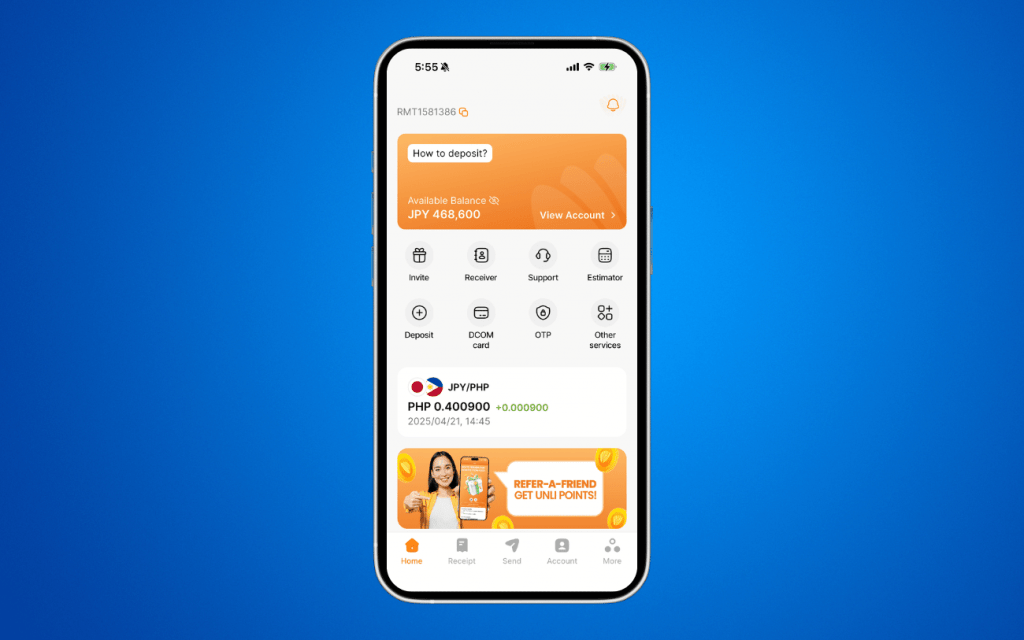
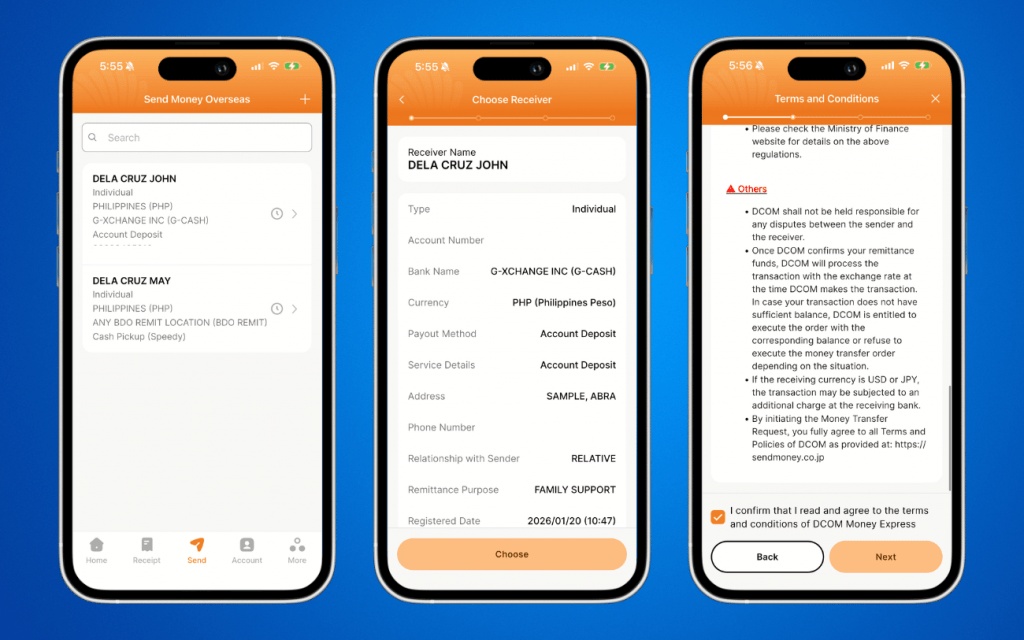
STEP 2: Create a Remittance Transaction.
From the Home screen, press the SEND button and proceed with your remittance transaction as usual.
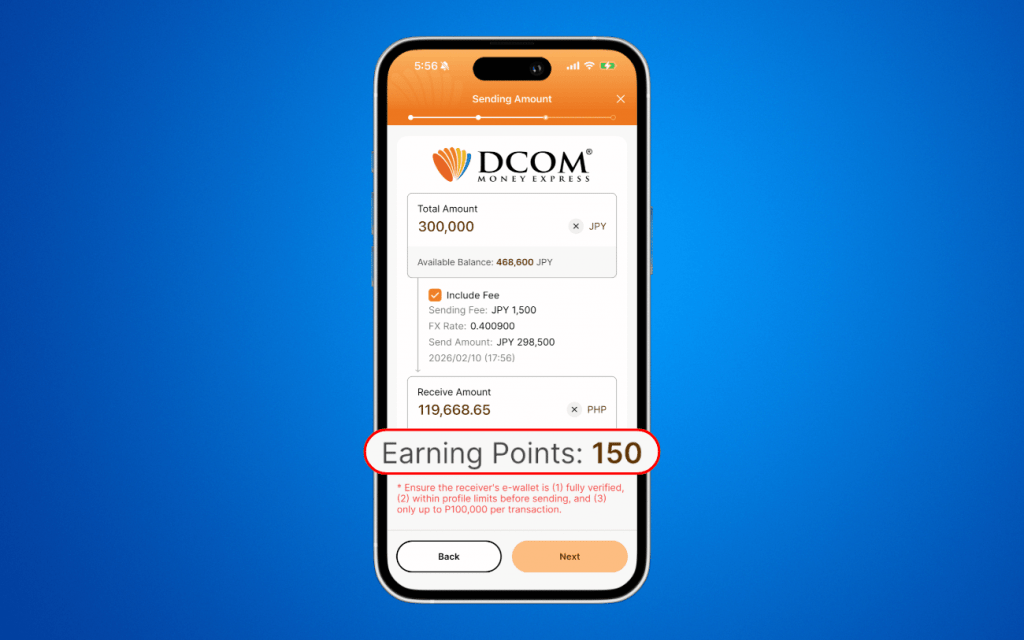
STEP 3: Review Your Earning Points.
- Review the Sending Amount and Sending Fee.
- Check the Earning Points displayed at the bottom of the screen.
- Confirm that the points shown are correct.
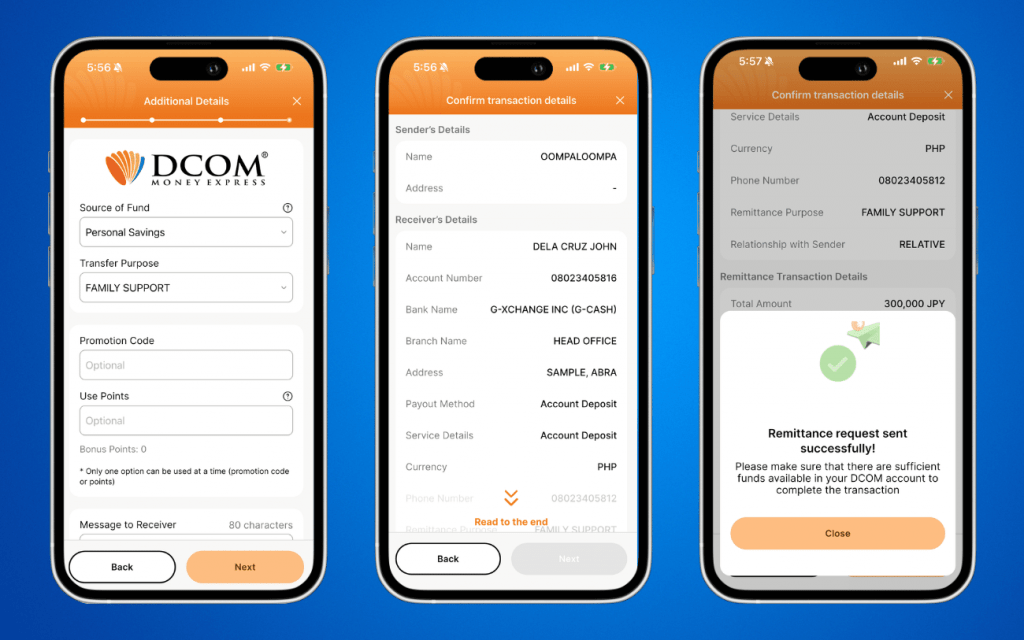
STEP 4: Complete and Confirm Your Remittance
On the confirmation screen, you may:
- Apply a Promotion Code, or
- Use your Bonus Points (if available).
Please review all transaction details carefully before submitting your remittance request. Tap Next to proceed.
📌 When will I receive my bonus points ? Bonus points are credited after your remittance is successfully completed.
📌Where can I check my bonus points?
- From Home page, tap Invite
- Then click Referral Details to view your earned points.