


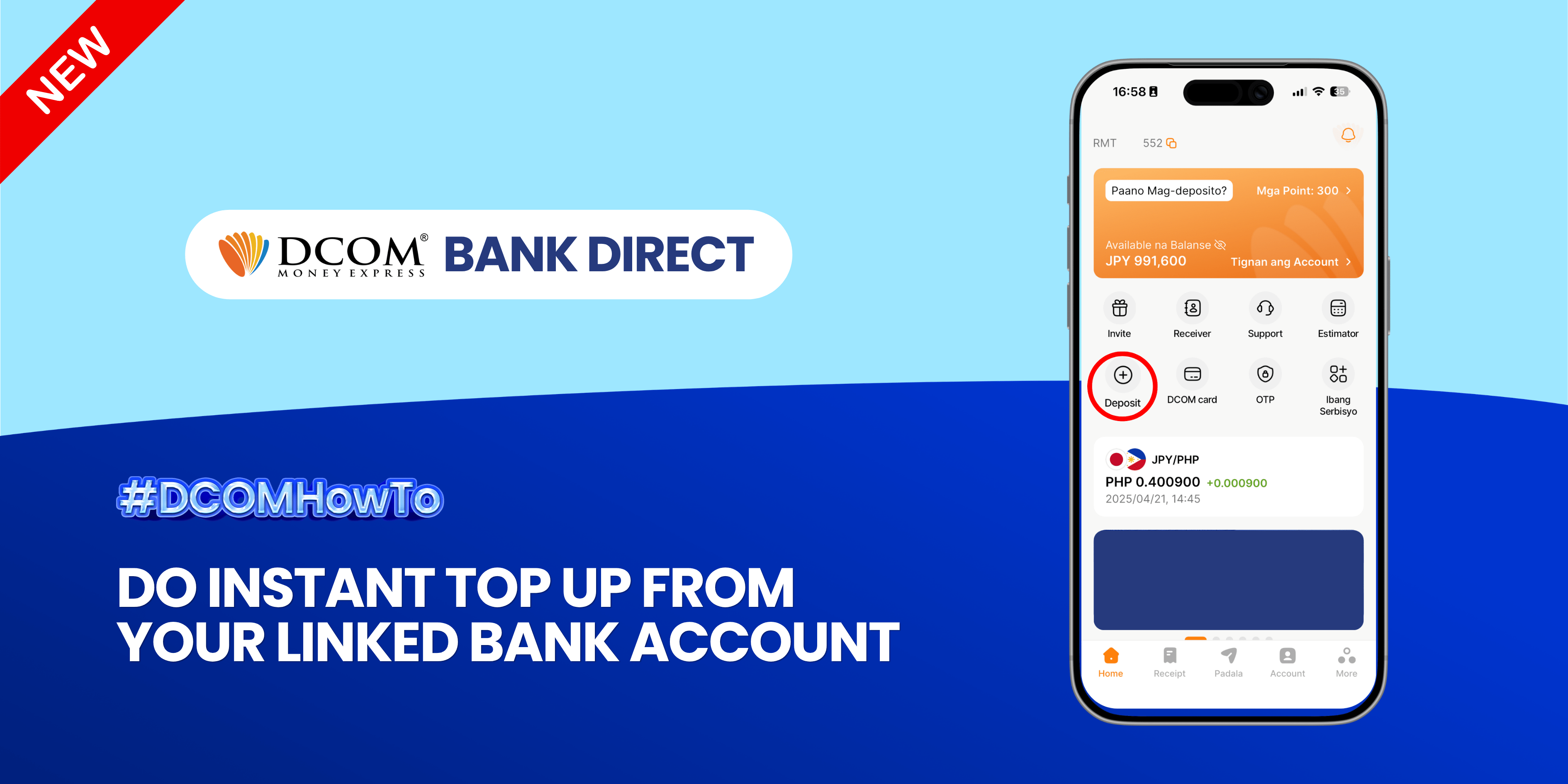
Enjoy the freedom of moving your money back to your bank account anytime, anywhere. With DCOM’s seamless withdrawal feature, getting your funds exactly where you need them is faster and easier than ever.
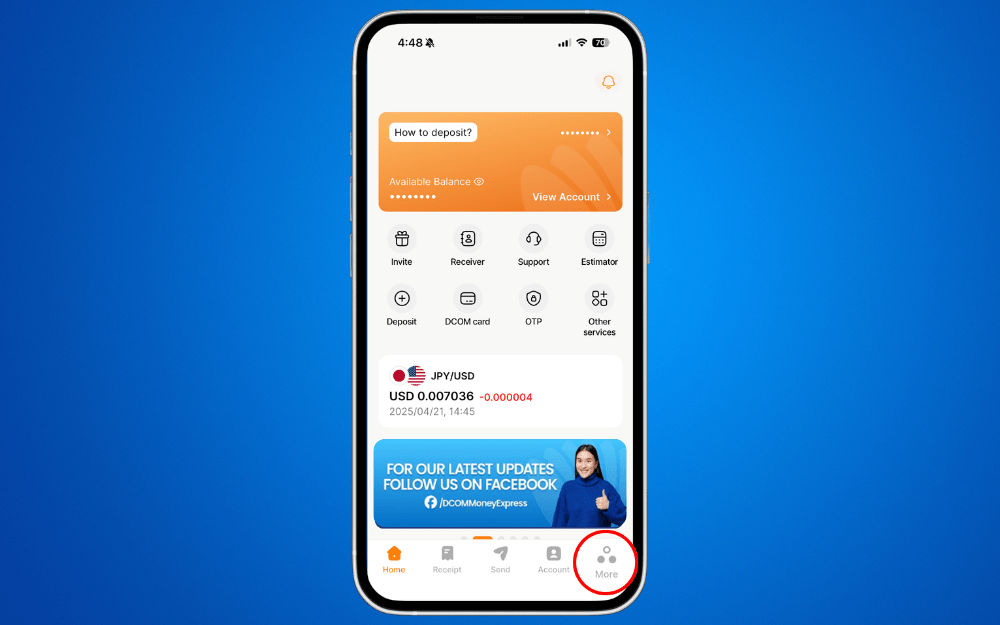
Step 1: Open the DCOM App and press MORE.
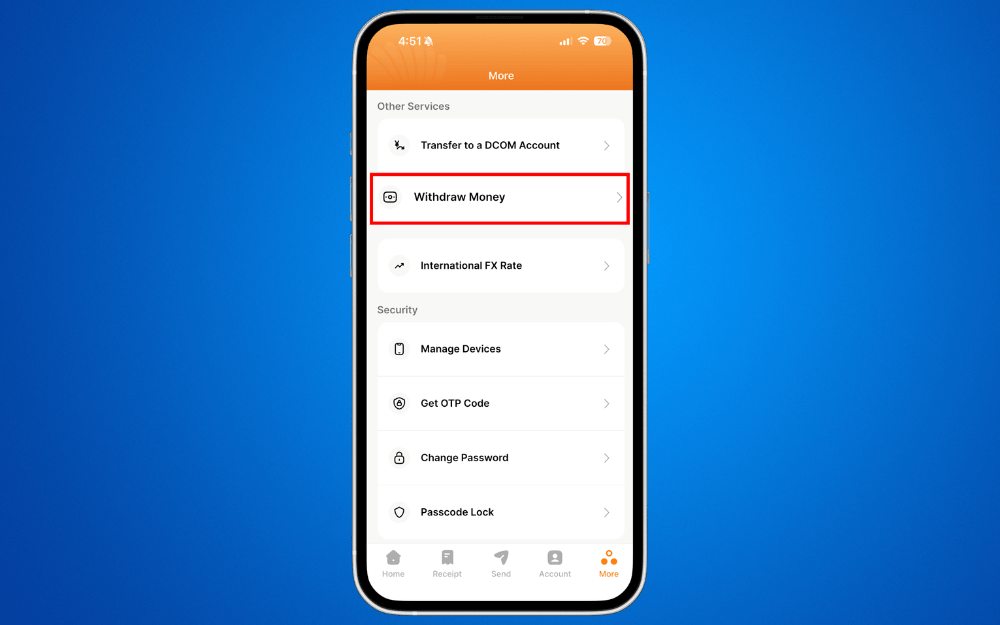
Step 2: Choose WITHDRAW MONEY.
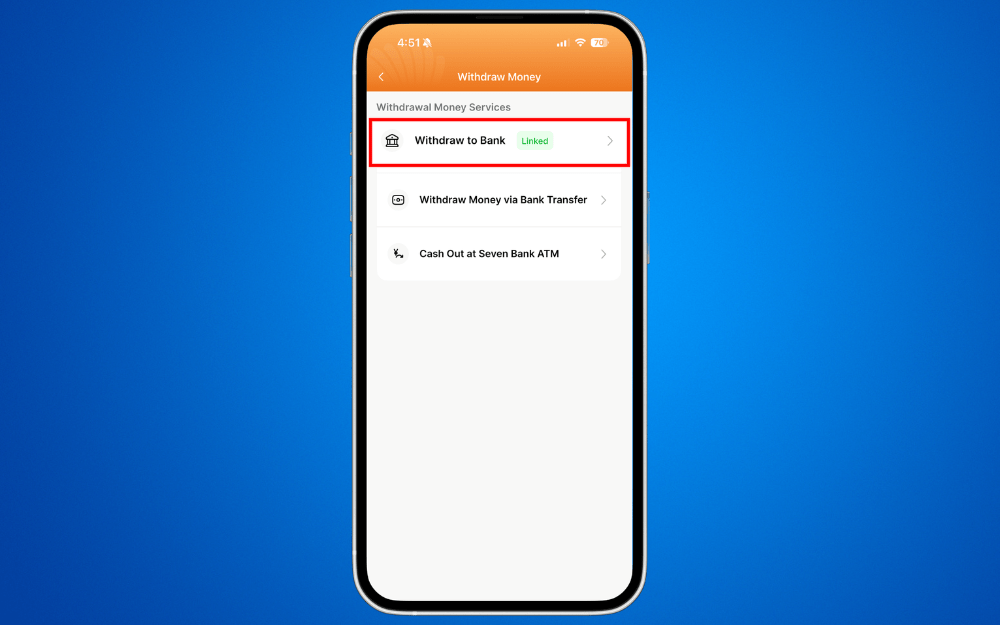
Step 3: Press WITHDRAW TO BANK.
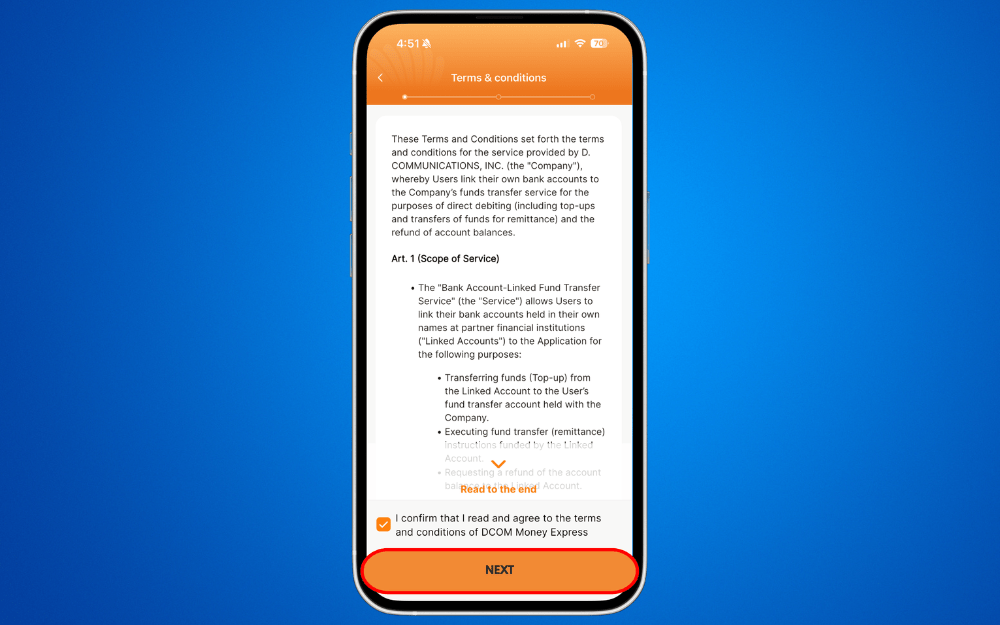
Step 4: Read and agree to the Terms and Conditions. Then click NEXT.
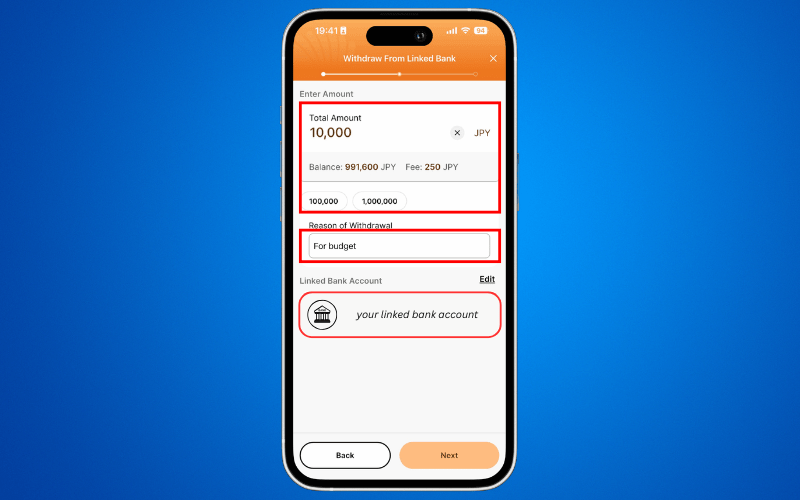
Step 5: Enter the AMOUNT and WITHDRAWAL REASON and press NEXT.
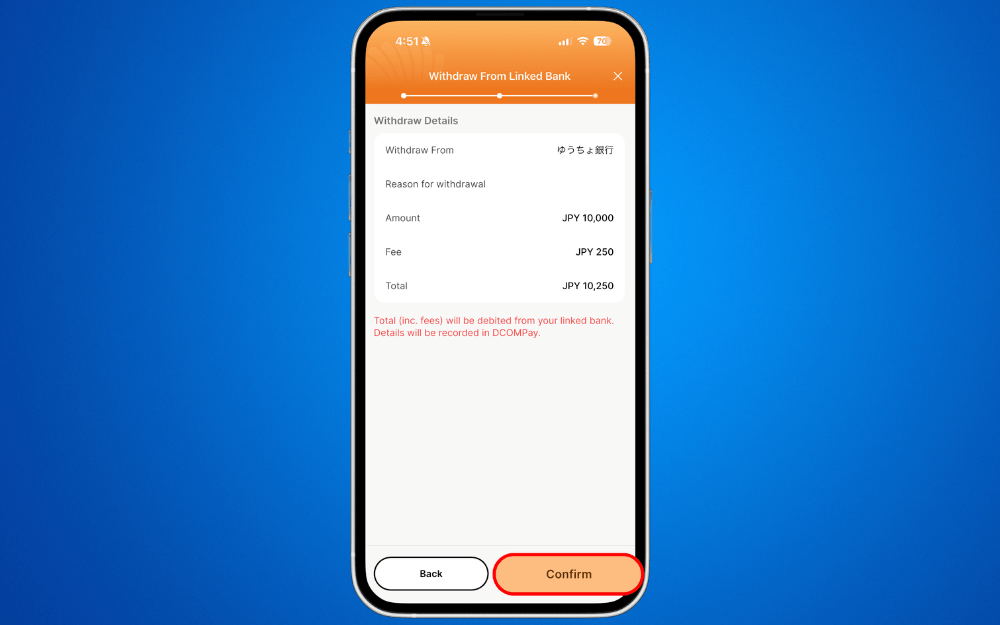
Step 6: Review your information and click CONFIRM.
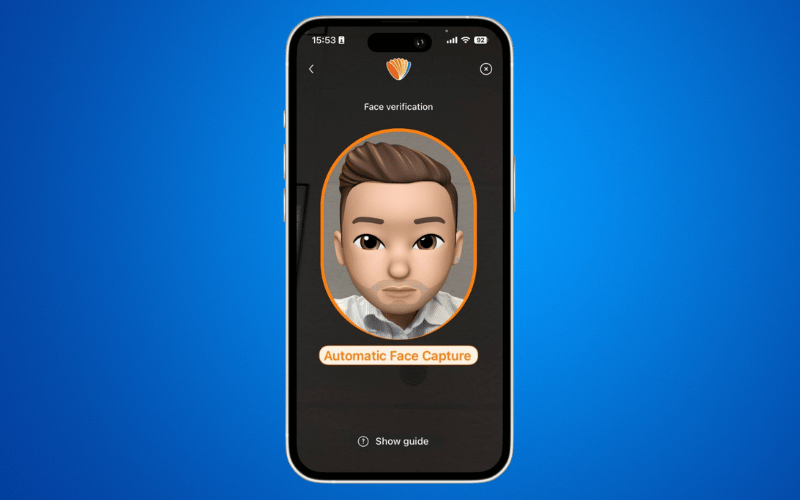
Step 7: Complete the FACE VERIFICATION.
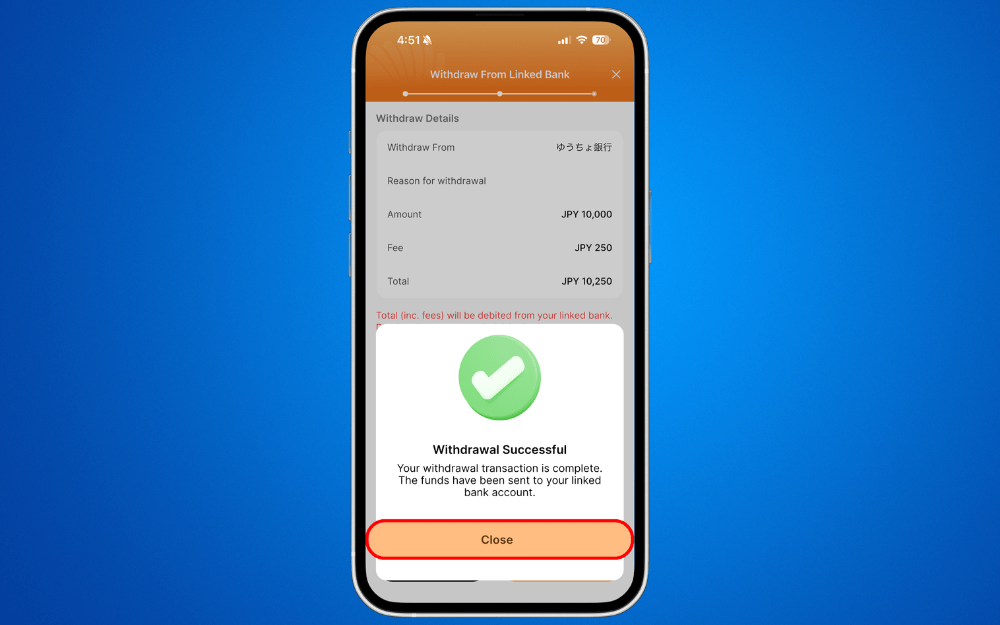
Step 8: Your withdrawal request has been submitted. Click CLOSE
Need to send money instead? Your DCOM Money Express App is always ready for your next international transfer!
How to Top-Up via linked bank account
How to Send Money via DCOM Money Express App