With the latest DCOM App update, sending money via DCOM Money Express is now easier, faster, and more secure! To access these enhanced features, please ensure that your DCOM app is updated to version 5.9
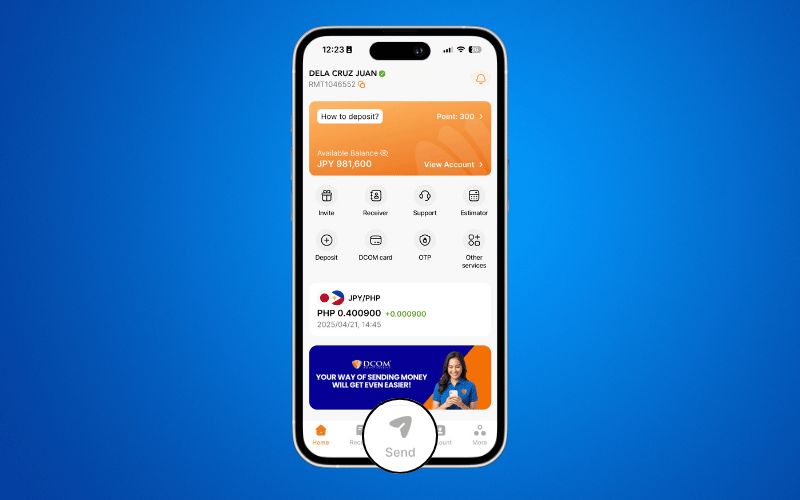
STEP 1: Tap the SEND icon.
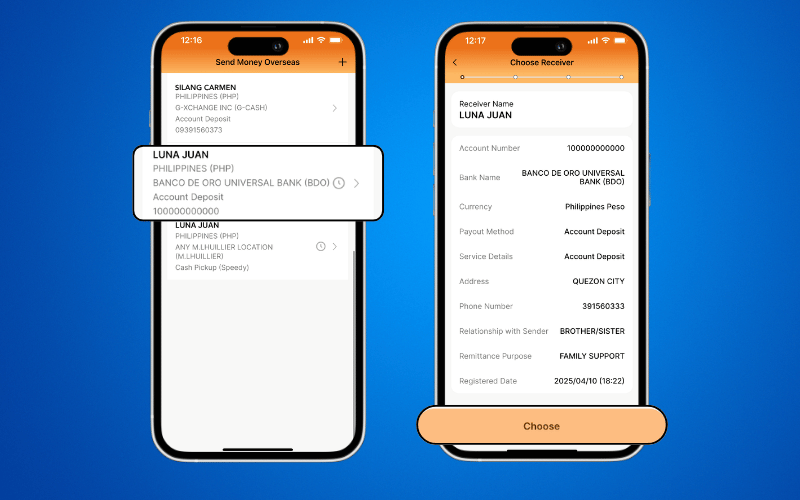
STEP 2: Select your intended recipient and click CHOOSE.
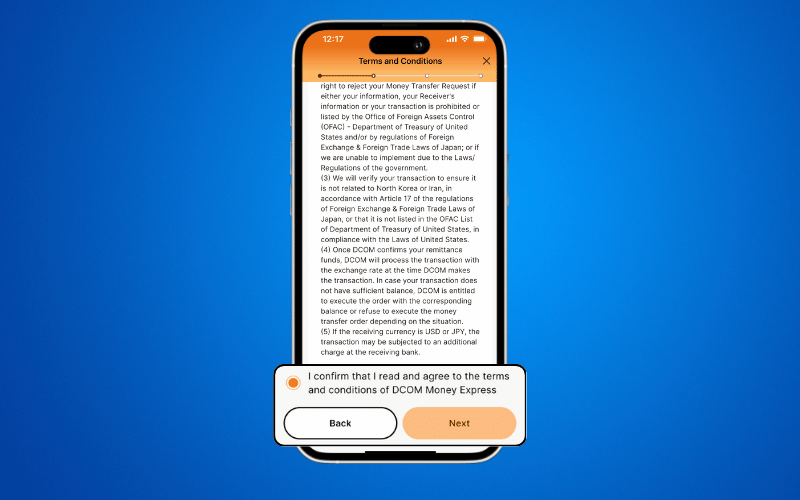
STEP 3: Review the Terms and Conditions, then click NEXT.
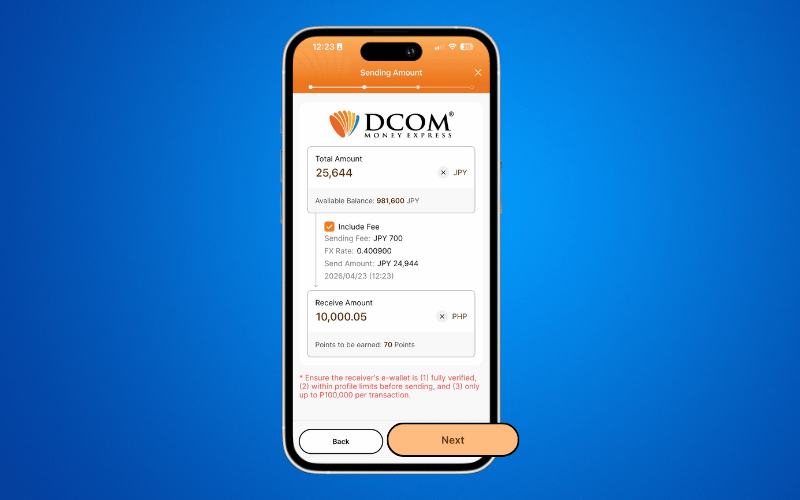
STEP 4: ENTER the amount you wish to send. Then click NEXT.
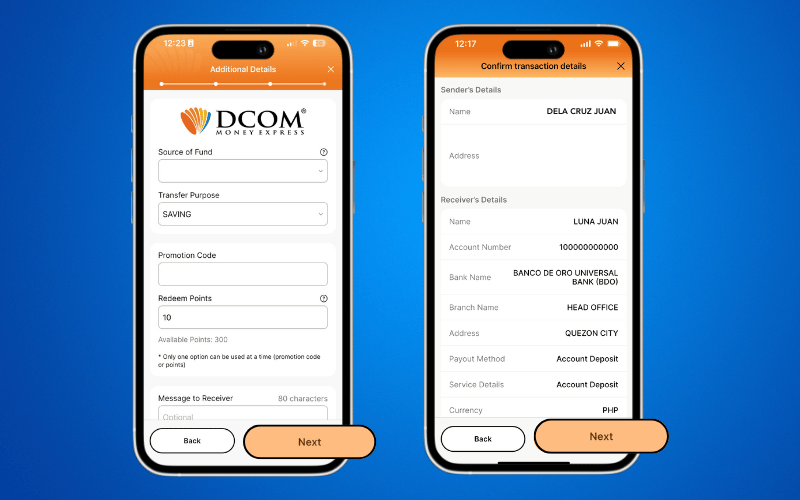
STEP 5: Provide the necessary transaction details and click NEXT.
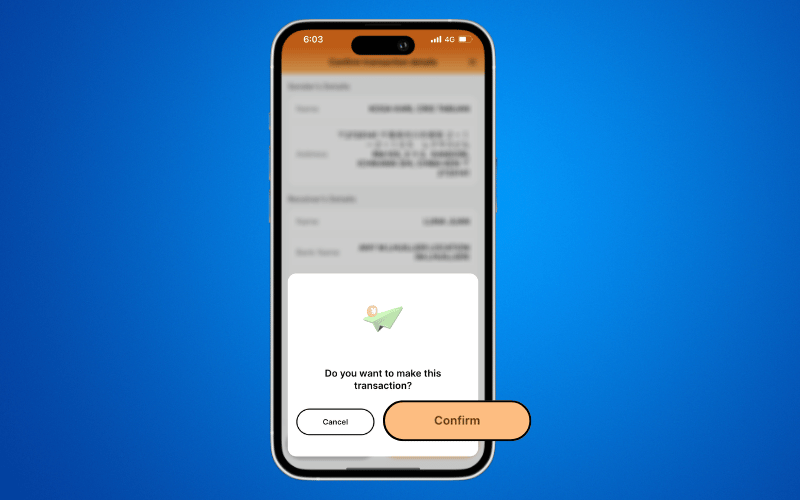
STEP 6: Click CONFIRM to proceed with the transaction.
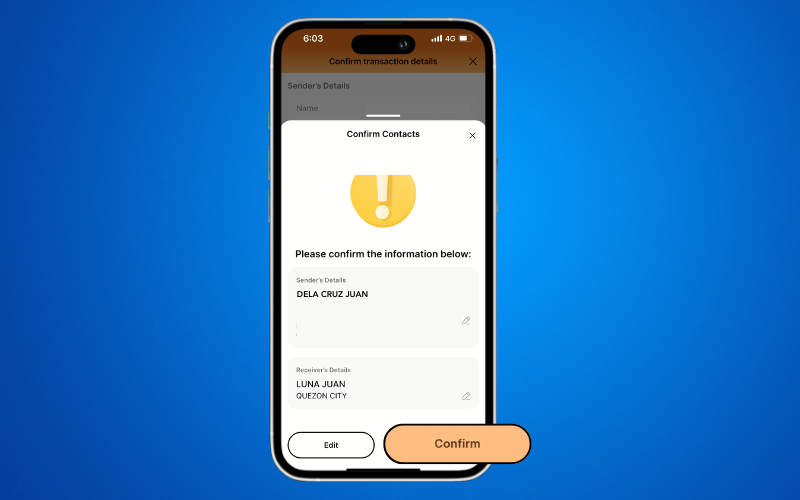
STEP 7: Click CONFIRM once more to finalize the transaction.
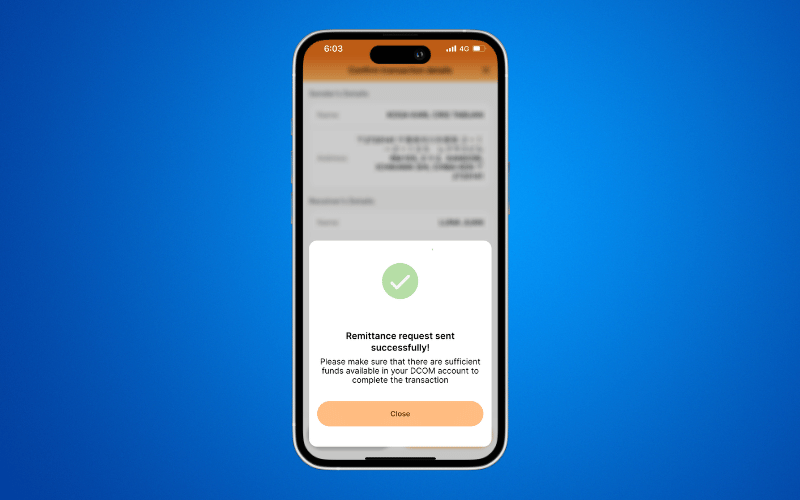
STEP 8: Your transaction has been successfully processed. You may now click SAVE IMAGE to download the transaction details.