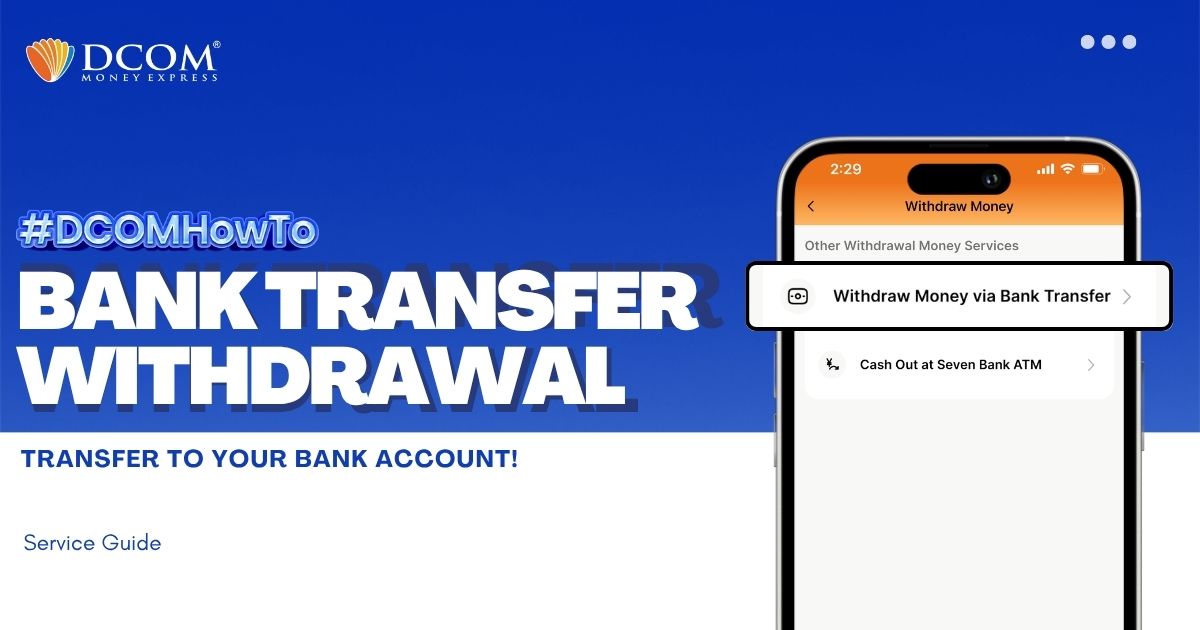
You can withdraw money without having to go out of the premises of your home. With the DCOM App, you can make a request to withdraw your cash from your DCOM Balance back to your bank account.
Follow the guide below:
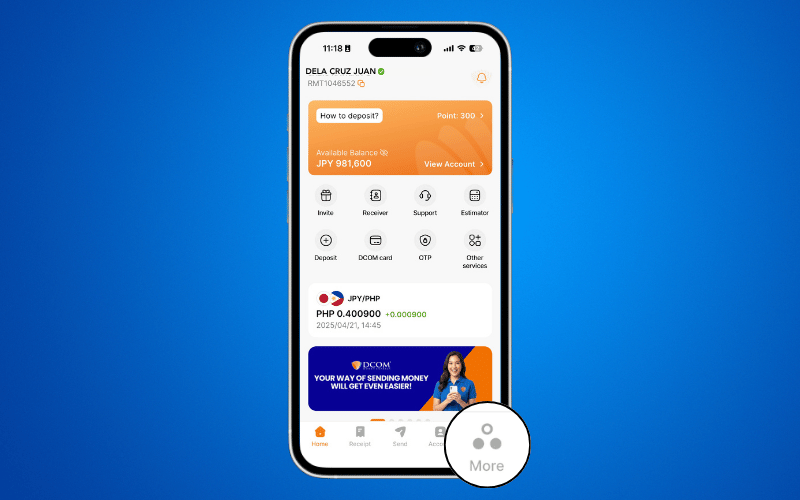
Step 1: On the Menu Bar, click MORE.
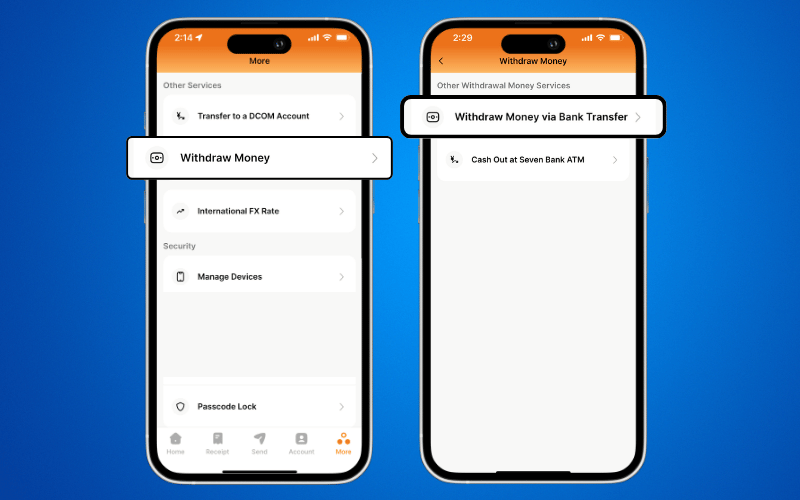
Step 2: Under Other Services, click WITHDRAW MONEY. Choose WITHDRAW MONEY VIA BANK TRANSFER.
Step 3: Read and confirm the Terms and Conditions, then click NEXT.
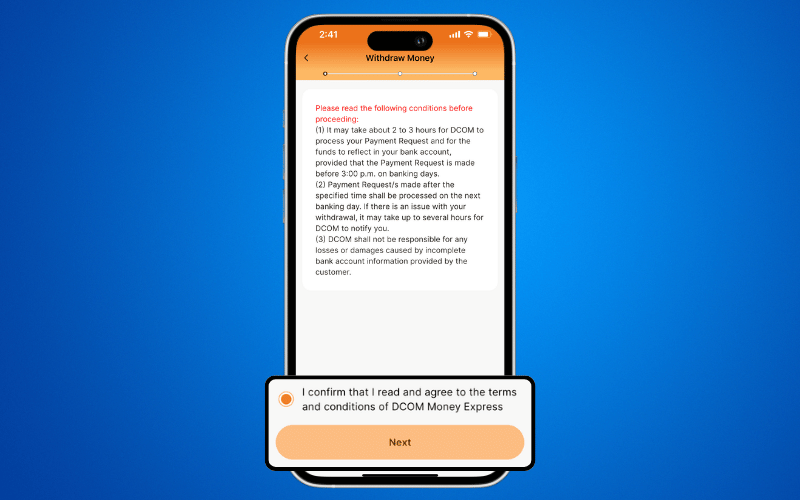
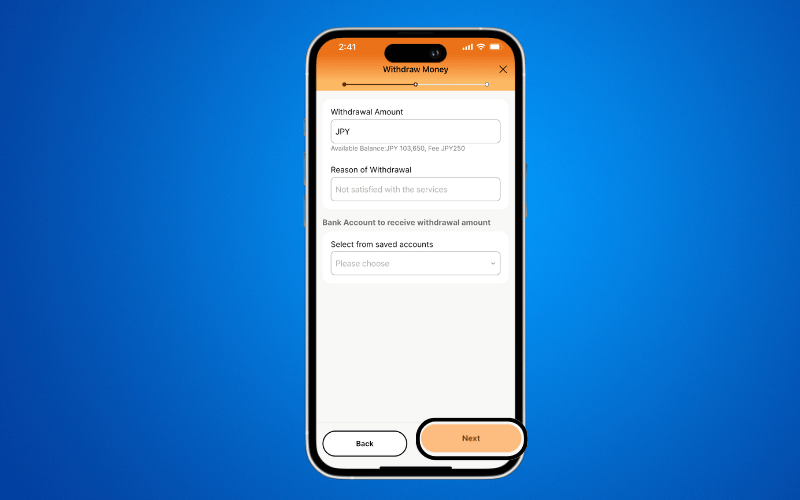
Step 4: ENTER the Withdrawal Amount, Reason, Bank Name and related information. Click NEXT to proceed.
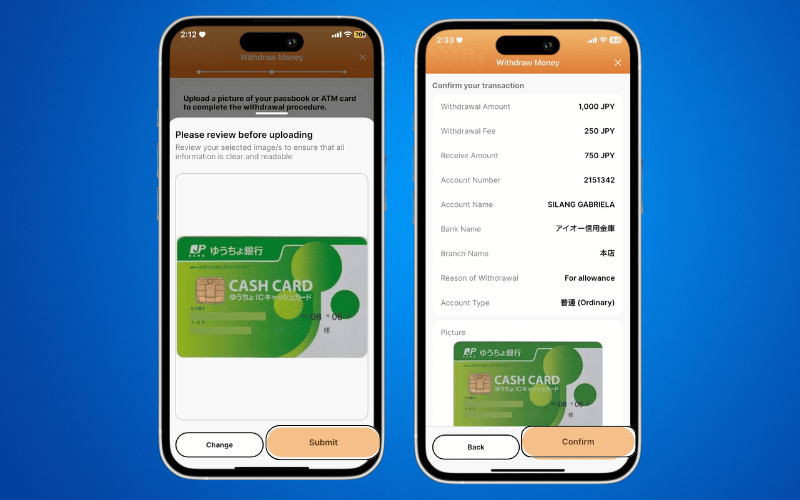
Step 5: Take a photo of the Cash Card/Passbook and click SUBMIT.
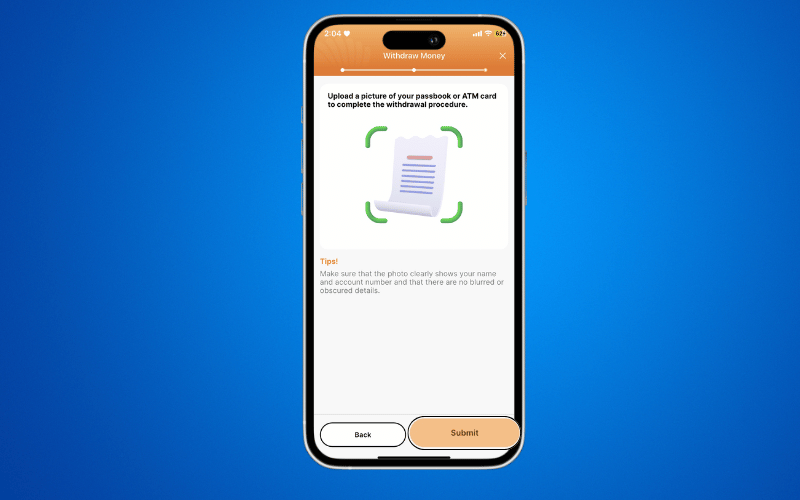
Step 6: Take or upload a photo of your ATM Card or Passbook, then press SUBMIT. Review the details and photo, then press CONFIRM.
Step 7: Take the selfie photos by following the instructions on the DCOM App: blink slowly, smile, or turn your head if required.
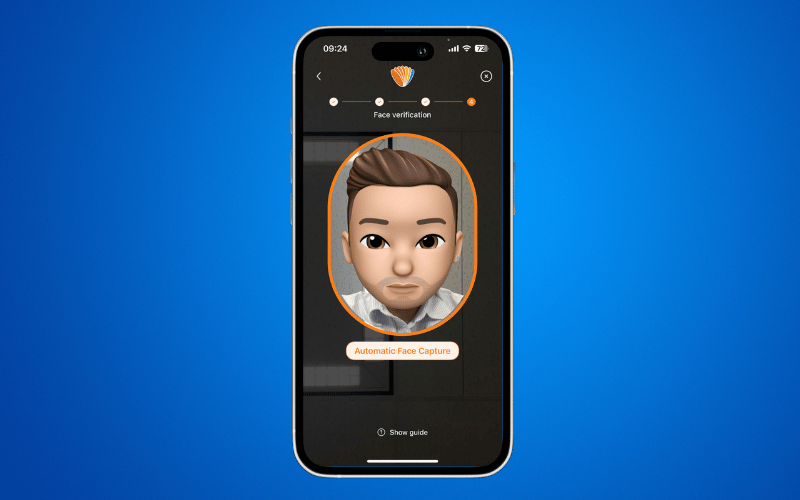
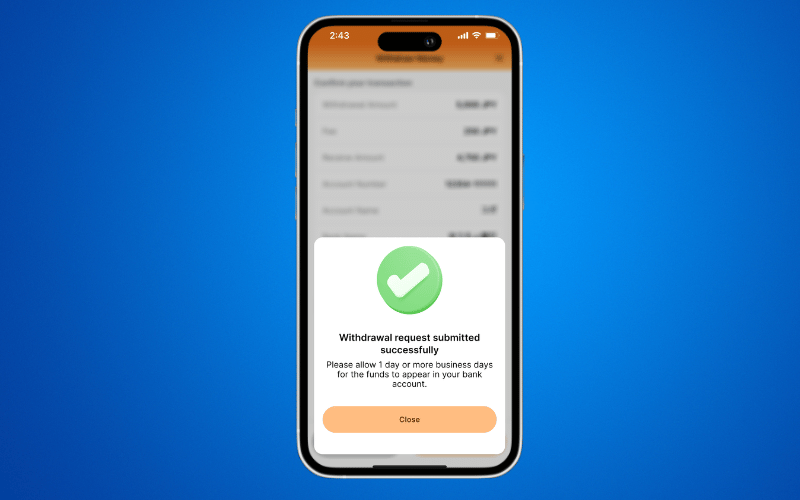
Step 8: A successful notification will appear. Then, wait for the funds to be credited to your Japanese bank account.