


How can I log into my DCOM account using DCOM App?
Discy Latest Questions


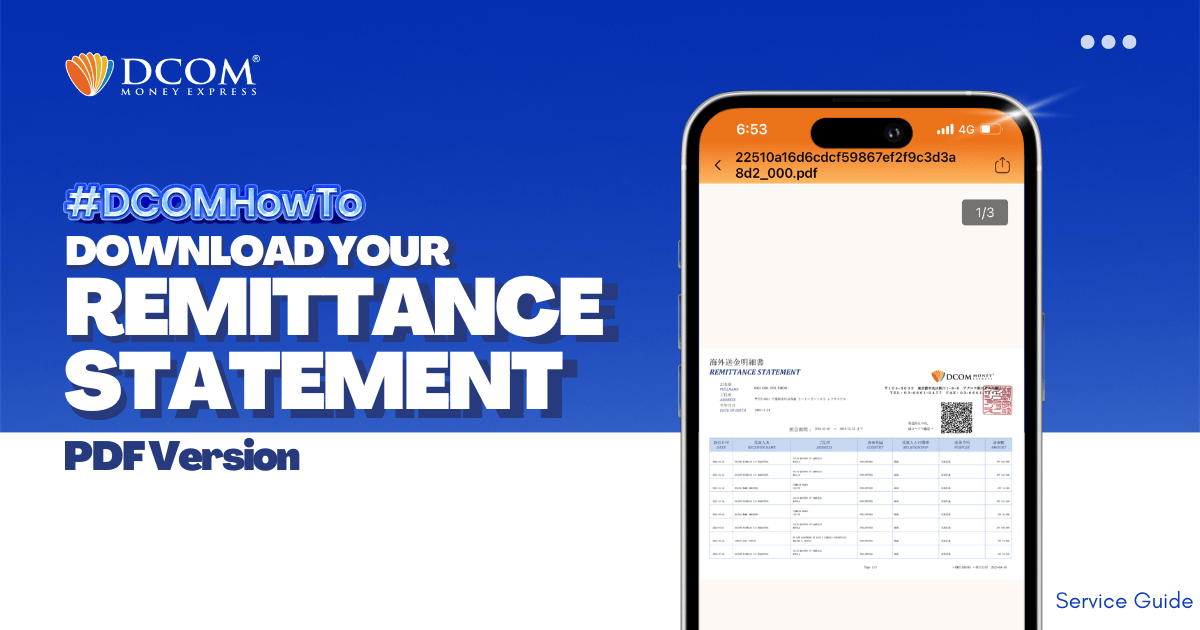
With DCOM, you can easily download your Remittance Statement to view your remittance transactions or use it for your tax refund. Simply follow the steps below: Step 1: From the Home screen, tap ACCOUNT.
Can I withdraw money from my DCOM account using DCOM card at ATM Yucho?
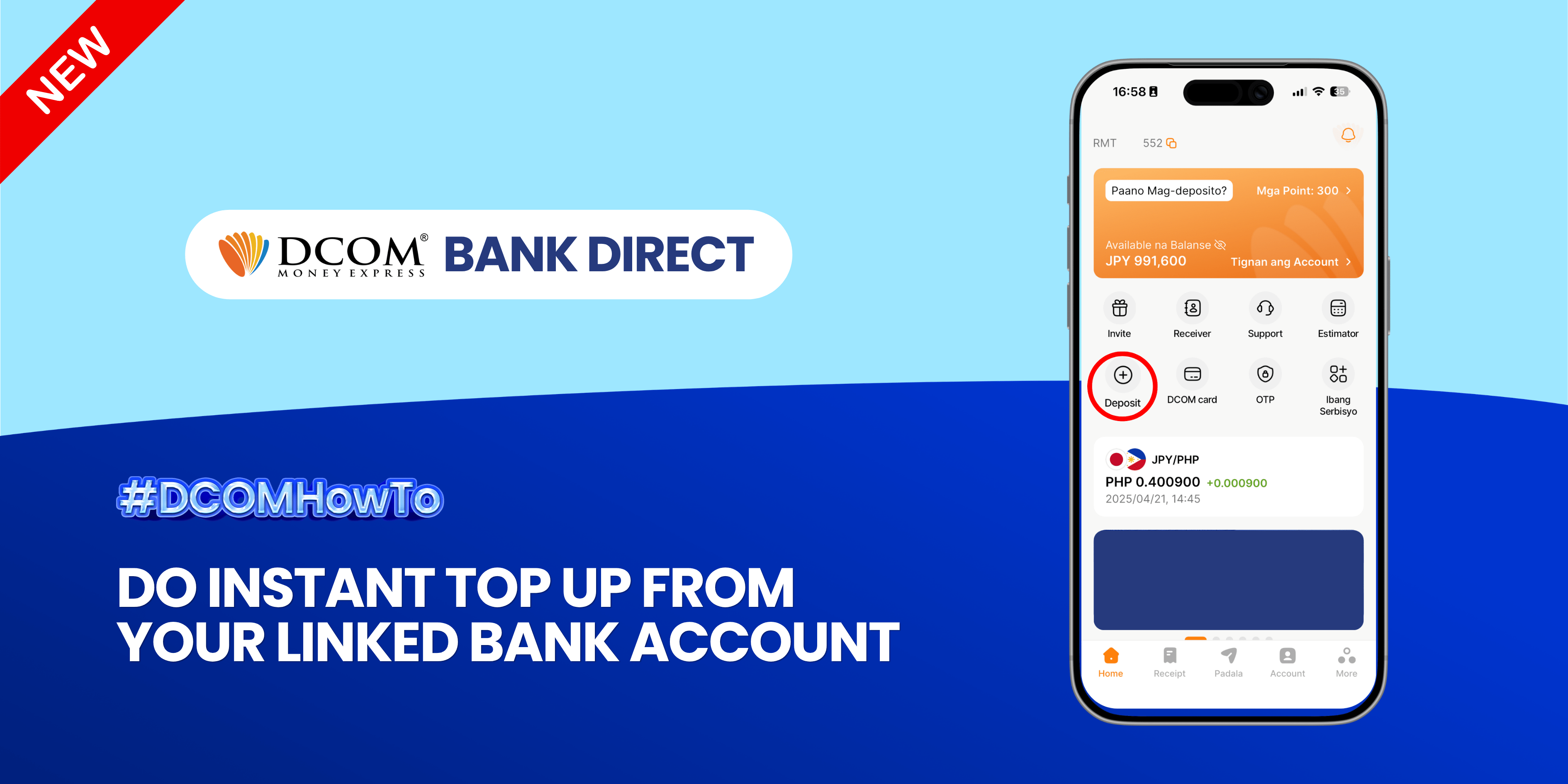
Enjoy the freedom of moving your money back to your bank account anytime, anywhere. With DCOM’s seamless withdrawal feature, getting your funds exactly where you need them is faster and easier than ever. Step 1: Open the DCOM App and press ...
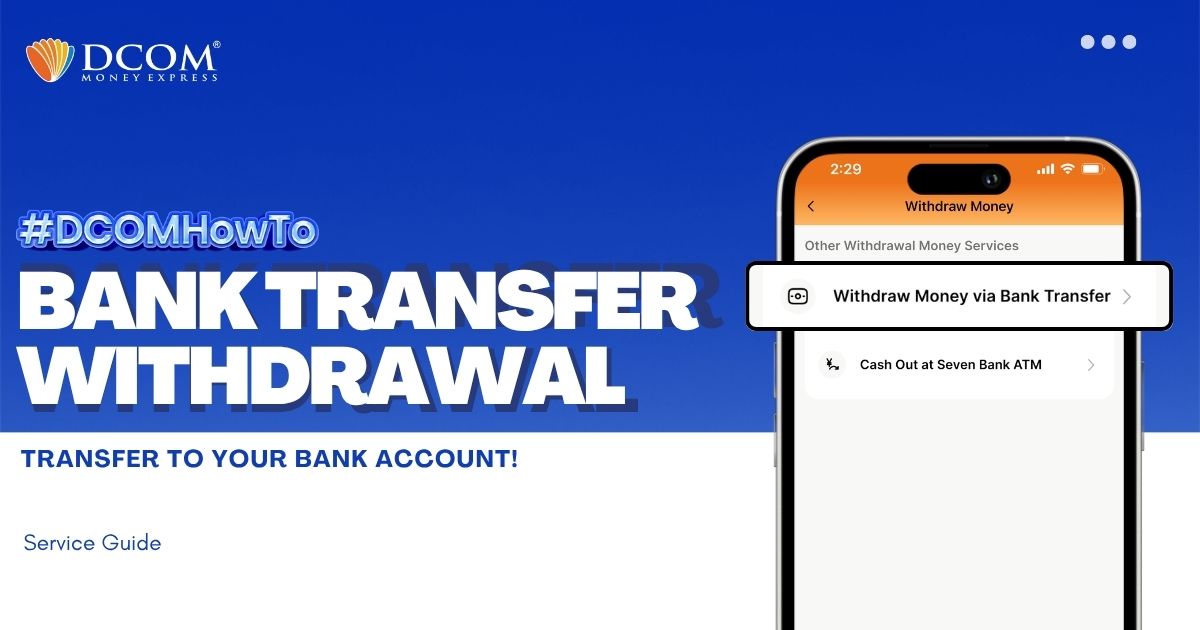
You can withdraw money without having to go out of the premises of your home. With the DCOM App, you can make a request to withdraw your cash from your DCOM Balance back to your bank account. Follow the guide ...
How many receivers can i register and send money to?
Are there any difference in DCOM’s Remittance Fee or Service fee for both Cash Pick-up and Account deposit?
How long does it take until my receiver can claim the remittance for cash pick-up via DCOM?
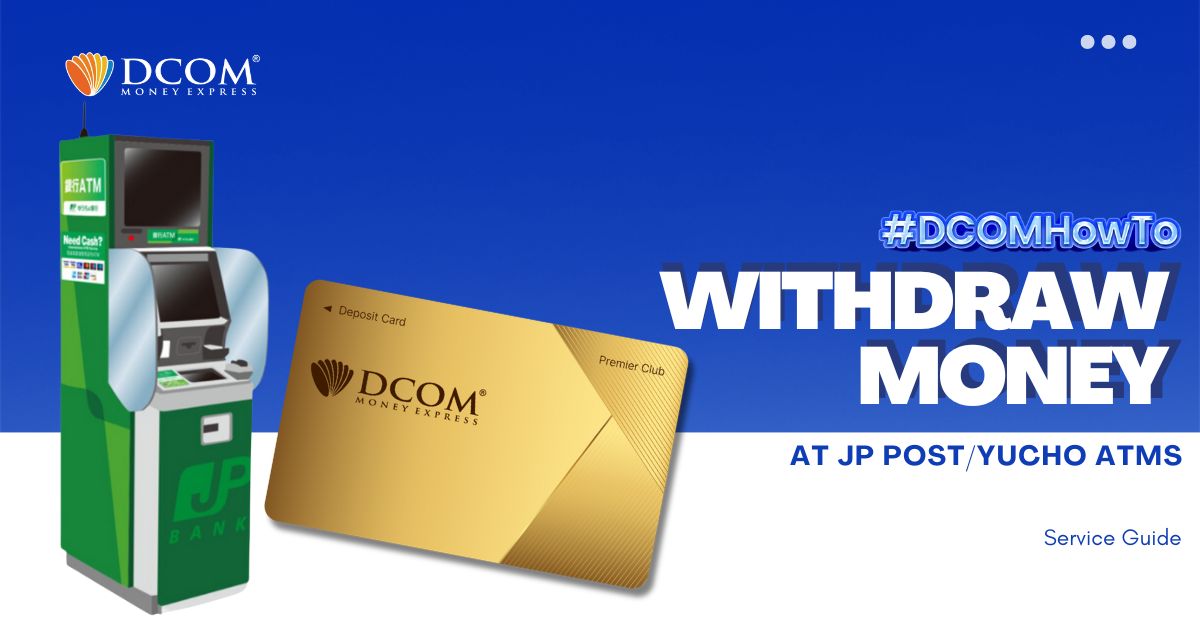
Using the DCOM GOLD Card, you can withdraw money from your DCOM Account via any JP Post or Yuucho ATMs! To avail DCOM Card’s withdrawal function, you must first set a PIN Code via DCOM App. Follow this guide on: ...
Why I have to take my selfie when registering DCOM account? What is it for?