Sign Up

Continue with Facebook
Continue with Google
or use

Have an account? Sign In Now

Sign In

Continue with Facebook
Continue with Google
or use

Forgot Password?

Don't have account, Sign Up Here

Forgot Password

Lost your password? Please enter your email address. You will receive a link and will create a new password via email.

Have an account? Sign In Now

You must login to ask question.

Continue with Facebook
Continue with Google
or use

Forgot Password?

Need An Account, Sign Up Here
Sign InSign Up

DCOM Money Express

DCOM Money Express Logo DCOM Money Express Logo

DCOM Money Express Navigation

  • EnglishEnglish
    • Tiếng ViệtTiếng Việt
    • 日本語日本語
    • EnglishEnglish
    • TagalogTagalog
    • Bahasa IndonesiaBahasa Indonesia
Search
Ask A Question

Mobile menu

Close
Ask a Question
  • Home
  • New Registration
  • DCOM Card
  • DCOM App
  • OTP and Password
  • Service fee and Exchange rate
  • Remittance Statement
  • Send Money
  • Receive Money
  • Submit Identify Documents
  • Others
  • EnglishEnglish
    • Tiếng ViệtTiếng Việt
    • 日本語日本語
    • EnglishEnglish
    • TagalogTagalog
    • Bahasa IndonesiaBahasa Indonesia

DCOM HELP CENTER

DCOM Help Center is a FAQ website. Learn more about popular topics and find resources that will help you answer all of your questions about DCOM's services.

Register a new DCOM Card
What's your question?
  • Recent Questions
  • Most Answered
  • Answers
  • No Answers
  • Most Visited
  • Most Voted
  • Random

Discy Latest Questions

DCOM Filipino Help Center

DCOM Filipino Help Center

  • 47 Questions
  • 1 Answer
  • 0 Best Answers
  • 345 Points
View Profile
  • 0
DCOM Filipino Help Center
Asked: 02-07-2026

Ready for DCOM Instant Top-Up x JP Bank? Update Your Phone Number First!


  • 0

To enjoy seamless, hassle-free deposits via DCOM Direct Banking, ensure your current Japanese phone number is registered to your JP Bank account. Here is your quick ATM guide: 📌 Important Reminder: Please note that changing your phone number are only available ...
  • 0 0 Answers
  • 31 Views
Answer
DCOM Filipino Help Center

DCOM Filipino Help Center

  • 47 Questions
  • 1 Answer
  • 0 Best Answers
  • 345 Points
View Profile
  • 0
DCOM Filipino Help Center
Asked: 02-07-2026

Withdraw with Confidence: Instant Access to Your Funds!


  • 0

Enjoy the freedom of moving your money back to your bank account anytime, anywhere. With DCOM’s seamless withdrawal feature, getting your funds exactly where you need them is faster and easier than ever. Step 1: Open the DCOM App and press ...

  • 0 0 Answers
  • 86 Views
Answer
DCOM Filipino Help Center

DCOM Filipino Help Center

  • 47 Questions
  • 1 Answer
  • 0 Best Answers
  • 345 Points
View Profile
  • 0
DCOM Filipino Help Center
Asked: 01-07-2026

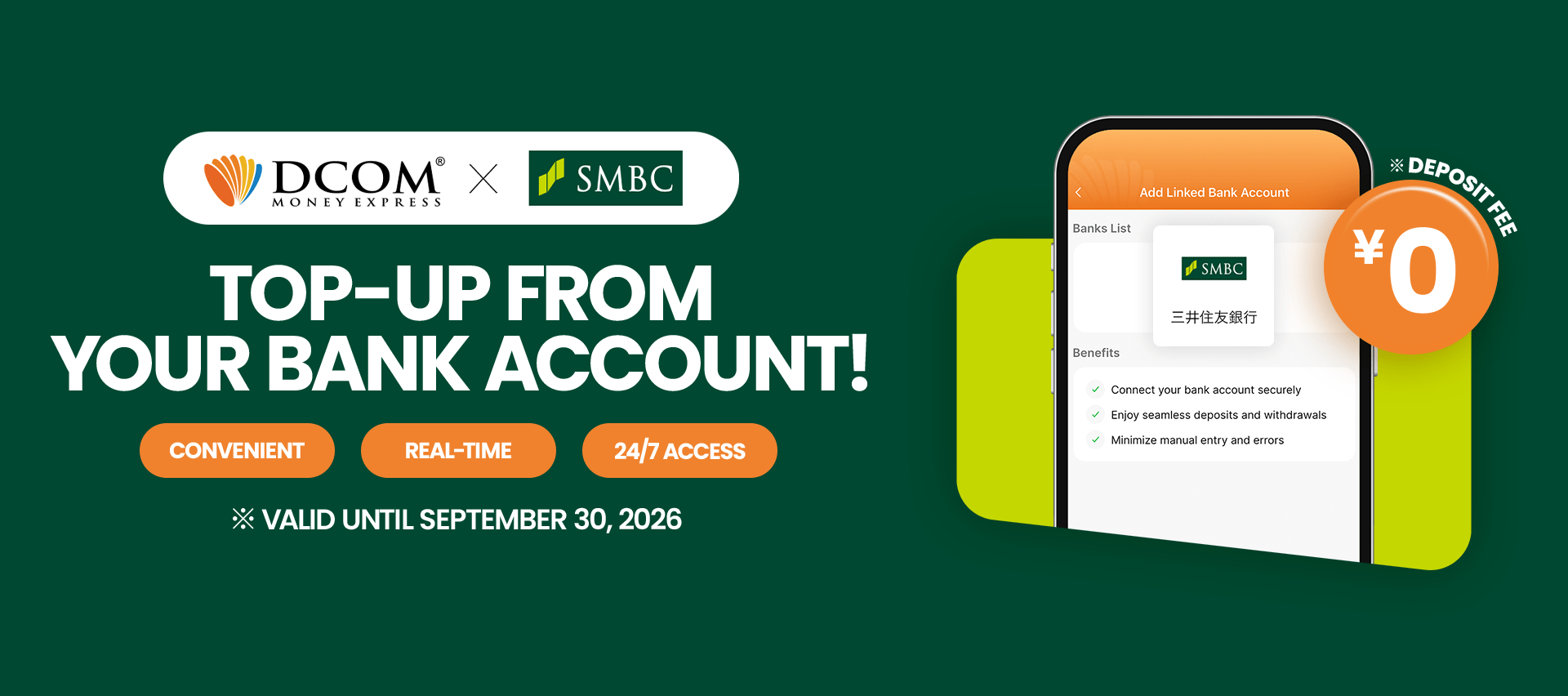
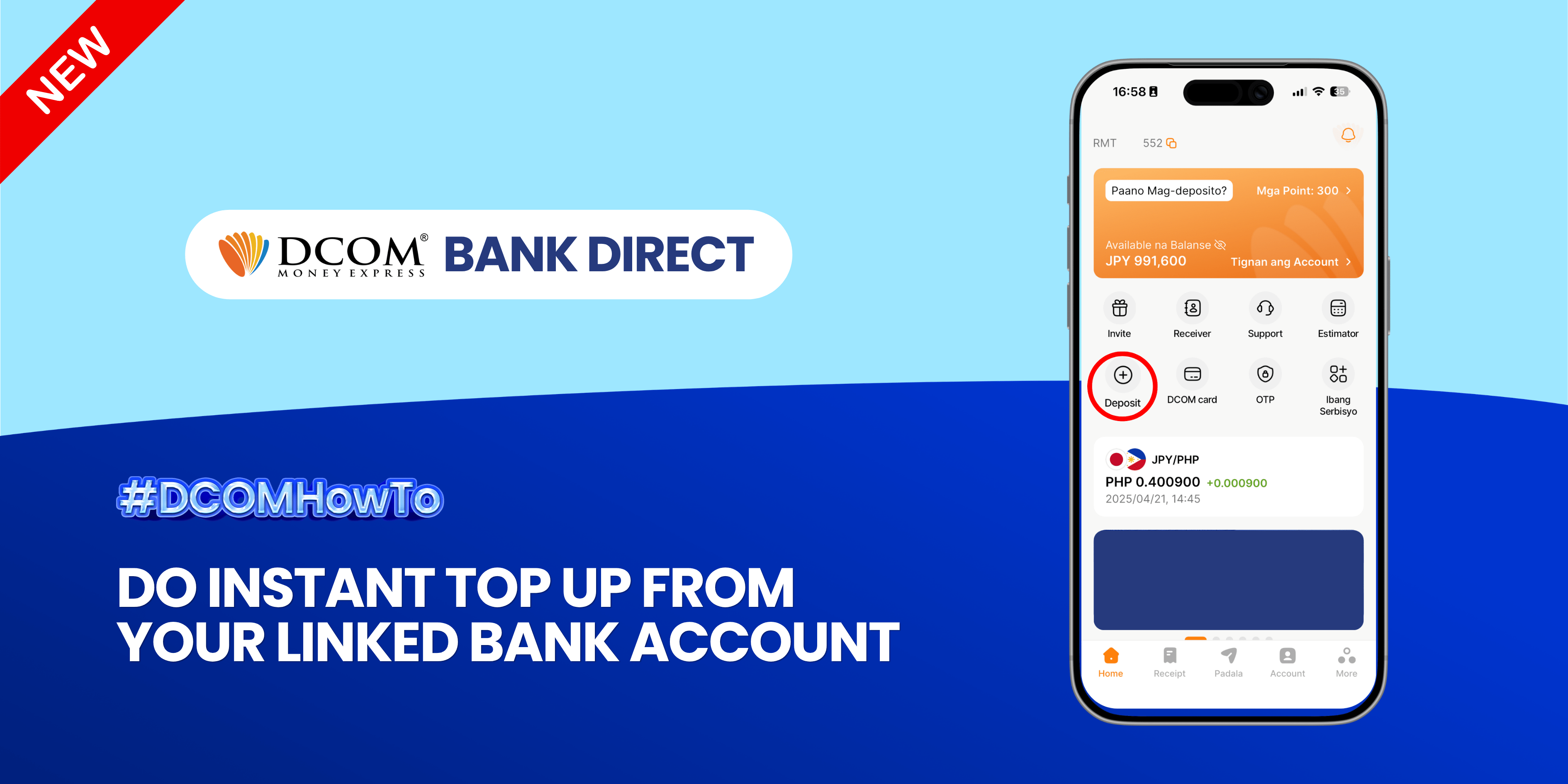
Instant Funding at Your Fingertips: Top Up in Seconds!


  • 0

Experience the ultimate convenience of real-time transfers. Seamlessly move funds from your linked bank account to your DCOM account and keep your money moving as fast as you do. Follow the guide below: Step 1: Open the DCOM App and ...

  • 0 0 Answers
  • 154 Views
Answer
DCOM Filipino Help Center

DCOM Filipino Help Center

  • 47 Questions
  • 1 Answer
  • 0 Best Answers
  • 345 Points
View Profile
  • 1
DCOM Filipino Help Center
Asked: 01-07-2026

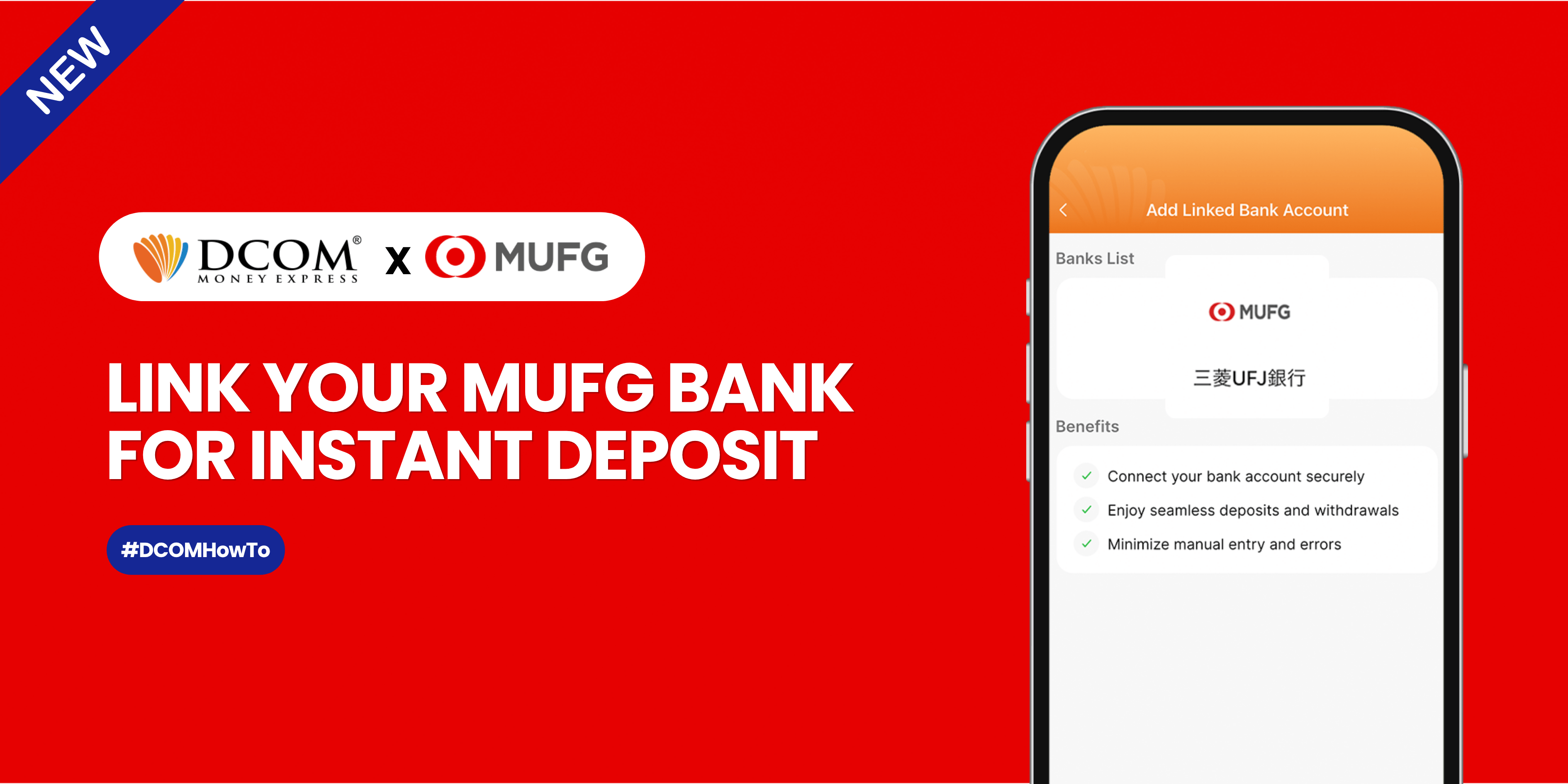
Master Your Money: Unlock Instant Bank Deposits Today


  • 1

Seamlessly connect your bank to the DCOM App for the fastest way to top up. No paperwork, no delays just a few taps to get your balance ready for your next transaction. Follow this guide below: Step 1: Open the DCOM ...

  • 0 0 Answers
  • 829 Views
Answer
DCOM Filipino Help Center

DCOM Filipino Help Center

  • 47 Questions
  • 1 Answer
  • 0 Best Answers
  • 345 Points
View Profile
  • 0
DCOM Filipino Help Center
Asked: 30-06-2026In: DCOM App

How to Make a Transaction via DCOM App


  • 0

With the latest DCOM App update, sending money via DCOM Money Express is now easier, faster, and more secure! To access these enhanced features, please ensure that your DCOM app is updated to version 5.9 STEP 1: Tap the SEND icon.

#dcom send money#dcom send money from philippines#send money time
  • 0 0 Answers
  • 1k Views
Answer
DCOM Filipino Help Center

DCOM Filipino Help Center

  • 47 Questions
  • 1 Answer
  • 0 Best Answers
  • 345 Points
View Profile
  • 0
DCOM Filipino Help Center
Asked: 30-06-2026In: DCOM App

How To Add New Receiver via DCOM App


  • 0

Whether it’s for Cash Pickup or Account Deposit, adding a receiver is now easier with the DCOM App! STEP 1: Tap the RECEIVER.

#dcom add receiver#dcom receiver
  • 0 0 Answers
  • 1k Views
Answer
DCOM Filipino Help Center

DCOM Filipino Help Center

  • 47 Questions
  • 1 Answer
  • 0 Best Answers
  • 345 Points
View Profile
  • 0
DCOM Filipino Help Center
Asked: 30-06-2026In: Send Money

How to Create your DCOM Virtual Account


  • 0

Using the DCOM App, you can make your own personal deposit account powered by PayPay Bank. HOW TO USE THE DCOM VIRTUAL ACCOUNT? 1. You can connect your Virtual Account as your DCOM Main Wallet.

  • 0 0 Answers
  • 1k Views
Answer
DCOM Filipino Help Center

DCOM Filipino Help Center

  • 47 Questions
  • 1 Answer
  • 0 Best Answers
  • 345 Points
View Profile
  • 0
DCOM Filipino Help Center
Asked: 30-06-2026In: DCOM Card

Deposit using DCOM Card at JP Post Bank ATMs


  • 0

With the DCOM Gold Card, you can actually deposit money via JP Post Bank/Yucho ATMs or any Lawson ATMs all throughout Japan. Follow these easy step-by-step guide on how to deposit money via JP Post Bank ATMs. STEP 1. Press ENGLISH ...

  • 0 0 Answers
  • 5k Views
Answer
DCOM Filipino Help Center

DCOM Filipino Help Center

  • 47 Questions
  • 1 Answer
  • 0 Best Answers
  • 345 Points
View Profile
  • 0
DCOM Filipino Help Center
Asked: 25-05-2026

Don’t Let an Outdated Card Delay Your Next Remittance: Upgrade Your DCOM Card Today!


  • 0

IMPORTANT NOTICE FOR CUSTOMERS REGISTERED BEFORE FEBRUARY 1, 2024 ‼️ DCOM successfully transitioned to an upgraded card system on January 2, 2024. If you are still using an old card (card number starting with “BA…”), please request your new card today ...

  • 182 Views
Answer
DCOM Filipino Help Center

DCOM Filipino Help Center

  • 47 Questions
  • 1 Answer
  • 0 Best Answers
  • 345 Points
View Profile
  • 0
DCOM Filipino Help Center
Asked: 13-05-2026

Transfer Money to DCOM MUFG Account via Online Banking


  • 0

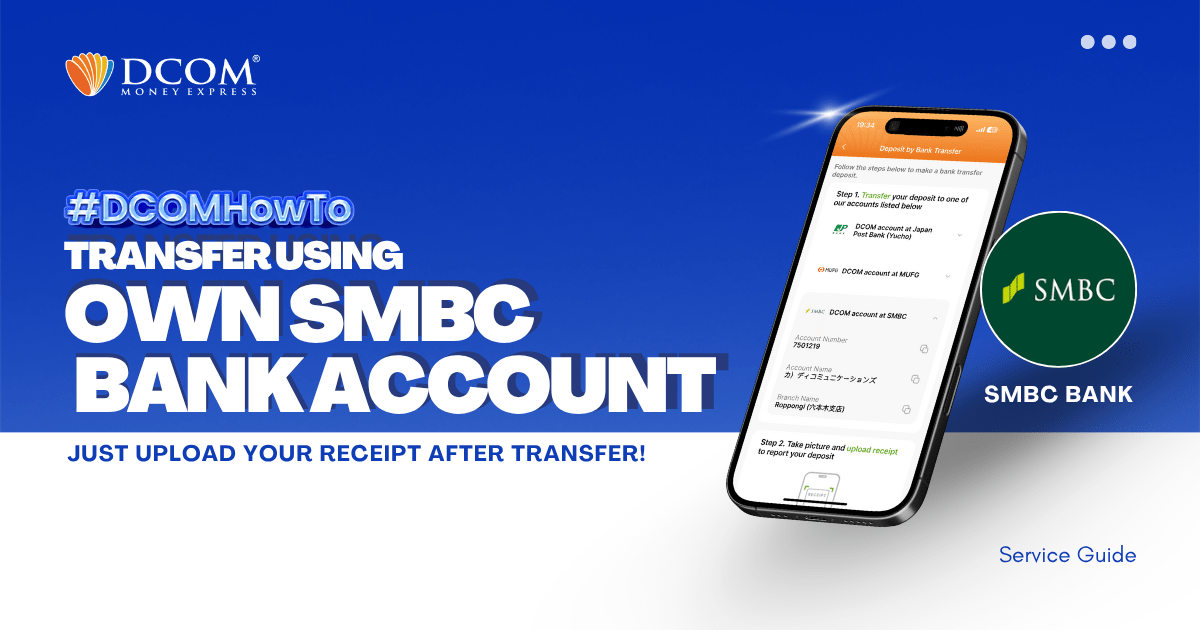
You can use your personal MUFG Bank Account to transfer to DCOM’s bank account. You can also use the DCOM Deposit Card (GOLD) for a faster funds reflection, click here for details: Deposit using DCOM Card at Lawson ATMDeposit ...

  • 0 0 Answers
  • 1k Views
Answer
1 2 … 12

Sidebar

Ask A Question

User Ranking

DCOM Vietnam Help Center

DCOM Vietnam Help Center

  • 2 Questions
  • 1k Points
DCOM Indonesia Help Center

DCOM Indonesia Help Center

  • 0 Questions
  • 347 Points
DCOM Filipino Help Center

DCOM Filipino Help Center

  • 47 Questions
  • 345 Points
DCOM Help Center

DCOM Help Center

  • 0 Questions
  • 206 Points
DCOM Vietnam Help Center

DCOM Vietnam Help Center

  • 0 Questions
  • 189 Points
  • Popular
  • Answers
  • Customer

    Can I send dollars to the Philippines using DCOM?

    • 0 Answers
  • Customer

    Can I send money to Hongkong / US via DCOM

    • 1 Answer
  • Customer

    How to send money to banks in the Philippines?

    • 0 Answers
  • Customer

    Is there a fee for requesting Remittance Statement?

    • 0 Answers
  • Customer

    How to register in DCOM?

    • 0 Answers
  • Isabelita Fernandez Hatayama
    Isabelita Fernandez Hatayama added an answer Thanks. 06-12-2024 at 12:10 pm
  • DCOM Vietnam Help Center
    DCOM Vietnam Help Center added an answer You cannot use the DCOM card to withdraw money from… 04-12-2020 at 8:35 pm
  • DCOM Filipino Help Center
    DCOM Filipino Help Center added an answer Unfortunately, We don't have that service yet. Just follow our… 03-12-2020 at 11:36 pm
  • DCOM Help Center
    DCOM Help Center added an answer Choose ACCOUNT DEPOSIT > GCASH (PAYMAYA) 02-12-2020 at 5:39 pm
  • DCOM Help Center
    DCOM Help Center added an answer As of now, we are not yet available for the… 02-12-2020 at 5:37 pm

Question Tags

dcom direct card dcom fee dcom philippines dcom receive money dcom receiver dcom register dcom registration dcom remittance dcom remittance statement dcom remittance time dcom send money dcom verification how to register dcom one-time password otp

Explore

  • Home
  • New Registration
  • DCOM Card
  • DCOM App
  • OTP and Password
  • Service fee and Exchange rate
  • Remittance Statement
  • Send Money
  • Receive Money
  • Submit Identify Documents
  • Others

Footer

About


DCOM Money Express, a money transfer service to more than 200 countries, based in Tokyo, Japan. Operated by D. COMMUNICATIONS, INC. under Money Transmitter Registered No. 00001 issued by the Hokuriku Local Finance Bureau of Japan since 2011.

HEAD OFFICE

Address: 6F Across Shinkawa Bldg.,
1-8-8 Shinkawa, Chuo-ku, Tokyo.
Tel: 03-6661-2477
Fax: 03-6661-9181
E-mail: cs@sendmoney.co.jp

DCOM NAGOYA BRANCH

Address: 1B, 1F Nagoya Sakae Bldg,
5-1 Buheicho, Higashi-ku, Nagoya-shi, Aichi.

Connect with us

Copyright © 2021 D. Communications, Inc. All Rights Reserved.