


Experience the Convenience You’ve Been Asking For Available 24/7 Nationwide. Follow these simple steps to fund your account and send money home instantly using any of the 27,000+ Seven Bank ATMs across Japan. Step 1: Insert your DCOM Card
Lost your password? Please enter your email address. You will receive a link and will create a new password via email.
DCOM Help Center is a FAQ website. Learn more about popular topics and find resources that will help you answer all of your questions about DCOM's services.
Experience the Convenience You’ve Been Asking For Available 24/7 Nationwide. Follow these simple steps to fund your account and send money home instantly using any of the 27,000+ Seven Bank ATMs across Japan. Step 1: Insert your DCOM Card
To enjoy seamless, hassle-free deposits via DCOM Direct Banking, ensure your current Japanese phone number is registered to your JP Bank account. Here is your quick ATM guide: 📌 Important Reminder: Please note that changing your phone number are only available ...
I want to register DCOM account. What are the steps and requirements?
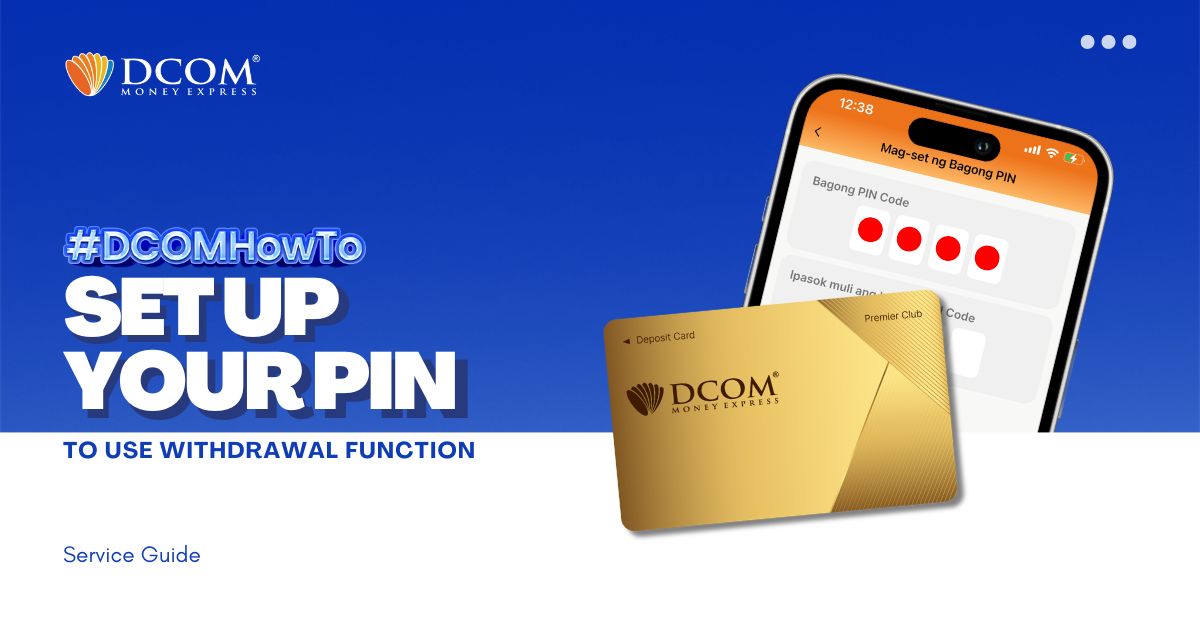
You now have the power to withdraw money using the DCOM Gold Card at any JP Post Bank/Yucho or Lawson ATMs nationwide! To utilize this feature, you must first set up your PIN. Here’s how: Step 1: On the Home screen, tap ...
Is DCOM working on weekends?
I want to know the way to do Identity Verification in DCOM App.
Is My number card necessary?
I do not know what OTP and its function is. Should I do OTP set-up in DCOM App?
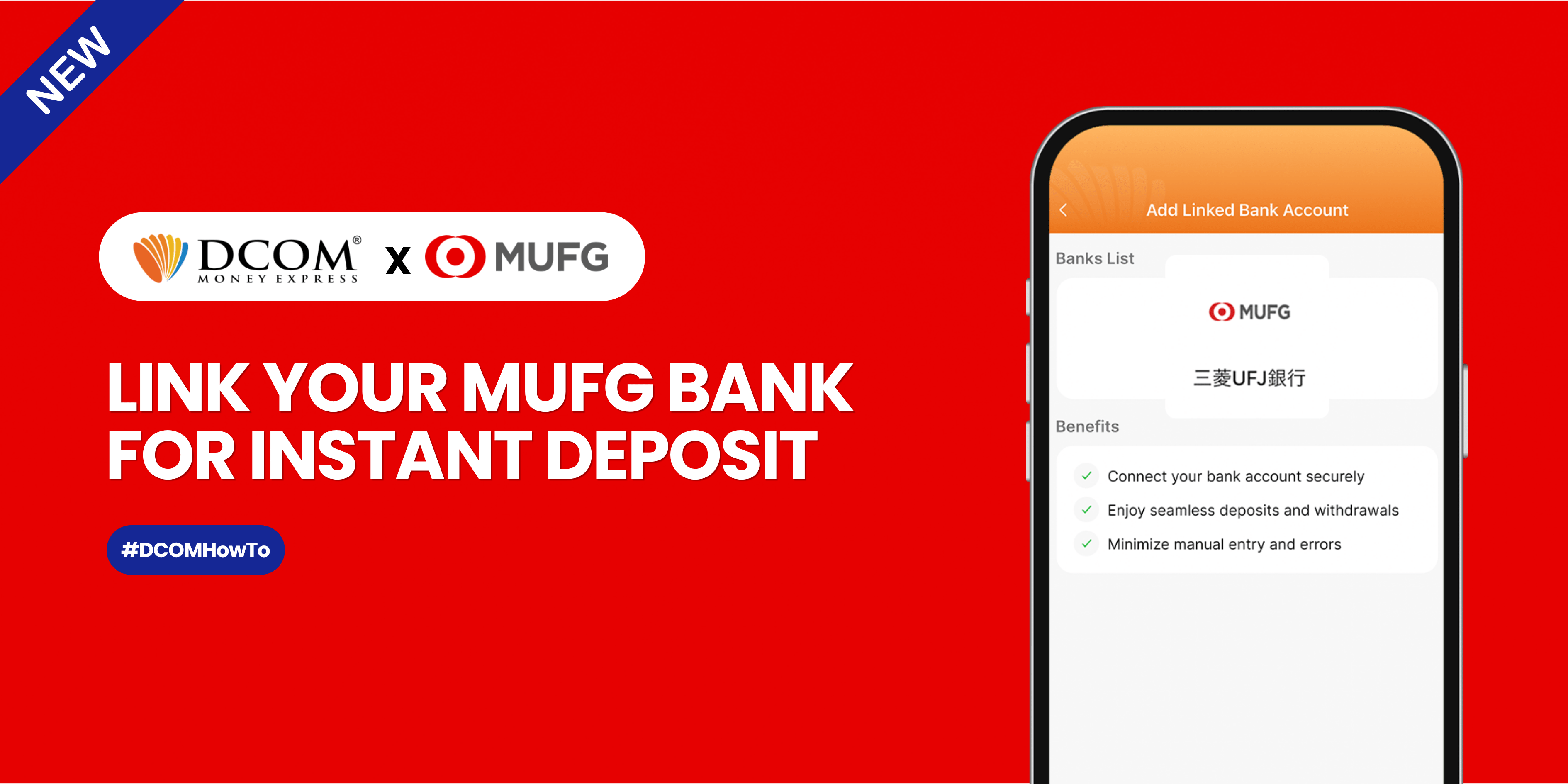
Sending money home should be effortless. By linking your MUFG Bank account to your DCOM app via Mitsubishi UFJ Trust Bank, you can instantly top up your balance whenever you need to. Follow this quick, hassle-free guide to link your account ...
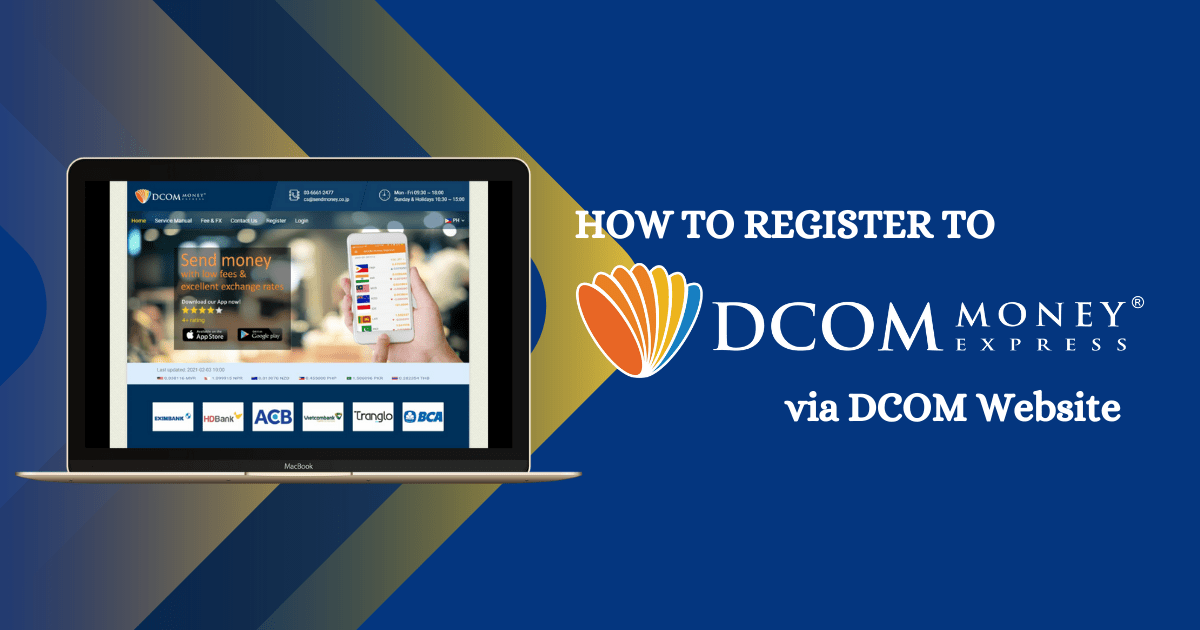
You can also register with DCOM Money Express through the website. Here’s how. Access the website via this link:https://sendmoney.co.jp/en 1. Click the link above and select “Register.”

