


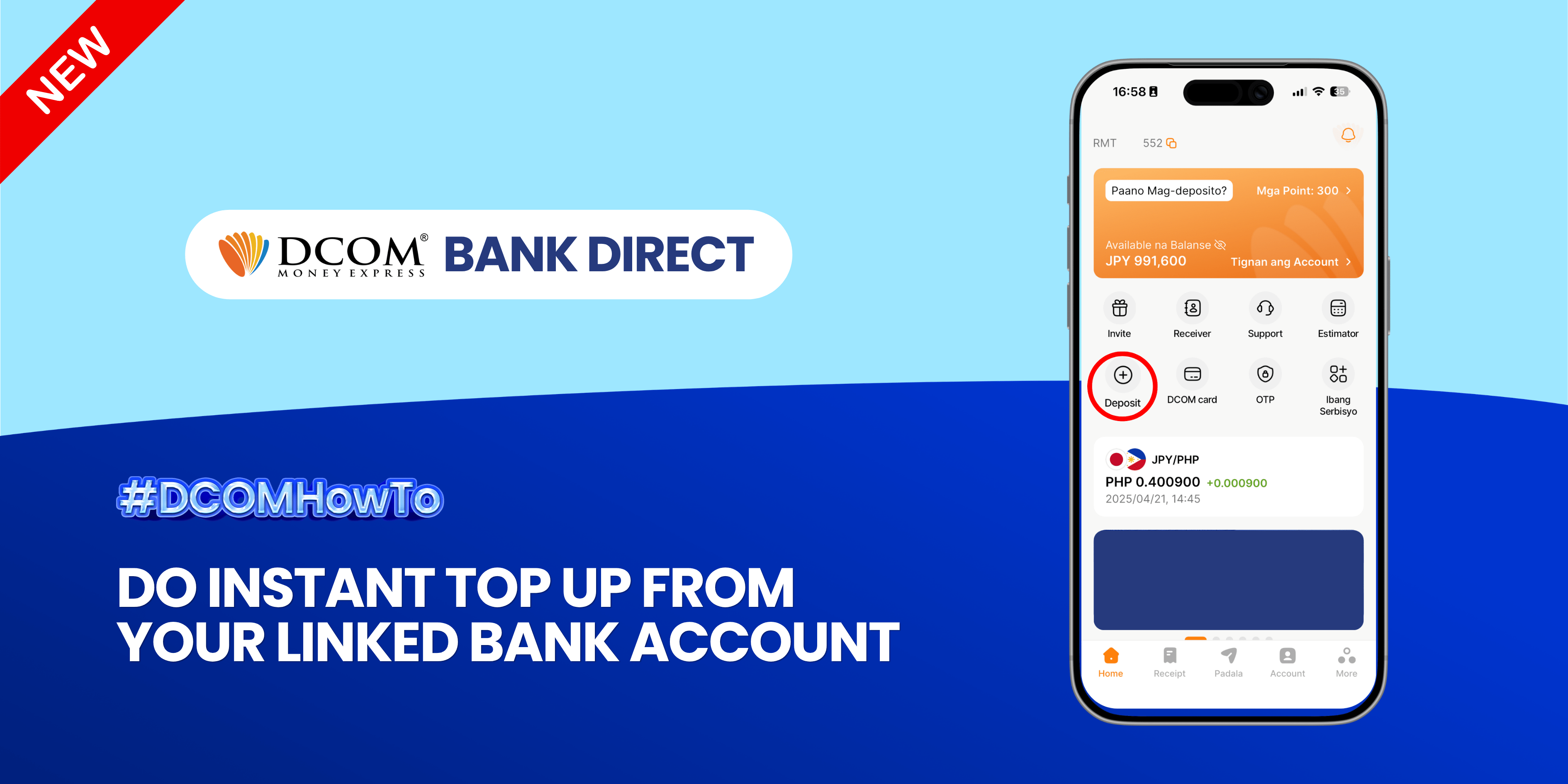
Enjoy the freedom of moving your money back to your bank account anytime, anywhere. With DCOM’s seamless withdrawal feature, getting your funds exactly where you need them is faster and easier than ever. Step 1: Open the DCOM App and press ...
Lost your password? Please enter your email address. You will receive a link and will create a new password via email.
DCOM Help Center is a FAQ website. Learn more about popular topics and find resources that will help you answer all of your questions about DCOM's services.
Enjoy the freedom of moving your money back to your bank account anytime, anywhere. With DCOM’s seamless withdrawal feature, getting your funds exactly where you need them is faster and easier than ever. Step 1: Open the DCOM App and press ...
Hindi po ako makapag-log in. Ano po ba yung OTP? Para saan po yun?
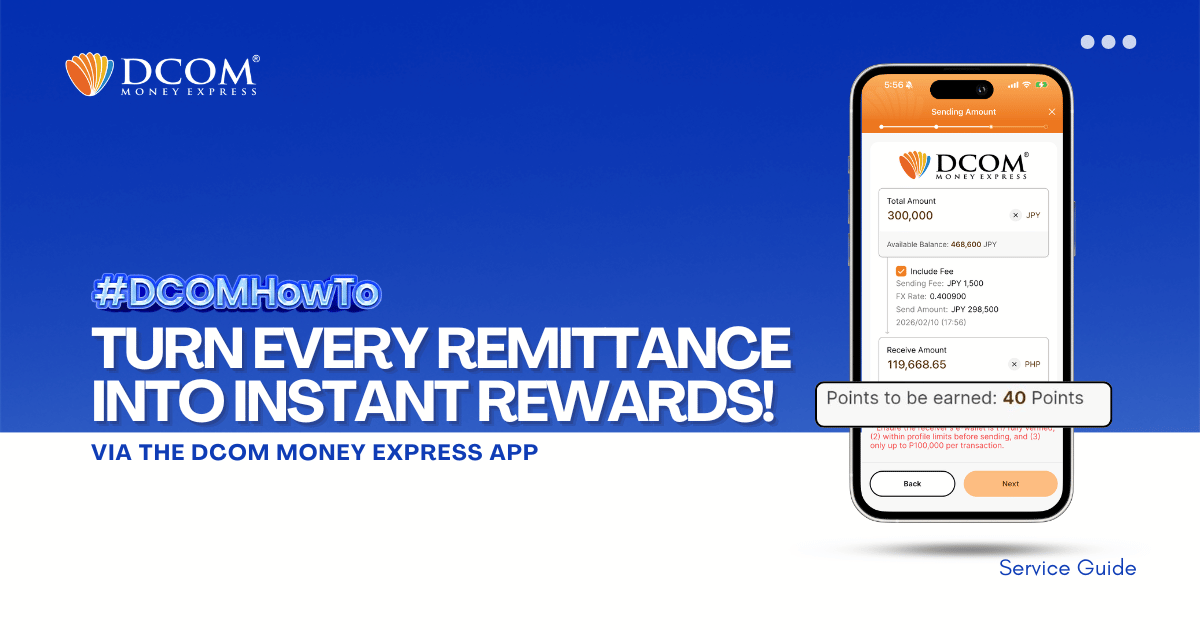
Why pay more when you can save? Every time you send money with DCOM, you earn points that can be used to lessen your service fees. Maximize your hard-earned money and enjoy a more rewarding way to remit today! Step 1: ...
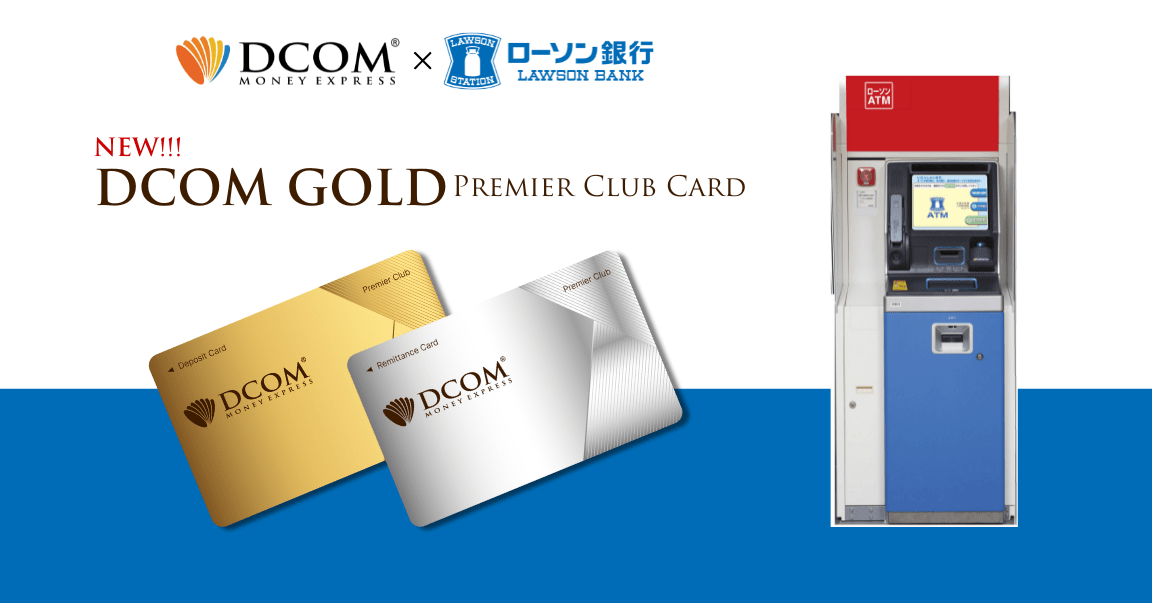
Exciting news from our partnership with Lawson Bank! Introducing the NEW DCOM Premier Club Cards, designed to elevate your remittance experience! With our new collaboration, customers can effortlessly conduct overseas remittances using the NEW DCOM Cards at over 13,500 Lawson Bank ...
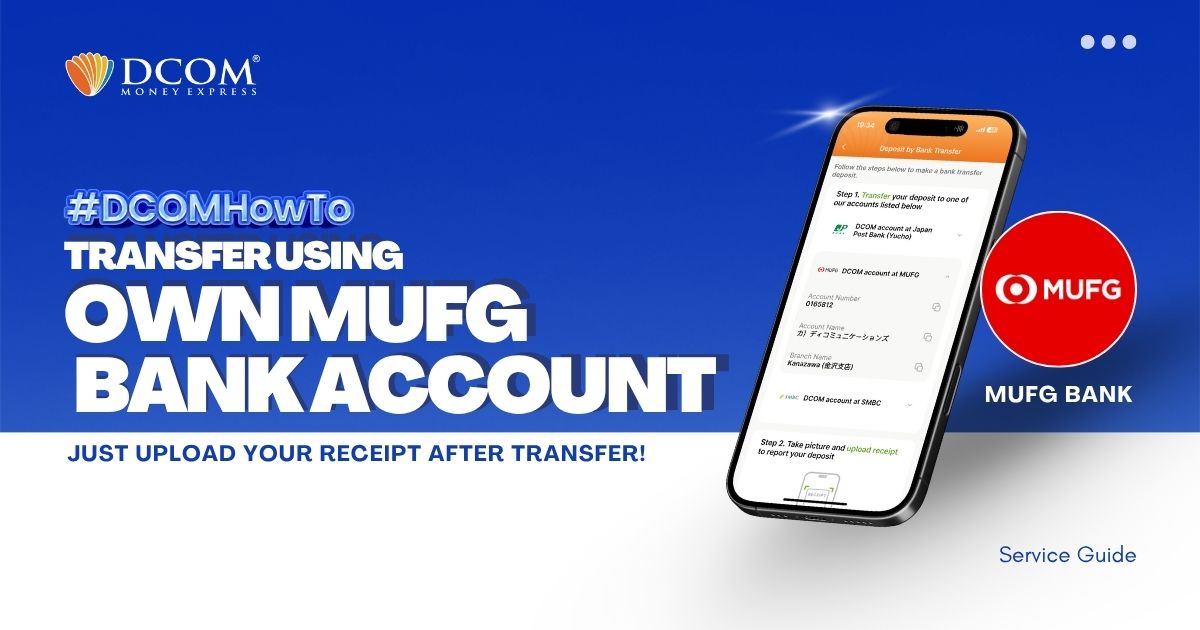
You can use your personal MUFG Bank Account to transfer to DCOM’s bank account. You can also use the DCOM Deposit Card (GOLD) for a faster funds reflection, click here for details: Deposit using DCOM Card at Lawson ATMDeposit ...
Experience the Convenience You’ve Been Asking For Available 24/7 Nationwide. Follow these simple steps to fund your account and send money home instantly using any of the 27,000+ Seven Bank ATMs across Japan. Step 1: Insert your DCOM Card
To enjoy seamless, hassle-free deposits via DCOM Direct Banking, ensure your current Japanese phone number is registered to your JP Bank account. Here is your quick ATM guide: 📌 Important Reminder: Please note that changing your phone number are only available ...
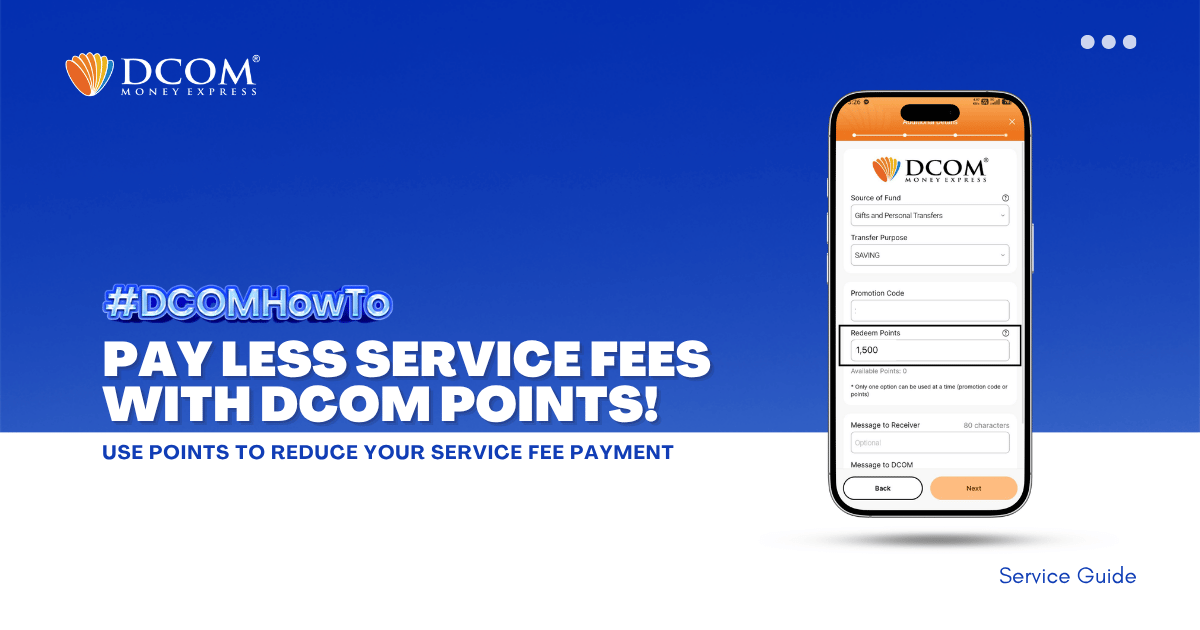
Unlock exclusive savings in just a few taps! Redeem your DCOM points now to enjoy lower service fees on your next transaction. Don’t let your rewards go to waste! Follow the steps below: Step 1: Tap SEND.
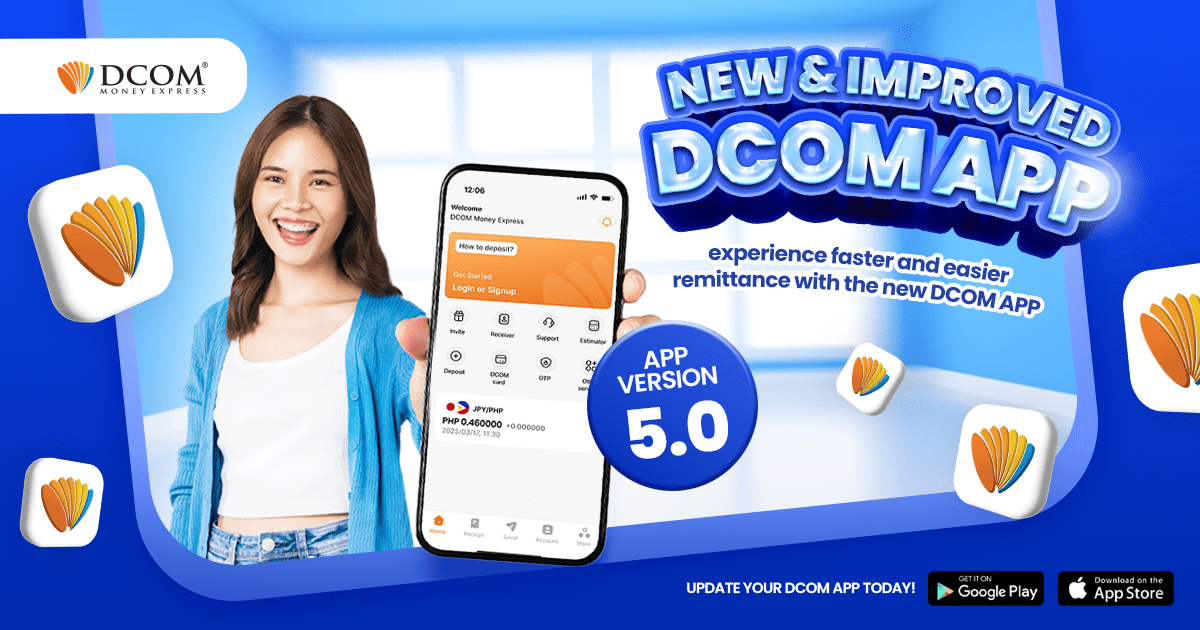
We are very proud to announce the release of the greatest update the DCOM app has ever received — yet! Improved ...
You can use your personal MUFG Bank Account to transfer to DCOM’s bank account. You can also use the DCOM Deposit Card (GOLD) for a faster funds reflection, click here for details: Deposit using DCOM Card at Lawson ATMDeposit ...

