


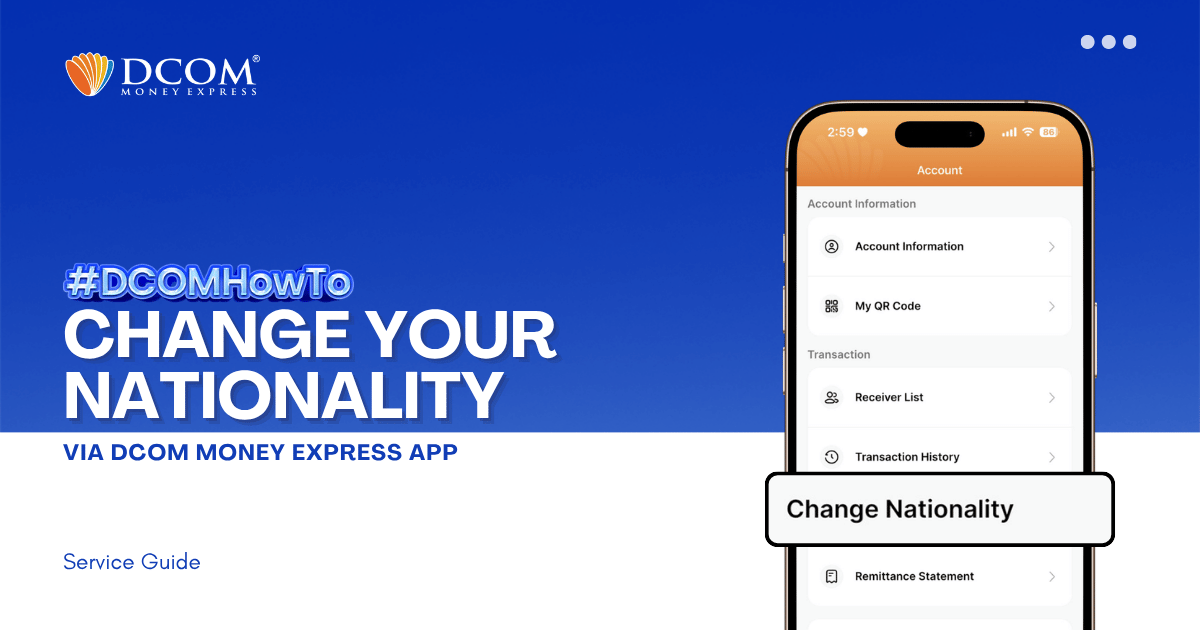
Keep your account seamless and compliant with just a few taps. To enjoy a faster and more secure verification process, please ensure that your DCOM App is updated to version 5.7 before proceeding. Step 1: From the Main Screen, tap the ...
Lost your password? Please enter your email address. You will receive a link and will create a new password via email.
DCOM Help Center is a FAQ website. Learn more about popular topics and find resources that will help you answer all of your questions about DCOM's services.
Keep your account seamless and compliant with just a few taps. To enjoy a faster and more secure verification process, please ensure that your DCOM App is updated to version 5.7 before proceeding. Step 1: From the Main Screen, tap the ...
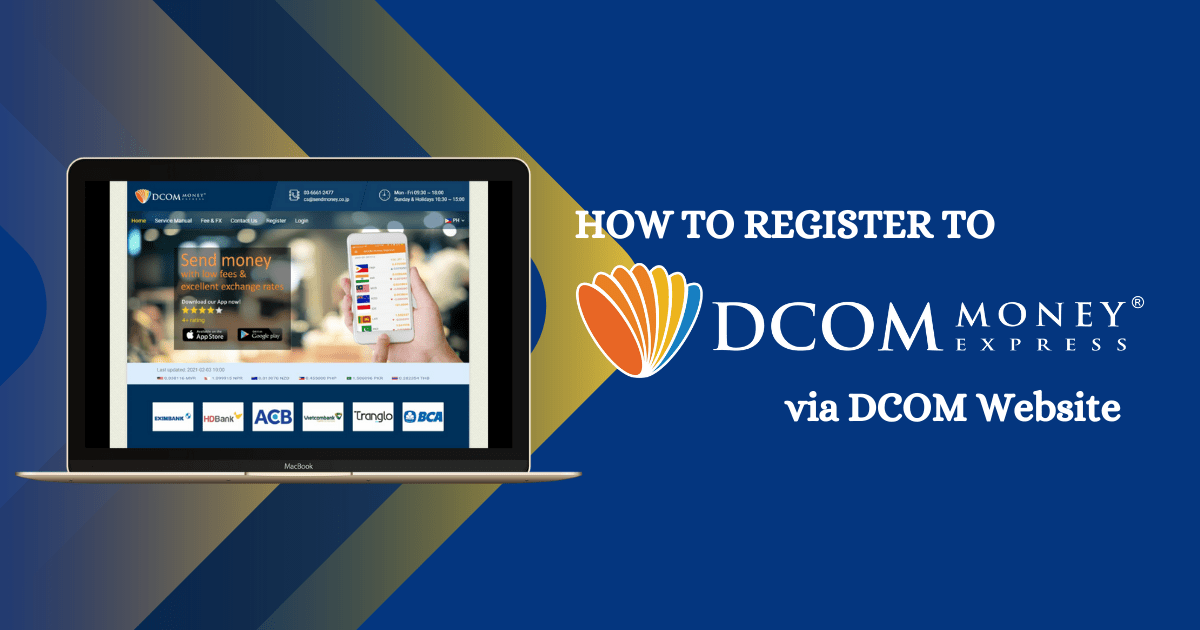
You can also register with DCOM Money Express through the website. Here’s how. Access the website via this link:https://sendmoney.co.jp/en 1. Click the link above and select “Register.”
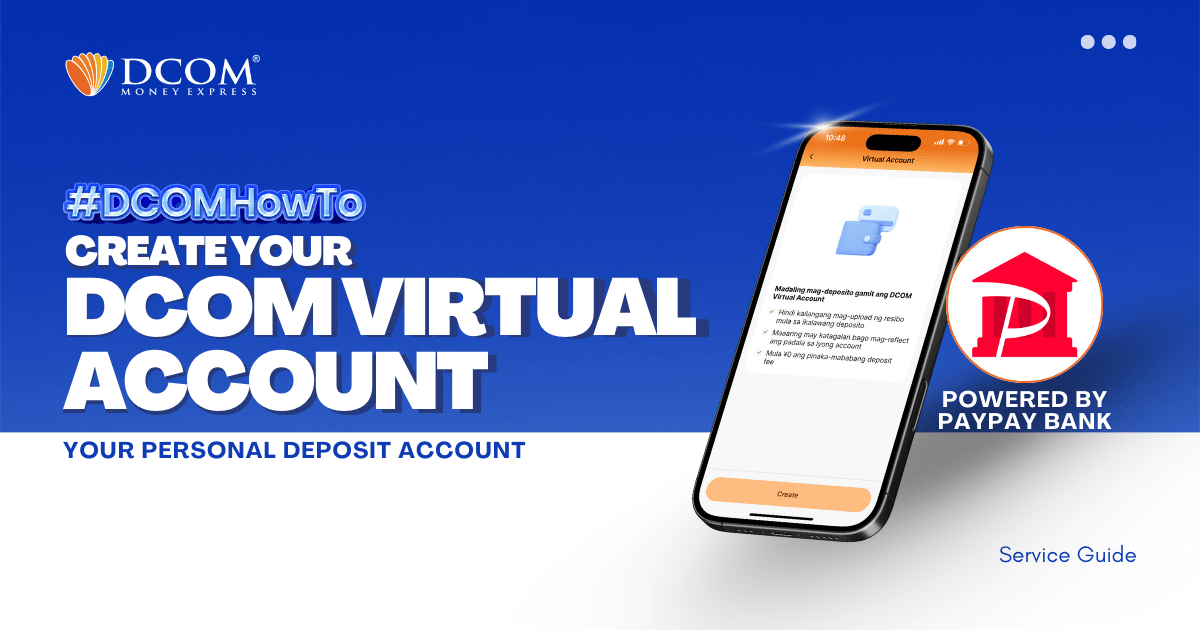
Using the DCOM App, you can make your own personal deposit account powered by PayPay Bank. HOW TO USE THE DCOM VIRTUAL ACCOUNT? 1. You can connect your Virtual Account as your DCOM Main Wallet.
DCOM Money Express, an international remittance service provider, has begun offering its overseas remittance card and Smartphone ATM services through Seven Bank ATMs nationwide. Starting Friday, May 1, 2026, customers can use their DCOM Deposit Card, DCOM Remittance Card, or smartphones ...
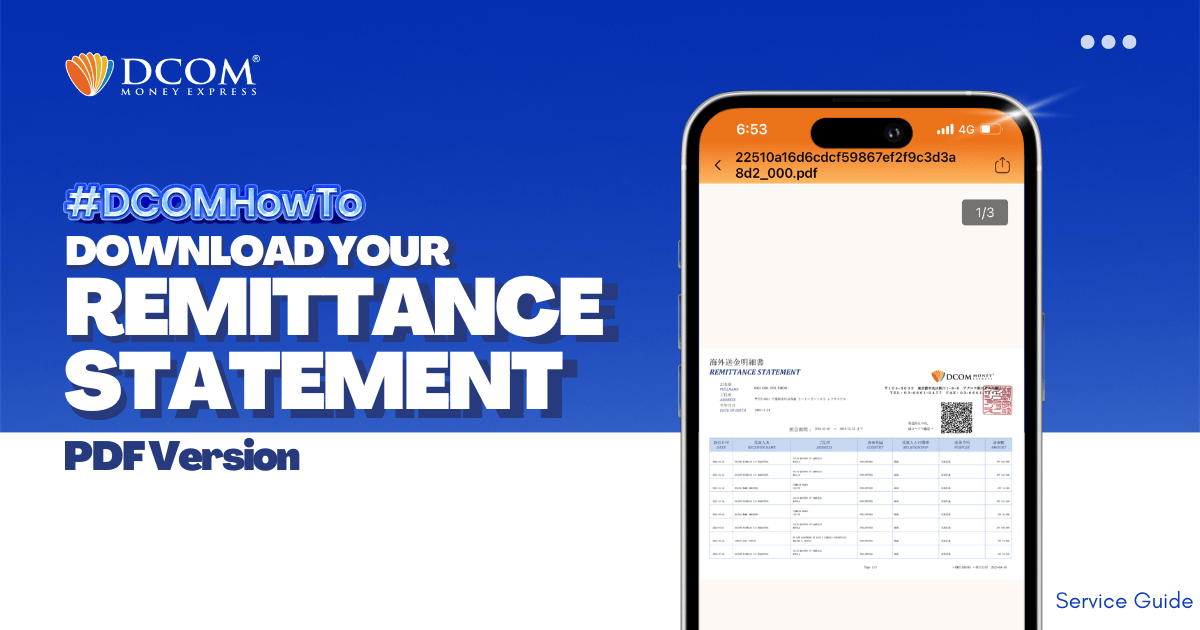
With DCOM, you can easily download your Remittance Statement to view your remittance transactions or use it for your tax refund. Simply follow the steps below: Step 1: From the Home screen, tap ACCOUNT.
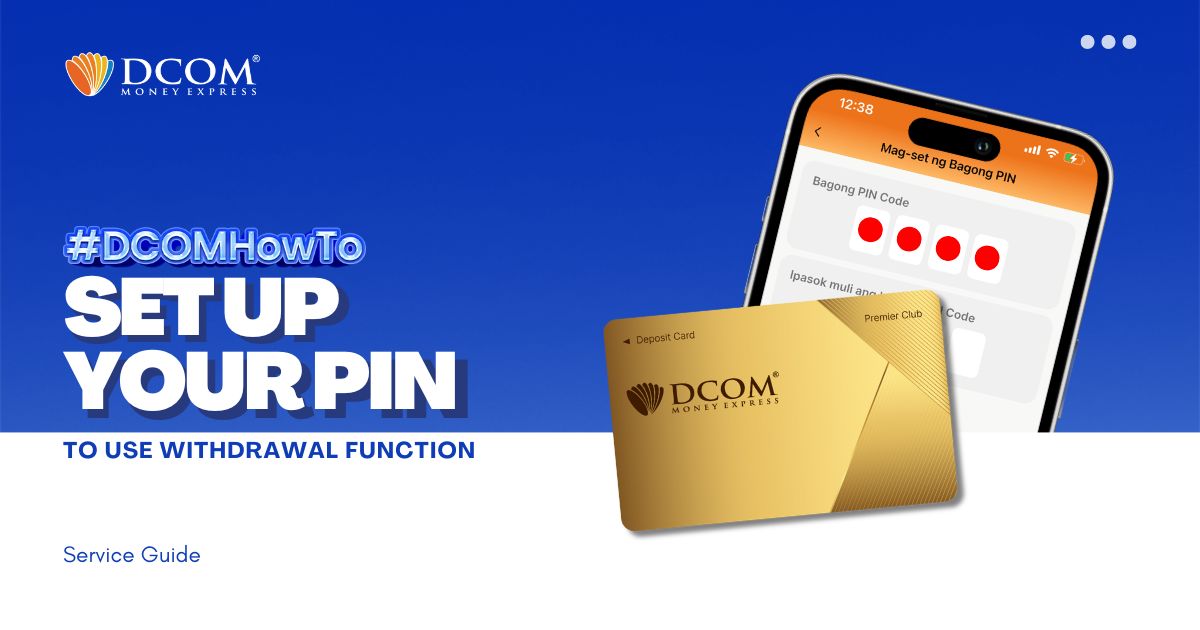
You now have the power to withdraw money using the DCOM Gold Card at any JP Post Bank/Yucho or Lawson ATMs nationwide! To utilize this feature, you must first set up your PIN. Here’s how: Step 1: On the Home screen, tap ...
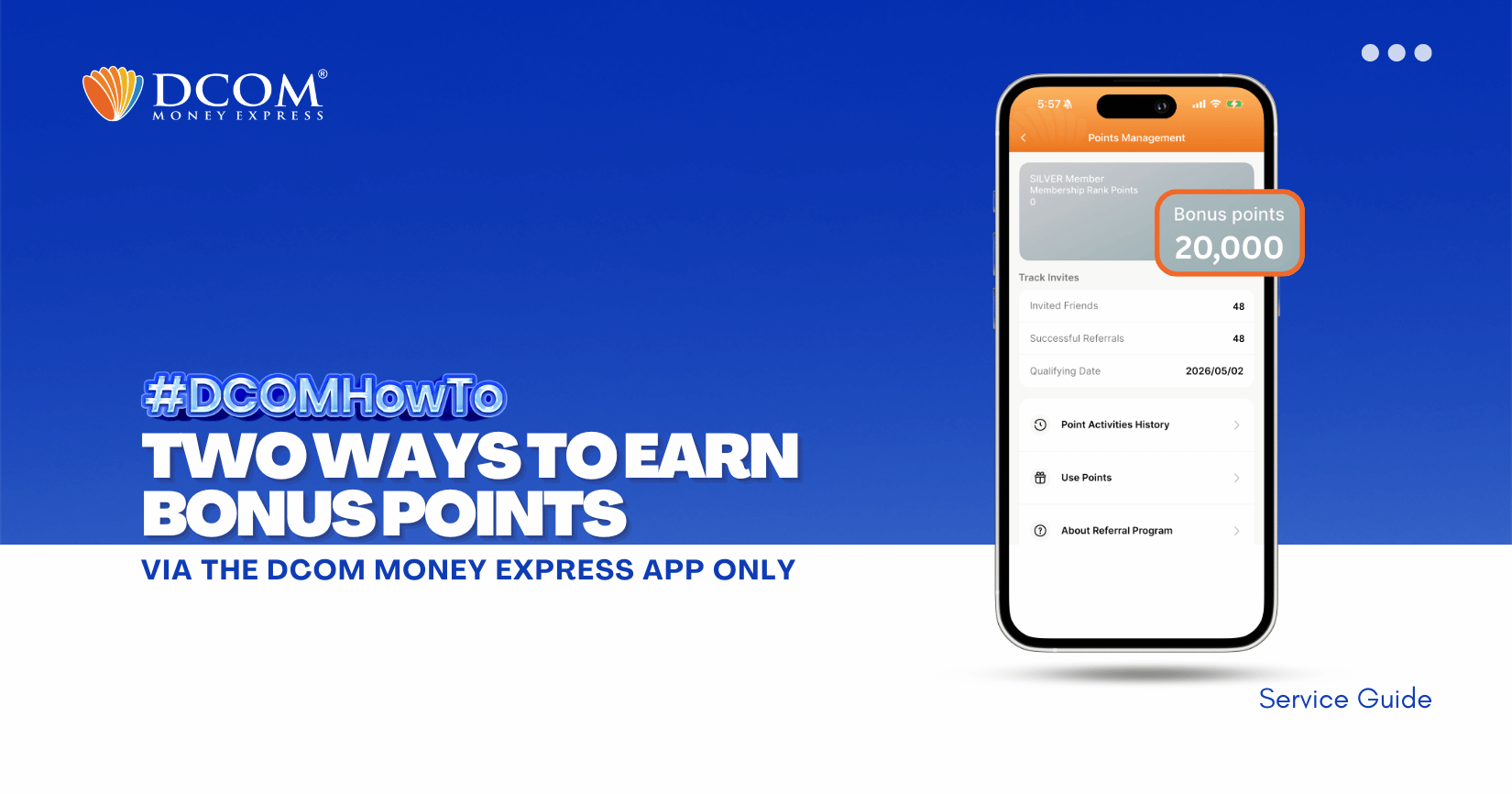
Double the ways to earn, double the rewards! Whether you’re sending money or referring a friend, your DCOM points grow fast. Start maximizing your balance today and turn your points into instant savings. 1️⃣ Earn DCOM Points from Every Completed Remittance ...
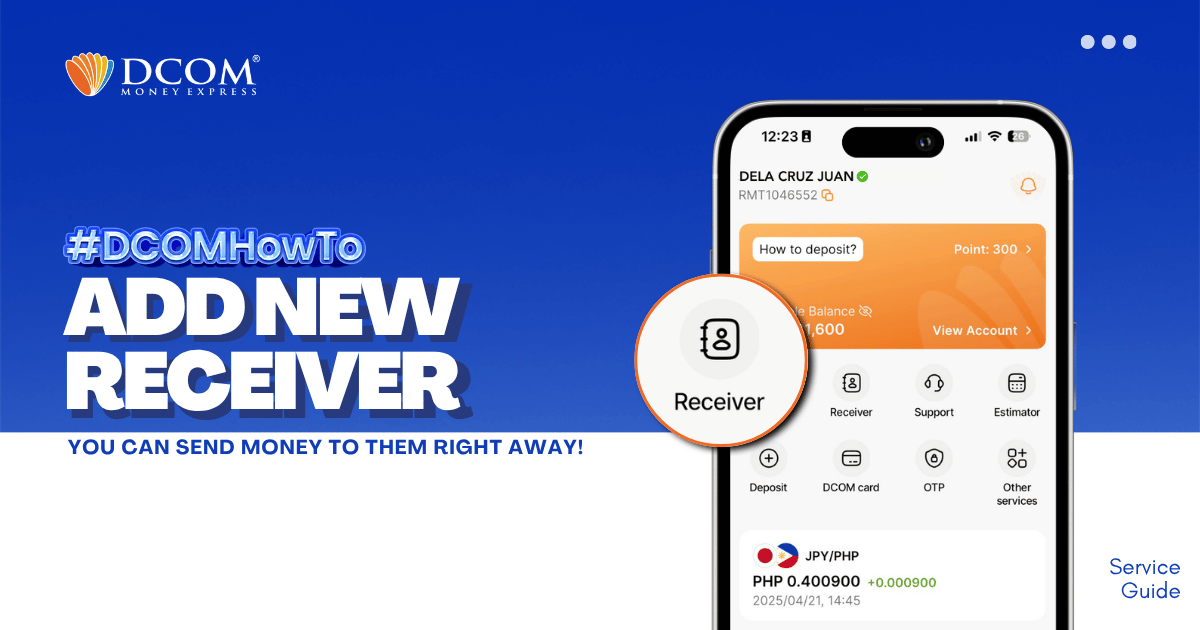
Whether it’s for Cash Pickup or Account Deposit, adding a receiver is now easier with the DCOM App! STEP 1: Tap the RECEIVER.
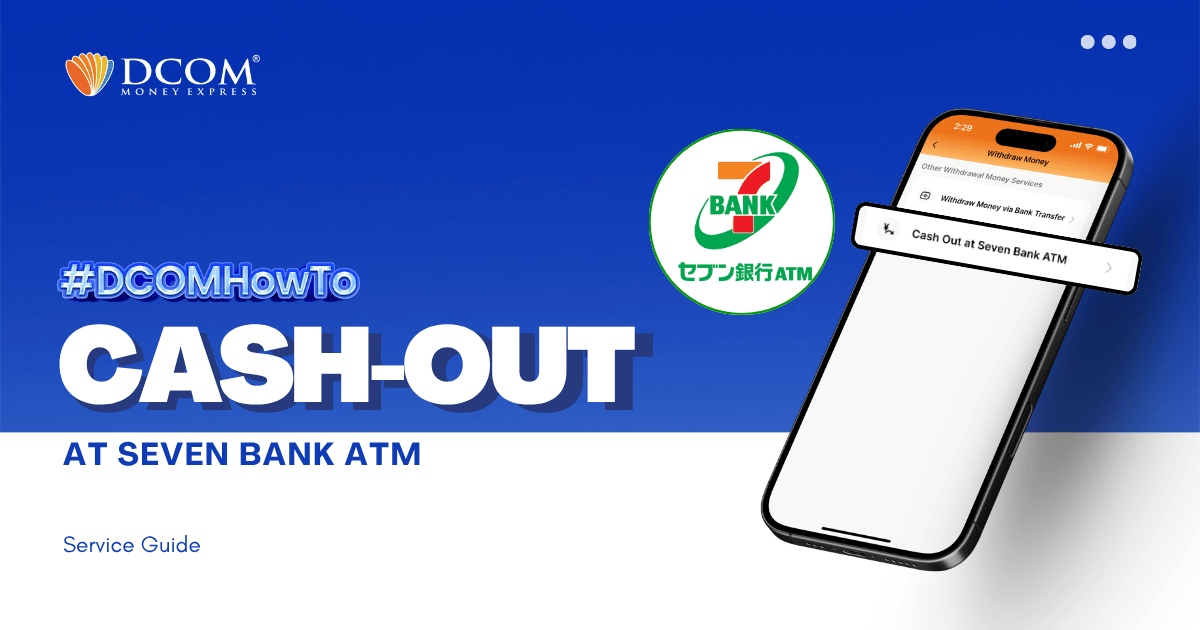
With the DCOM App, you can cash-out or withdraw money from your DCOM Account via Seven Bank ATM! To cash-out your DCOM funds, you have to log-in to your DCOM Account and make a cash-out request. Follow the step-by-step ...
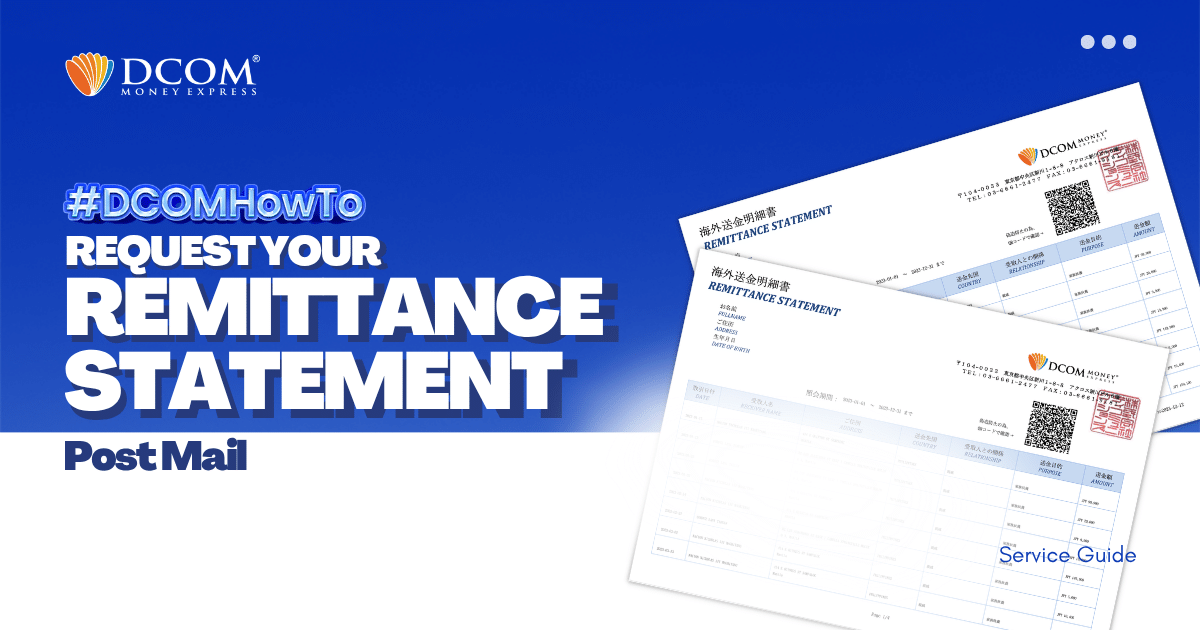
With DCOM, you can easily request to have your Remittance Statement sent by post. You can use it to review your remittance transactions or if you need it for your tax refund. Follow the simple steps below: Step1: Open the DCOM App, ...