


Need a printed copy of your DCOM Remittance Statement? You can print your PDF file using a 7-Eleven Multicopy machine and the 7-Eleven Multicopy app. Before Printing Save your Remittance Statement PDF on your smartphone.Install the 7-Eleven Multicopy app from the App ...
Discy Latest Questions
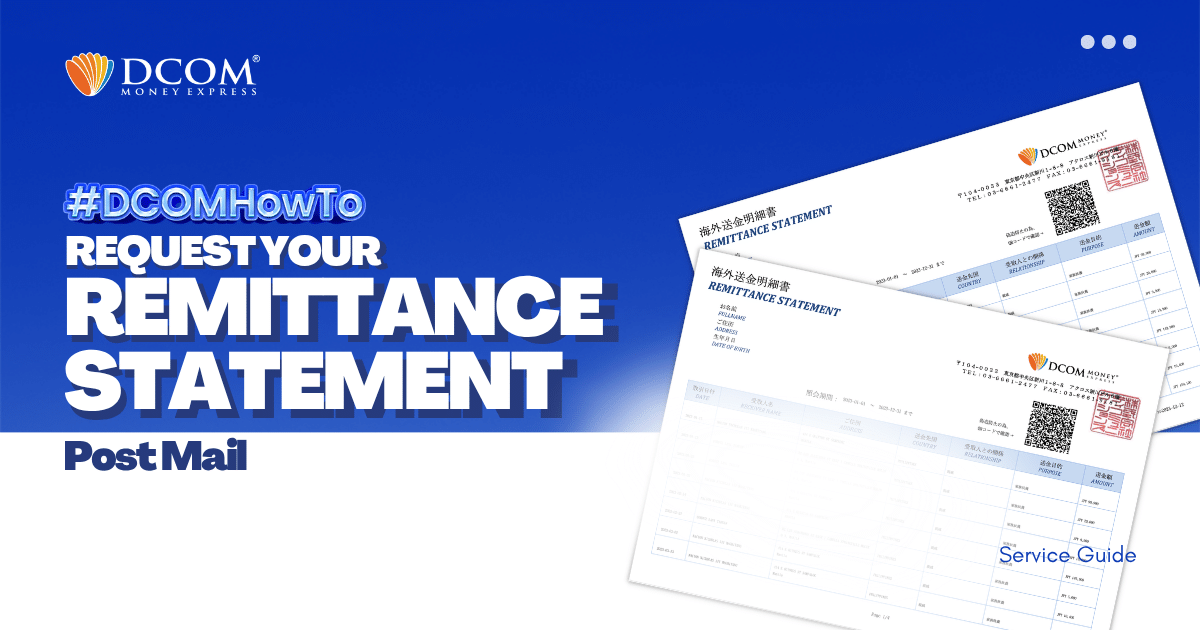
With DCOM, you can easily request to have your Remittance Statement sent by post. You can use it to review your remittance transactions or if you need it for your tax refund. Follow the simple steps below: Step1: Open the DCOM App, ...
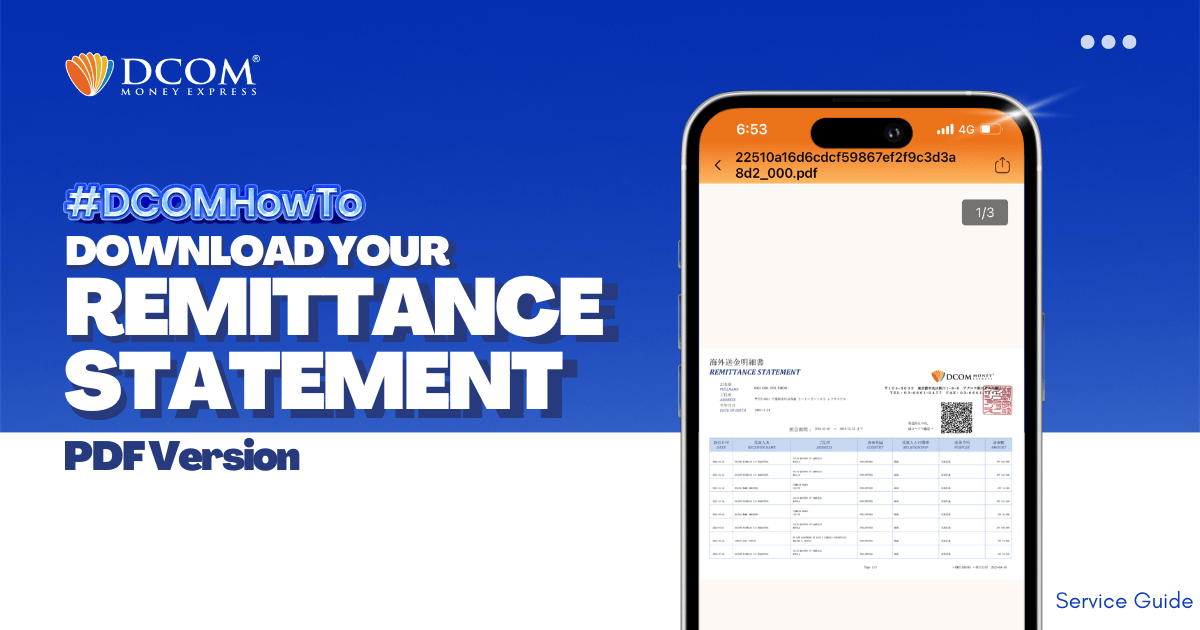
With DCOM, you can easily download your Remittance Statement to view your remittance transactions or use it for your tax refund. Simply follow the steps below: Step 1: From the Home screen, tap ACCOUNT.
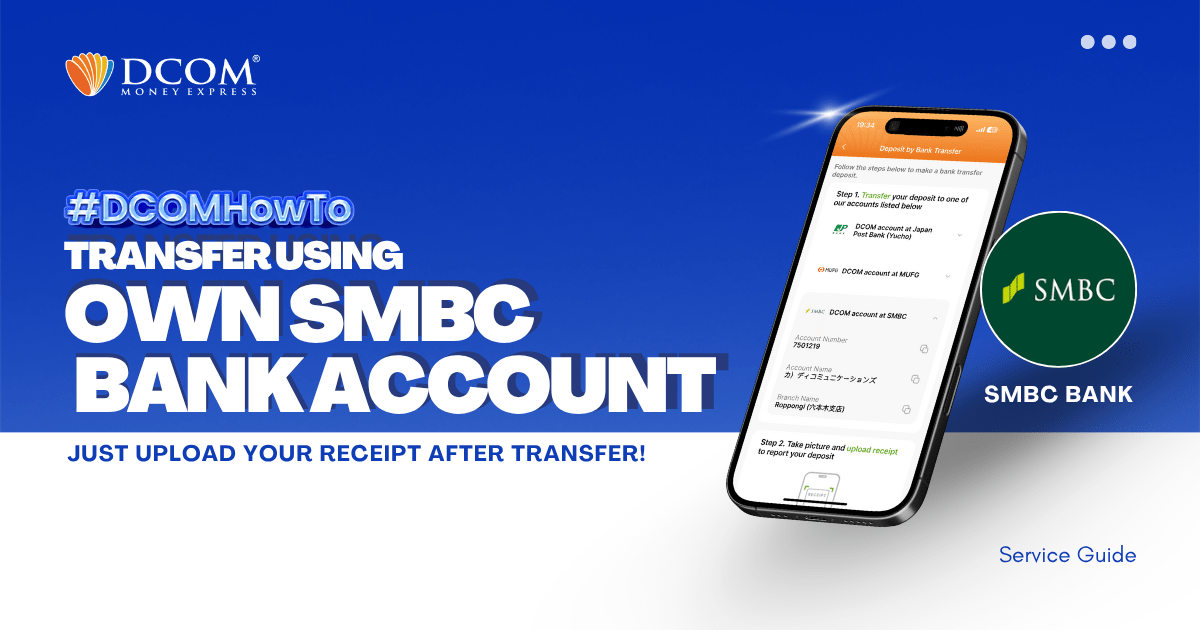
You can use your personal SMBC Bank Account to transfer to DCOM’s bank account. You can also use the DCOM Deposit Card (GOLD) for a faster funds reflection, click here for details: Deposit using DCOM Card at Lawson ATMsDeposit ...
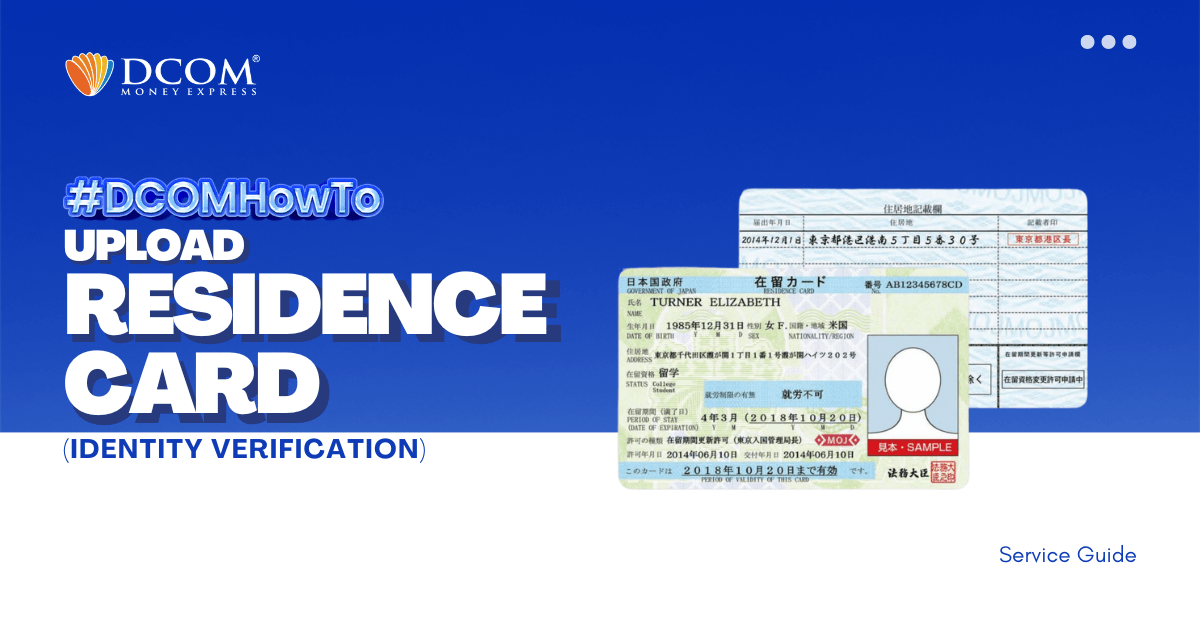
To complete your registration, here are the steps to easily upload your Residence Card using the DCOM APP through Online Verification. Step 1: Tap the “VERIFY YOUR IDENTITY notification on the DCOM App.
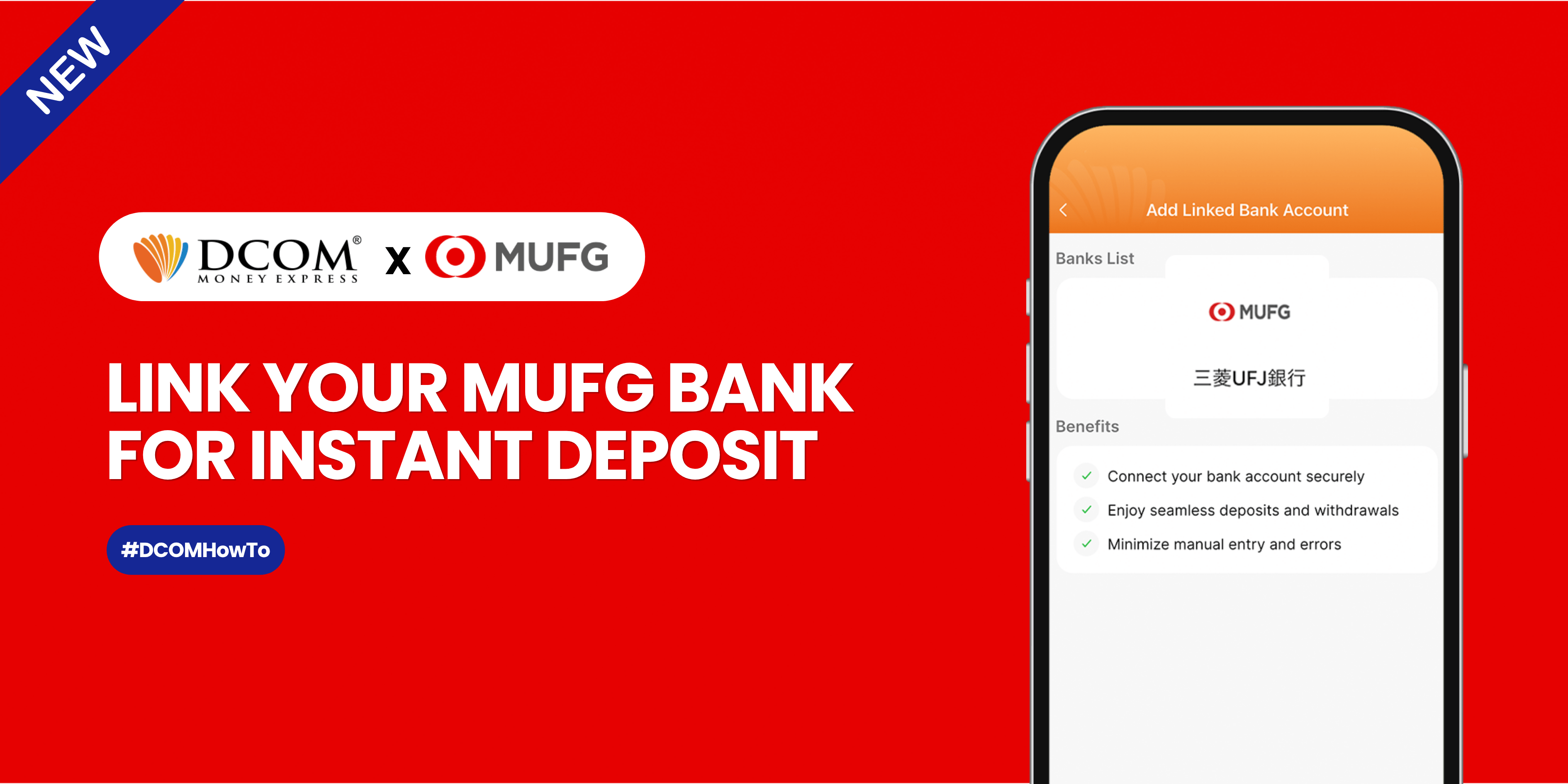
Sending money home should be effortless. By linking your MUFG Bank account to your DCOM app via Mitsubishi UFJ Trust Bank, you can instantly top up your balance whenever you need to. Follow this quick, hassle-free guide to link your account ...
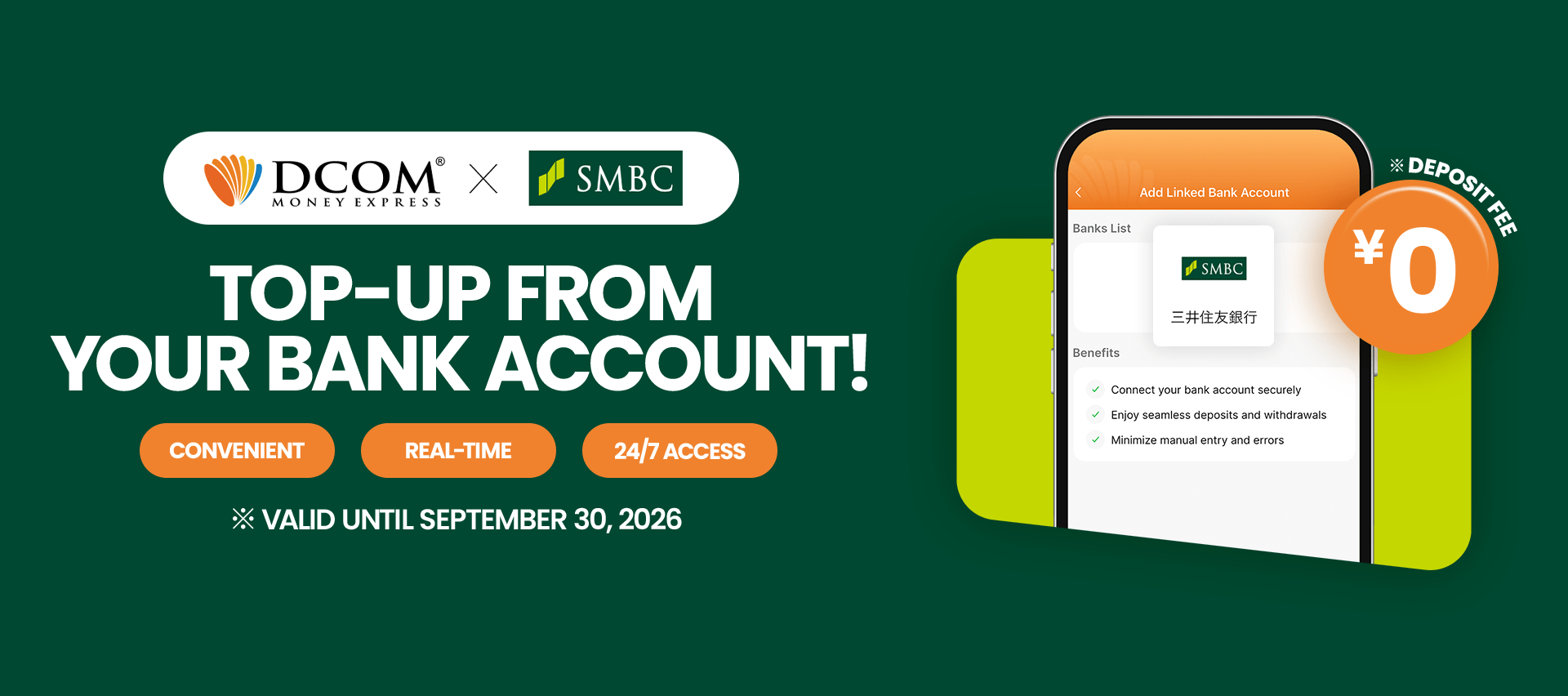
Say goodbye to manual transfers. Follow this quick 12-step guide to connect your Sumitomo Mitsui Banking Corporation (SMBC) account and enjoy seamless, direct top-ups. Before you begin: Please ensure you have your SMBC online banking credentials, branch number, account number, and ...
To enjoy seamless, hassle-free deposits via DCOM Direct Banking, ensure your current Japanese phone number is registered to your JP Bank account. Here is your quick ATM guide: 📌 Important Reminder: Please note that changing your phone number are only available ...
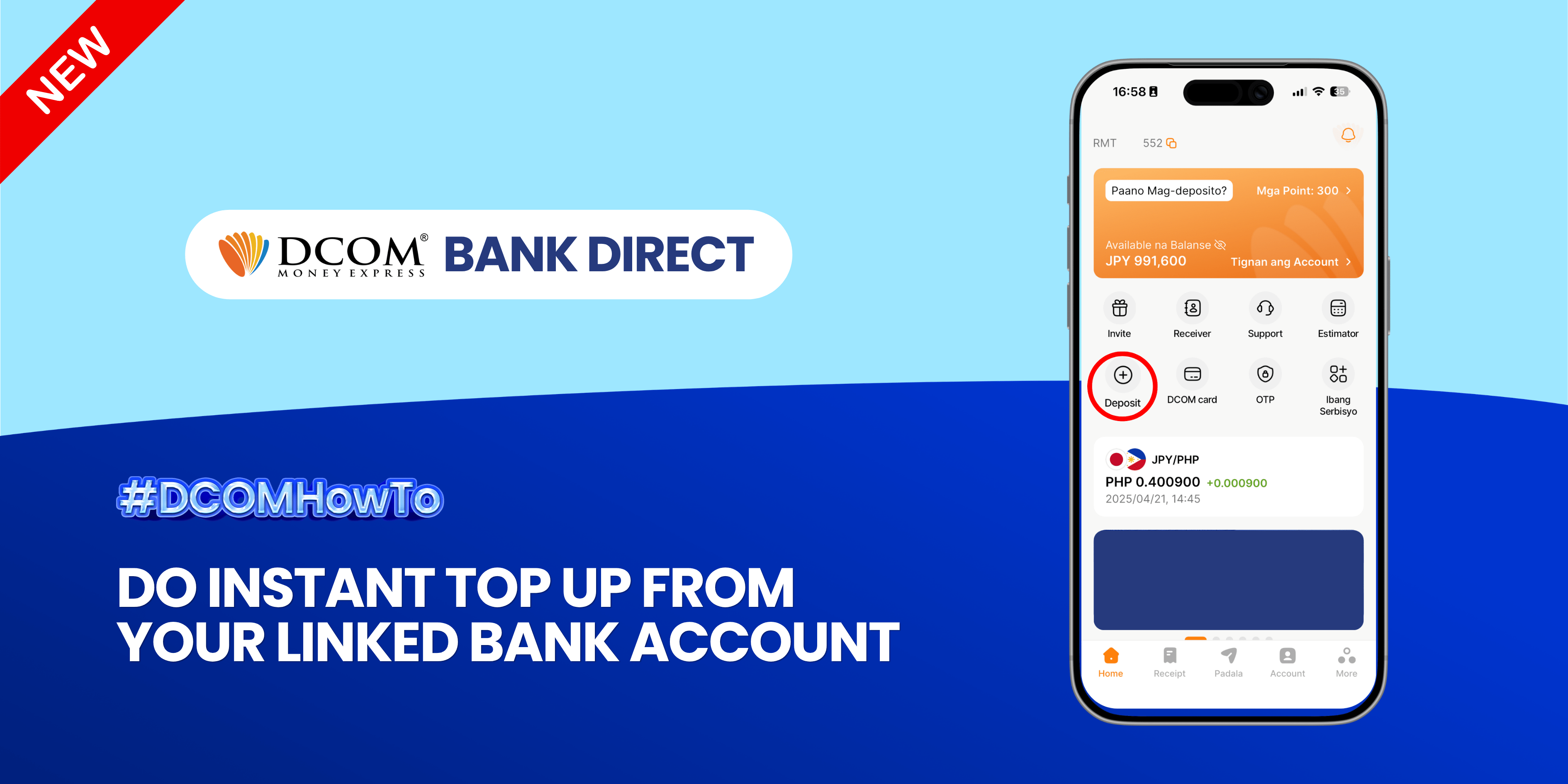
Enjoy the freedom of moving your money back to your bank account anytime, anywhere. With DCOM’s seamless withdrawal feature, getting your funds exactly where you need them is faster and easier than ever. Step 1: Open the DCOM App and press ...
Experience the ultimate convenience of real-time transfers. Seamlessly move funds from your linked bank account to your DCOM account and keep your money moving as fast as you do. Follow the guide below: Step 1: Open the DCOM App and ...