


Can you show me how to register DCOM?
Discy Latest Questions


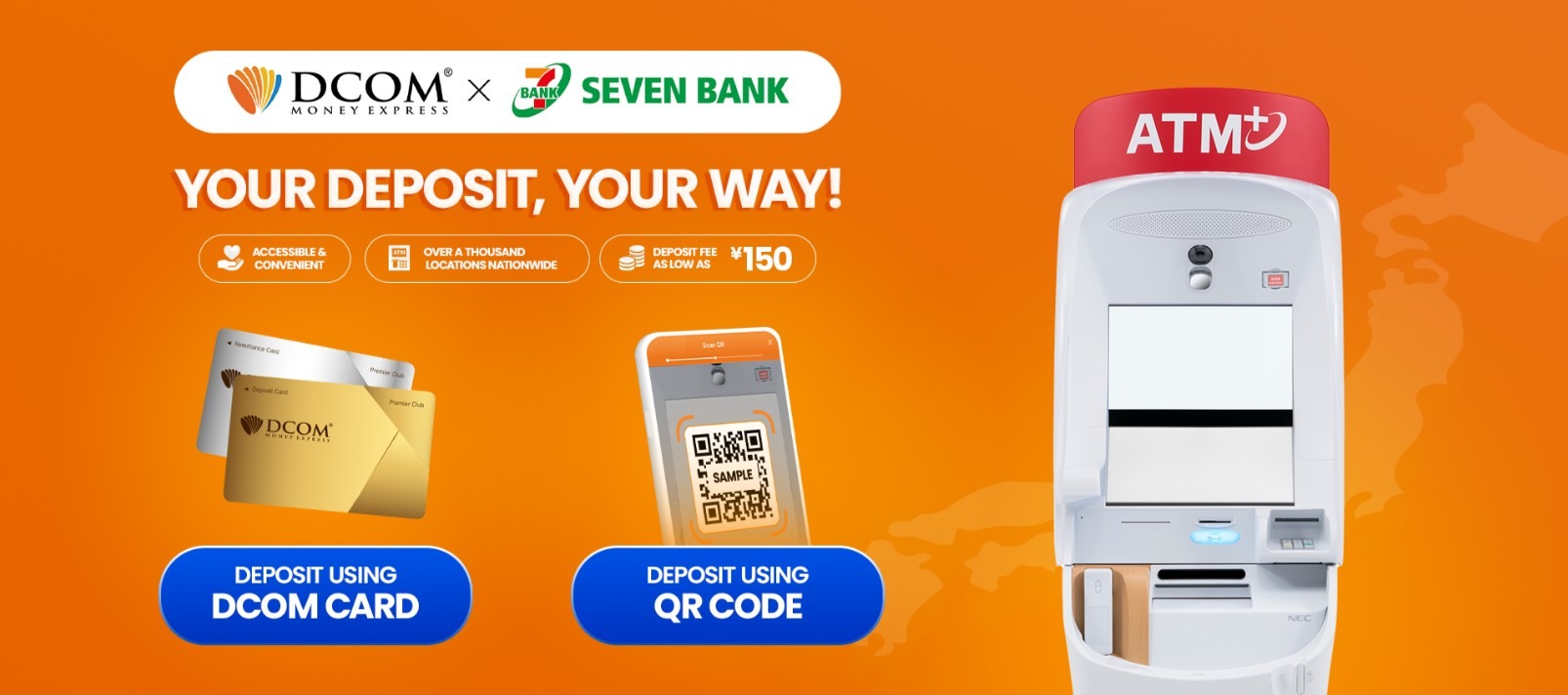
Starting May 1, 2026, DCOM is officially expanding! In addition to Yucho and Lawson, you can now top up your account at any of the 28,000+ Seven Bank ATMs across Japan. Whether you have your DCOM card ready or just ...
Are there any difference in DCOM’s Remittance Fee or Service fee for both Cash Pick-up and Account deposit?
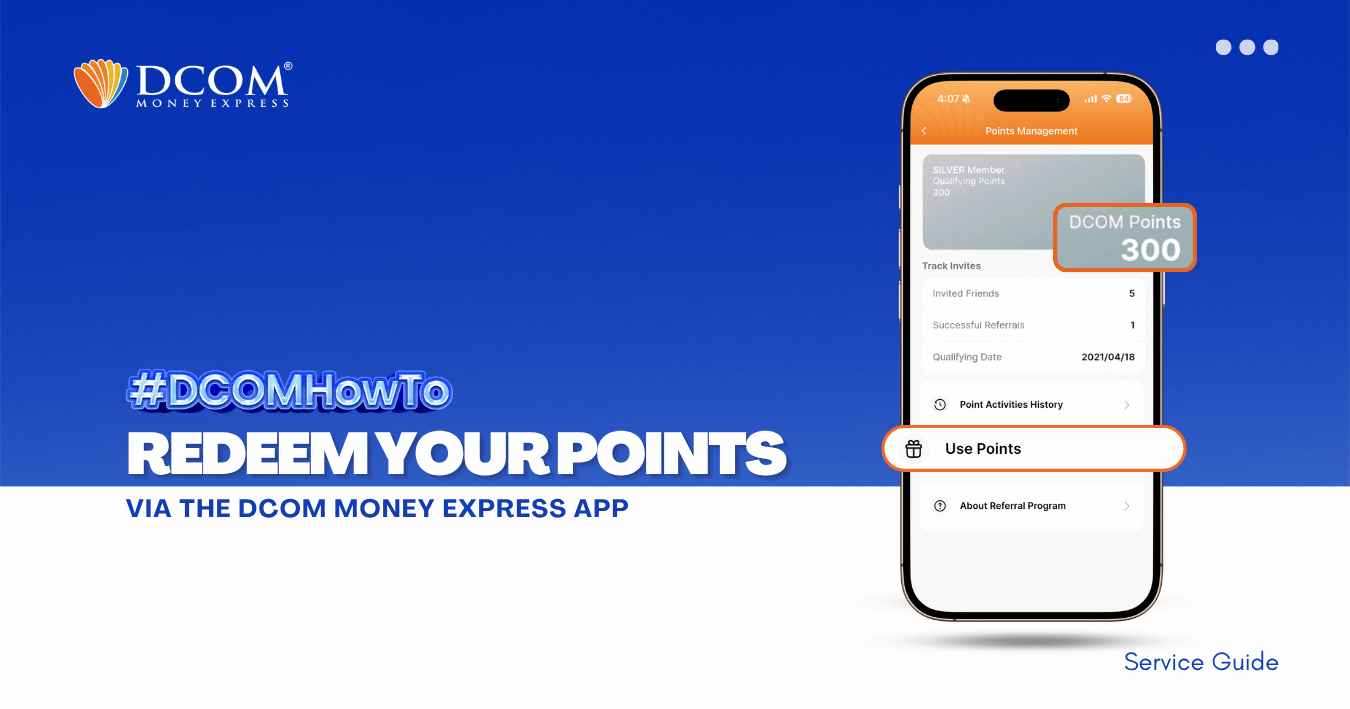
You can redeem your DCOM Points in two (2) ways using the DCOM Money Express App. Choose the option that best fits your needs. A. Redeem to DCOM Balance Convert your DCOM Points into DCOM Balance and use it for future remittance ...
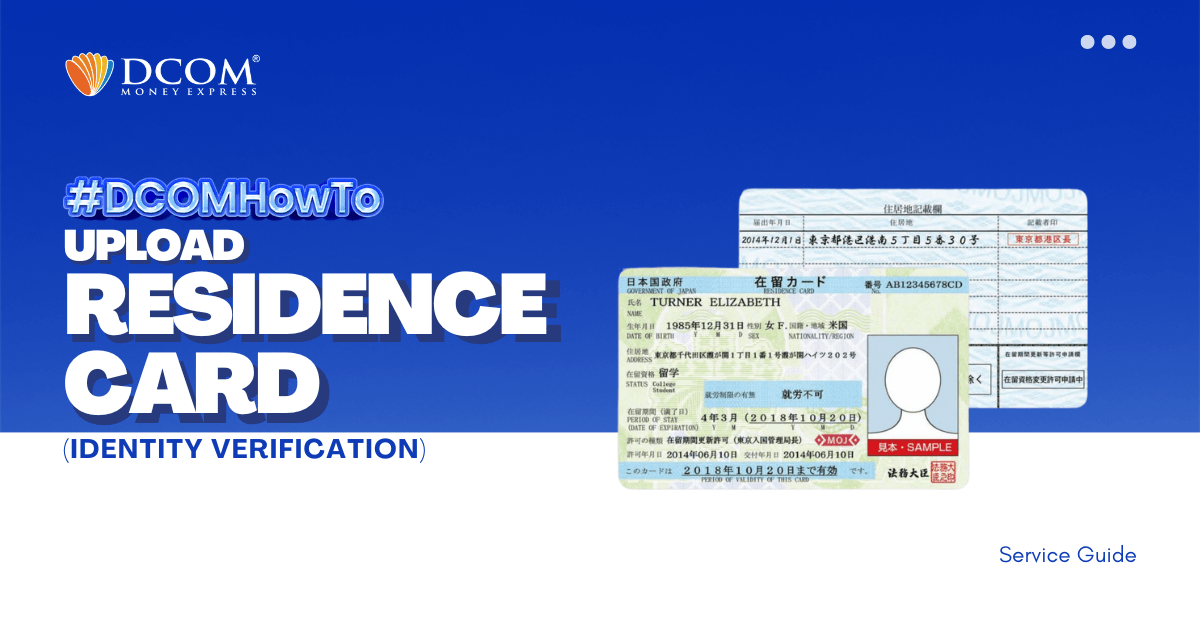
To complete your registration, here are the steps to easily upload your Residence Card using the DCOM APP through Online Verification. Step 1: Tap the “VERIFY YOUR IDENTITY notification on the DCOM App.
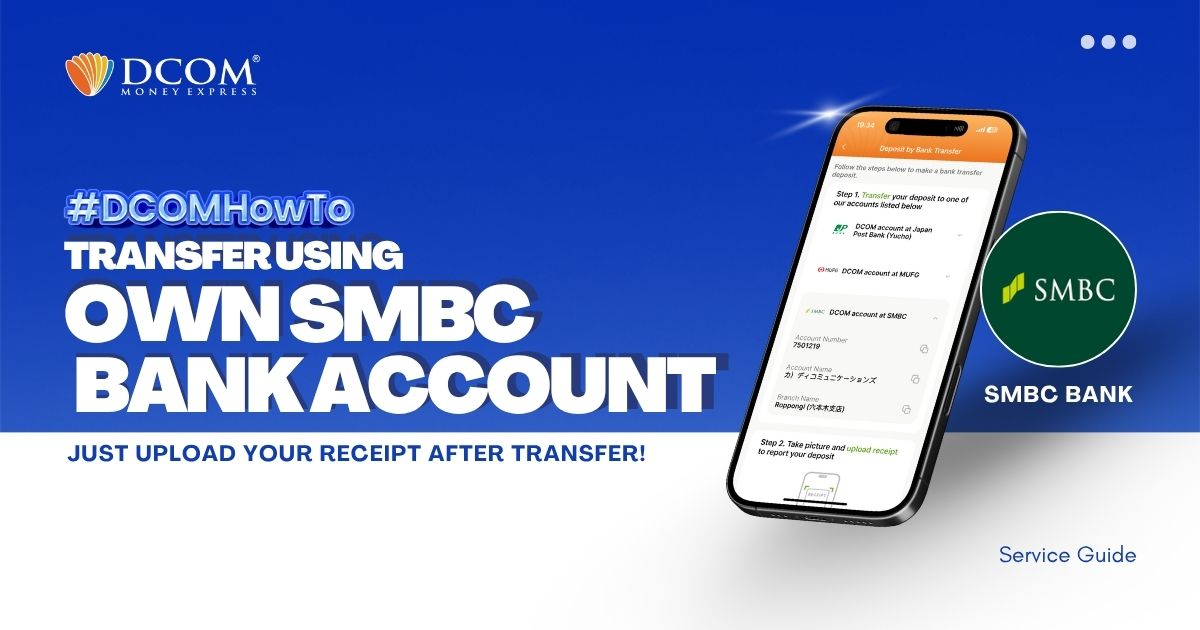
You can use your personal SMBC Bank Account to transfer to DCOM’s bank account. You can also use the DCOM Deposit Card (GOLD) for a faster funds reflection, click here for details: Deposit using DCOM Card at Lawson ATMsDeposit ...
What is DCOM’s day-off?
When can I use my card for transaction? I just received it today.
Please give instruction on how to make free call to DCOM using DCOM App?
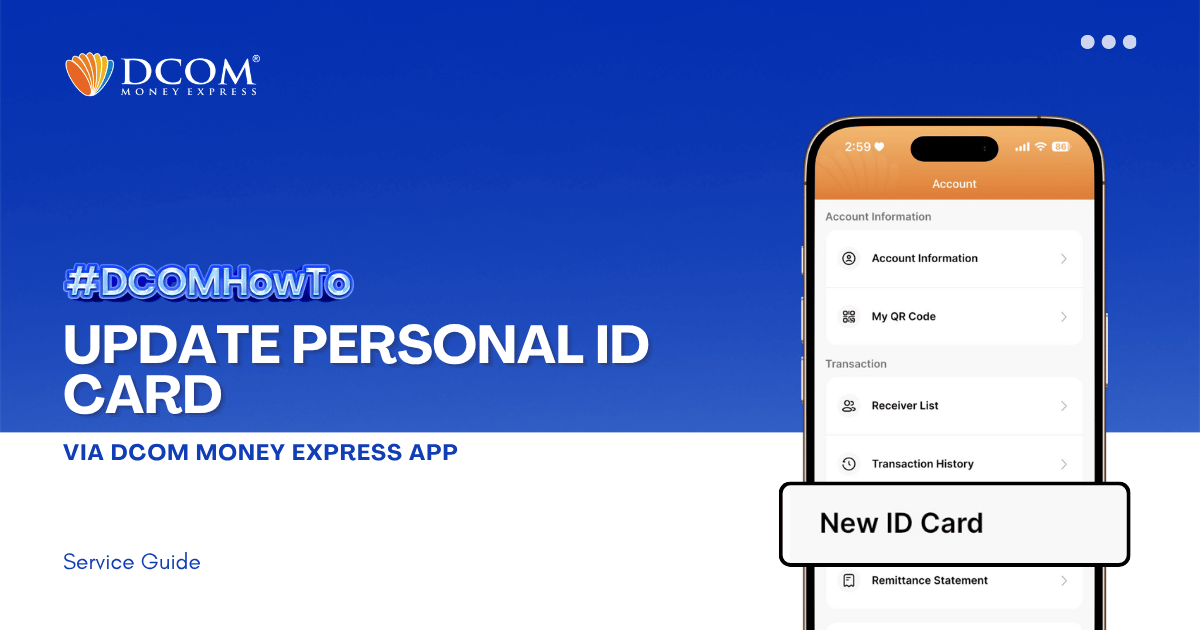
Keep your account active and secure by ensuring your latest identification documents are registered. To enjoy the latest features and a smoother upload experience, please ensure that your DCOM App is updated to version 5.7 before you begin. Step 1: From ...