


I want to refer DCOM to my friends. Where can I find my reference number?
Discy Latest Questions


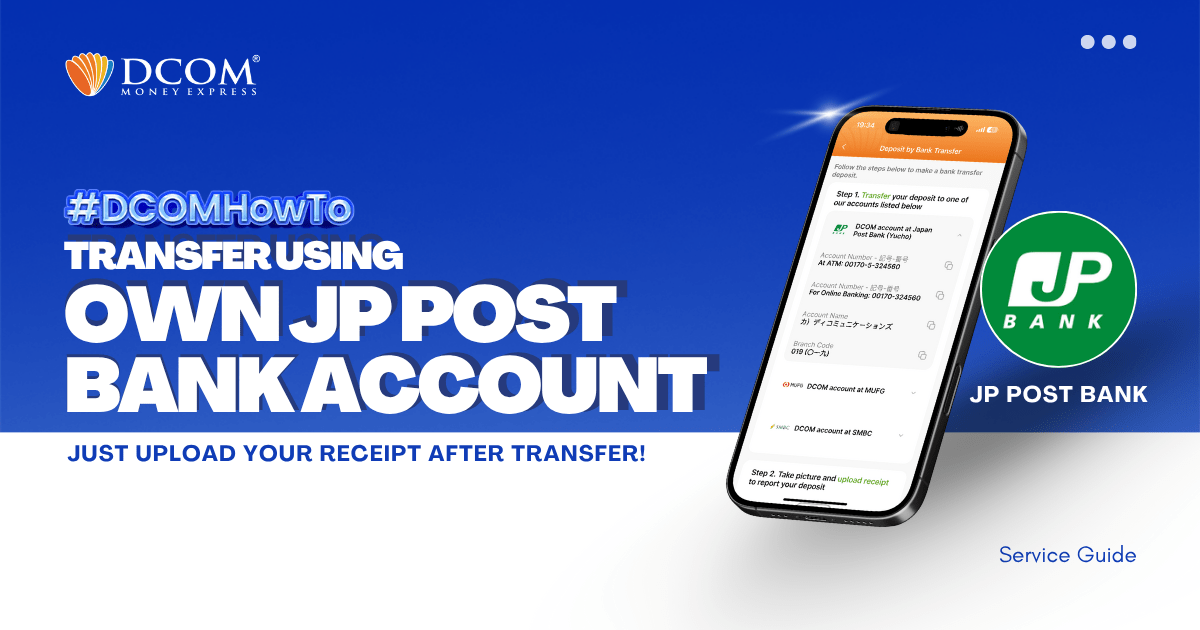
You can use your personal Online JP Post Bank Account (Yuucho Direct) to transfer to DCOM’s bank account. You can also use the DCOM Deposit Card (GOLD) for a faster funds reflection, click here for details: Deposit using DCOM ...
Distance shouldn’t be a barrier to supporting your loved ones. Start your journey with DCOM today and enjoy a secure, fast, and reliable way to send money worldwide. Your first transfer is on us! Download the DCOM APP using this link:App ...
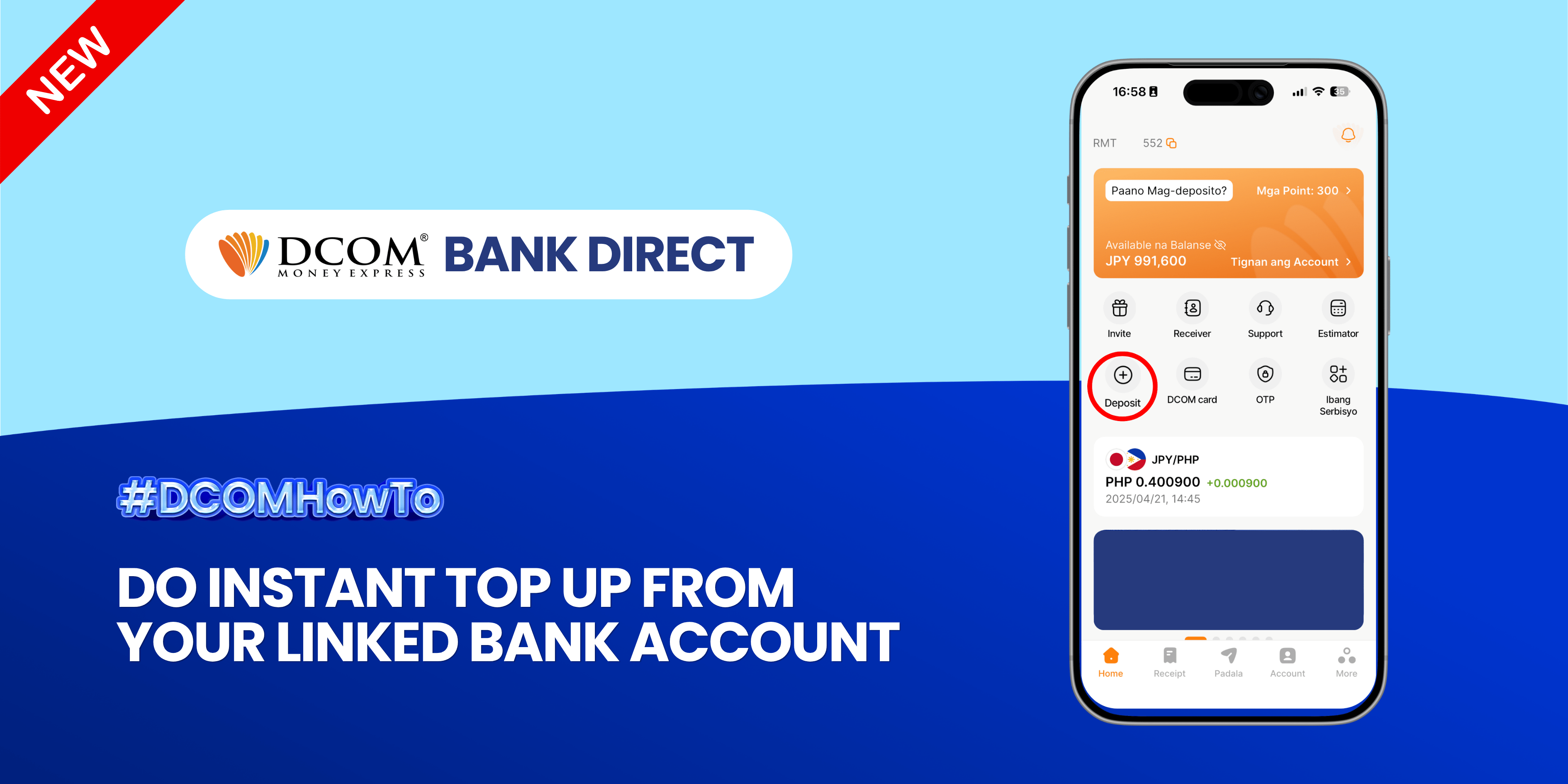
Experience the ultimate convenience of real-time transfers. Seamlessly move funds from your linked bank account to your DCOM account and keep your money moving as fast as you do. Follow the guide below: Step 1: Open the DCOM App and ...
I want to send money using the DCOM App.
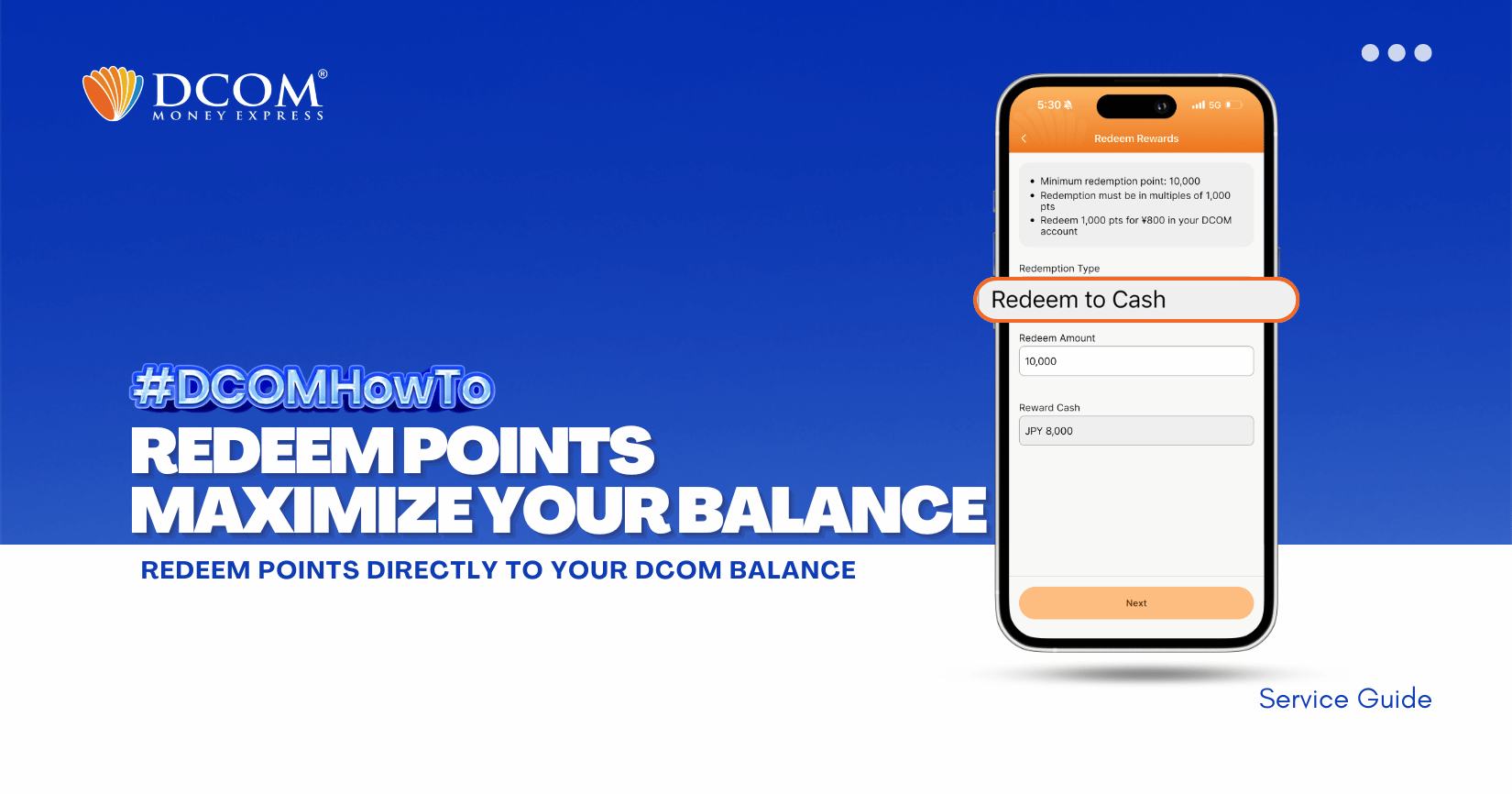
Maximize the power of your balance! Apply your DCOM points to your transactions and enjoy lower fees. It’s the smartest way to send more while spending less and make sure to update your DCOM App to latest version 5.7. Follow ...
I want to deposit into DCOM’s SMBC account.


DCOM Vietnam Help Center
- Chăm sóc khách hàng
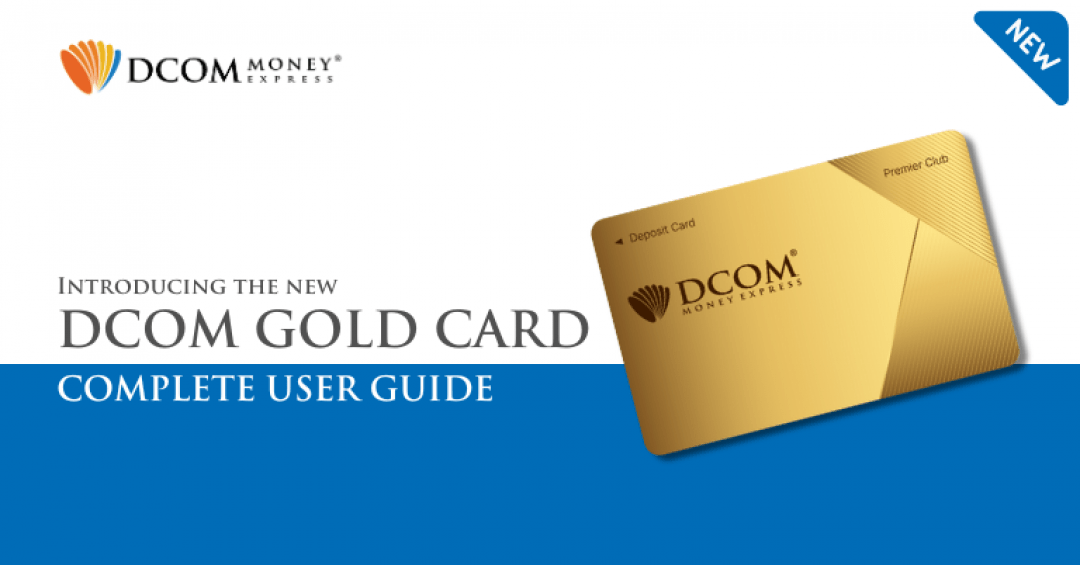
Introducing the Next Generation DCOM Card in English Hướng dẫn sử dụng Thẻ DCOM x LAWSON bằng Tiếng Việt Informasi Lengkap tentang Kartu Gold Baru DCOM
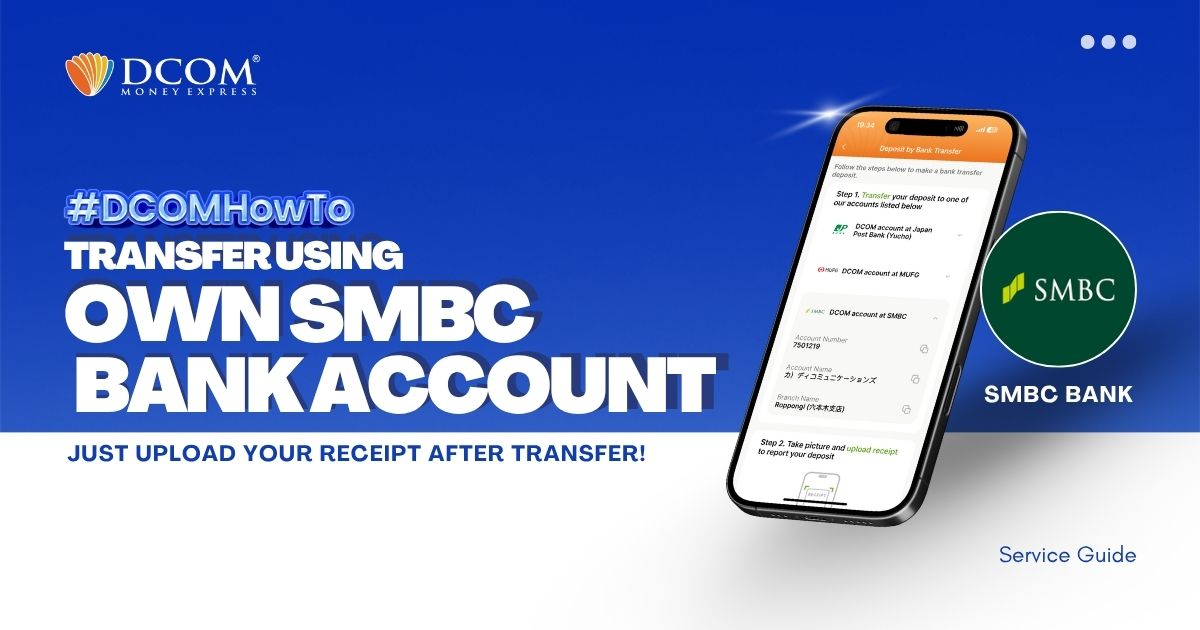
You can use your personal SMBC Bank Account to transfer to DCOM’s bank account. You can also use the DCOM Deposit Card (GOLD) for a faster funds reflection, click here for details: Deposit using DCOM Card at Lawson ATMsDeposit ...
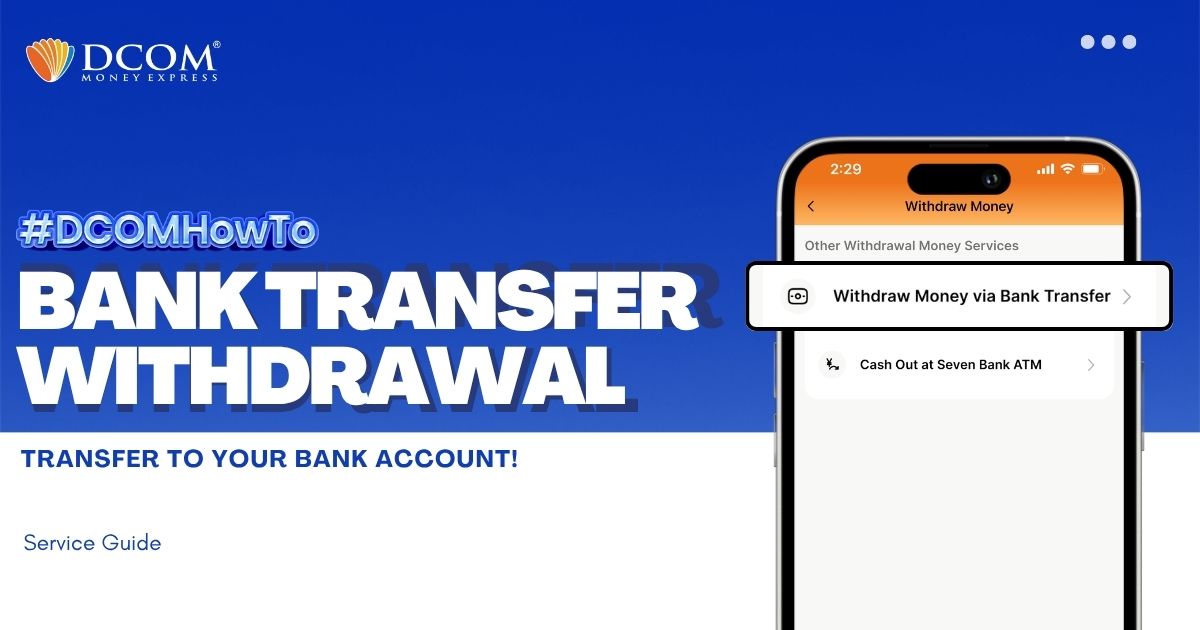
You can withdraw money without having to go out of the premises of your home. With the DCOM App, you can make a request to withdraw your cash from your DCOM Balance back to your bank account. Follow the guide ...