


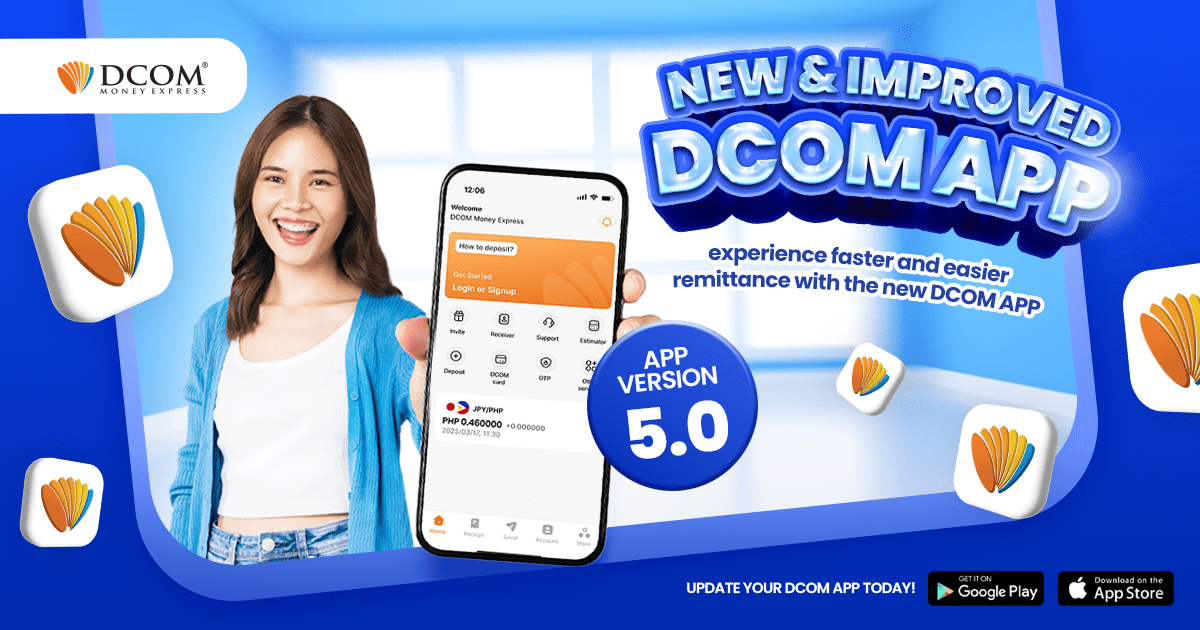
We are very proud to announce the release of the greatest update the DCOM app has ever received — yet! Improved ...
Lost your password? Please enter your email address. You will receive a link and will create a new password via email.
DCOM Help Center is a FAQ website. Learn more about popular topics and find resources that will help you answer all of your questions about DCOM's services.
We are very proud to announce the release of the greatest update the DCOM app has ever received — yet! Improved ...
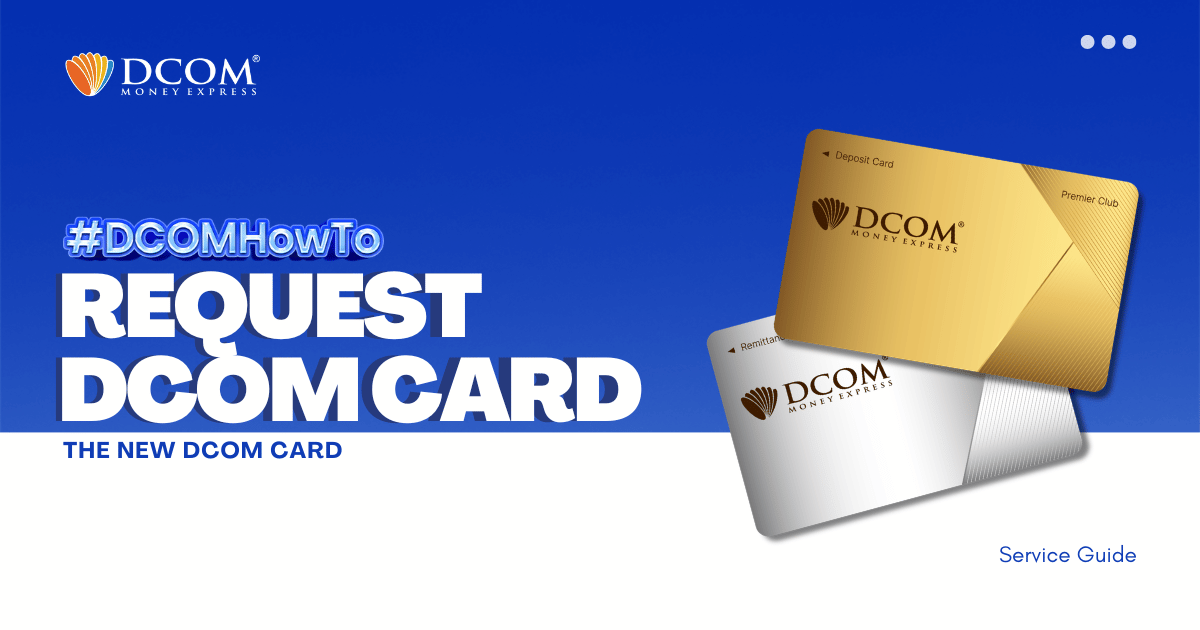
IMPORTANT NOTICE FOR CUSTOMERS REGISTERED BEFORE FEBRUARY 1, 2024 ‼️ DCOM successfully transitioned to an upgraded card system on January 2, 2024. If you are still using an old card (card number starting with “BA…”), please request your new card today ...
Can I change my receiver because I have already sent money but my receiver can not claim?
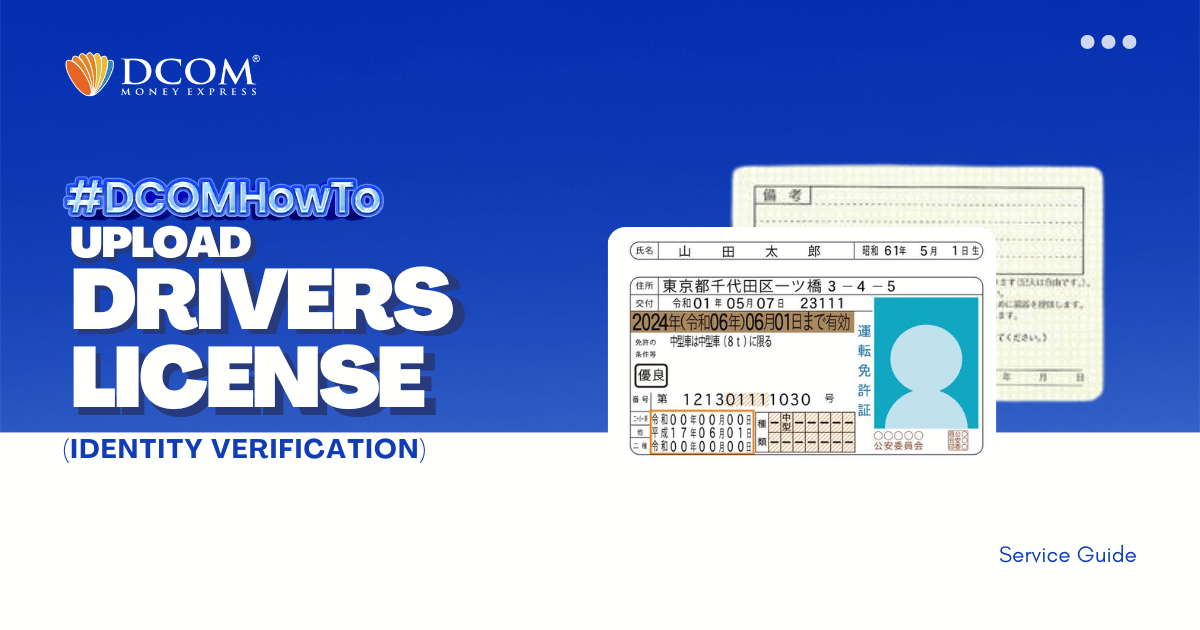
Experience hassle-free registration with DCOM App version 5.7. Follow our step-by-step guide to uploading your Driver’s License via biometrics. The modern way of remitting money is here. Step 1: Tap the “VERIFY YOUR IDENTITY” notification on the Home Page.
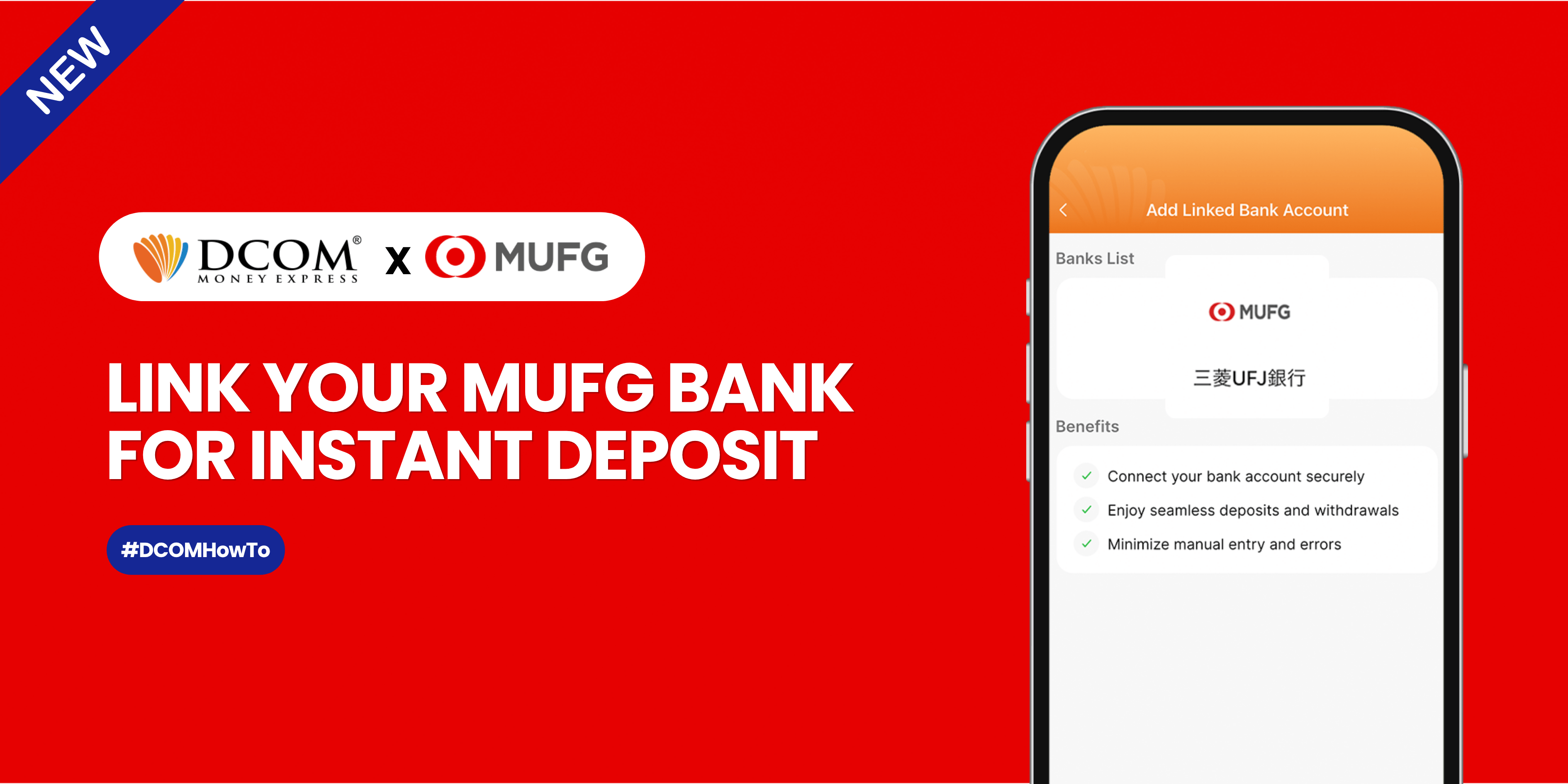
Sending money home should be effortless. By linking your MUFG Bank account to your DCOM app via Mitsubishi UFJ Trust Bank, you can instantly top up your balance whenever you need to. Follow this quick, hassle-free guide to link your account ...
Hindi po ako makapag-log in. Ano po ba yung OTP? Para saan po yun?
Can I send money to my receiver if he has no passport?
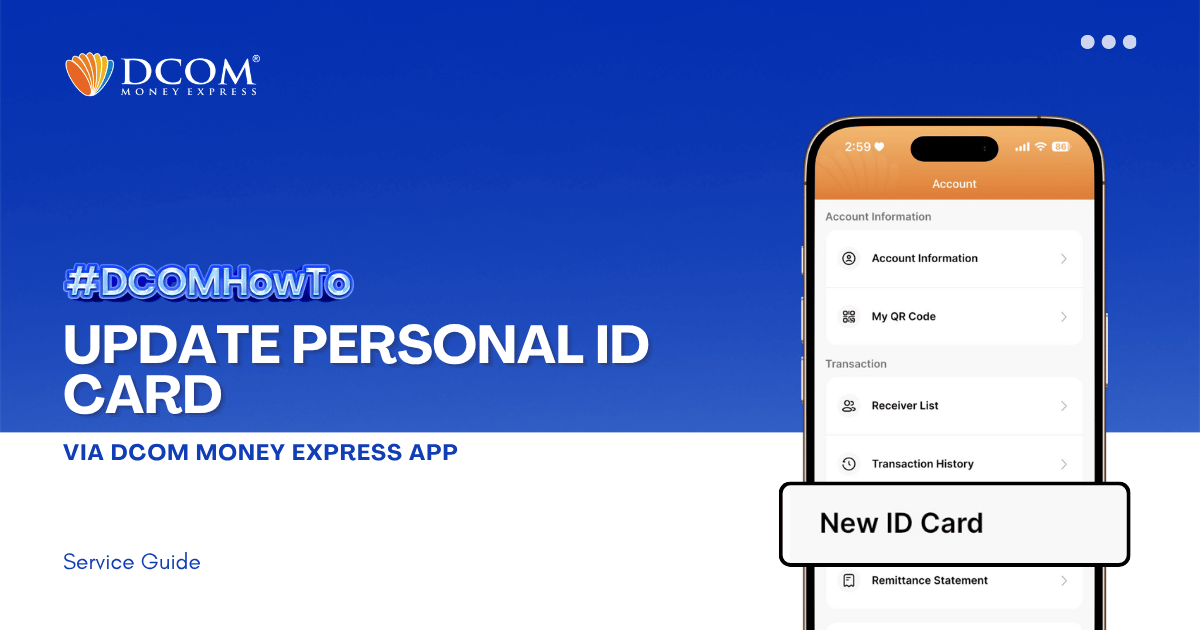
Keep your account active and secure by ensuring your latest identification documents are registered. To enjoy the latest features and a smoother upload experience, please ensure that your DCOM App is updated to version 5.7 before you begin. Step 1: From ...
I want to register DCOM account. What are the steps and requirements?
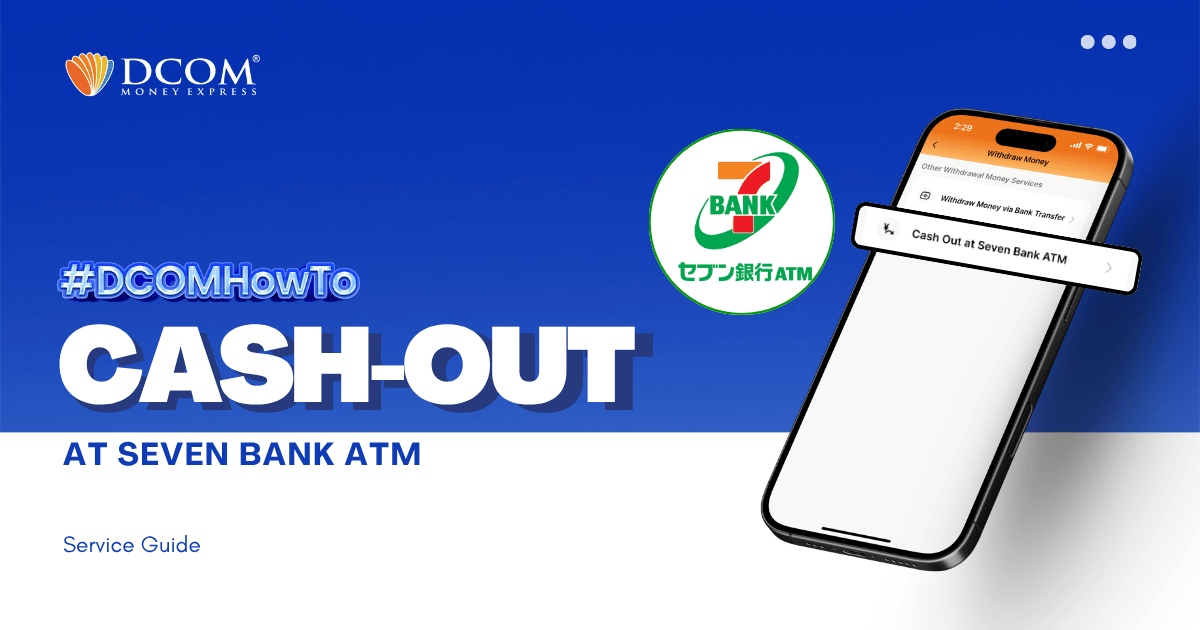
With the DCOM App, you can cash-out or withdraw money from your DCOM Account via Seven Bank ATM! To cash-out your DCOM funds, you have to log-in to your DCOM Account and make a cash-out request. Follow the step-by-step ...


