


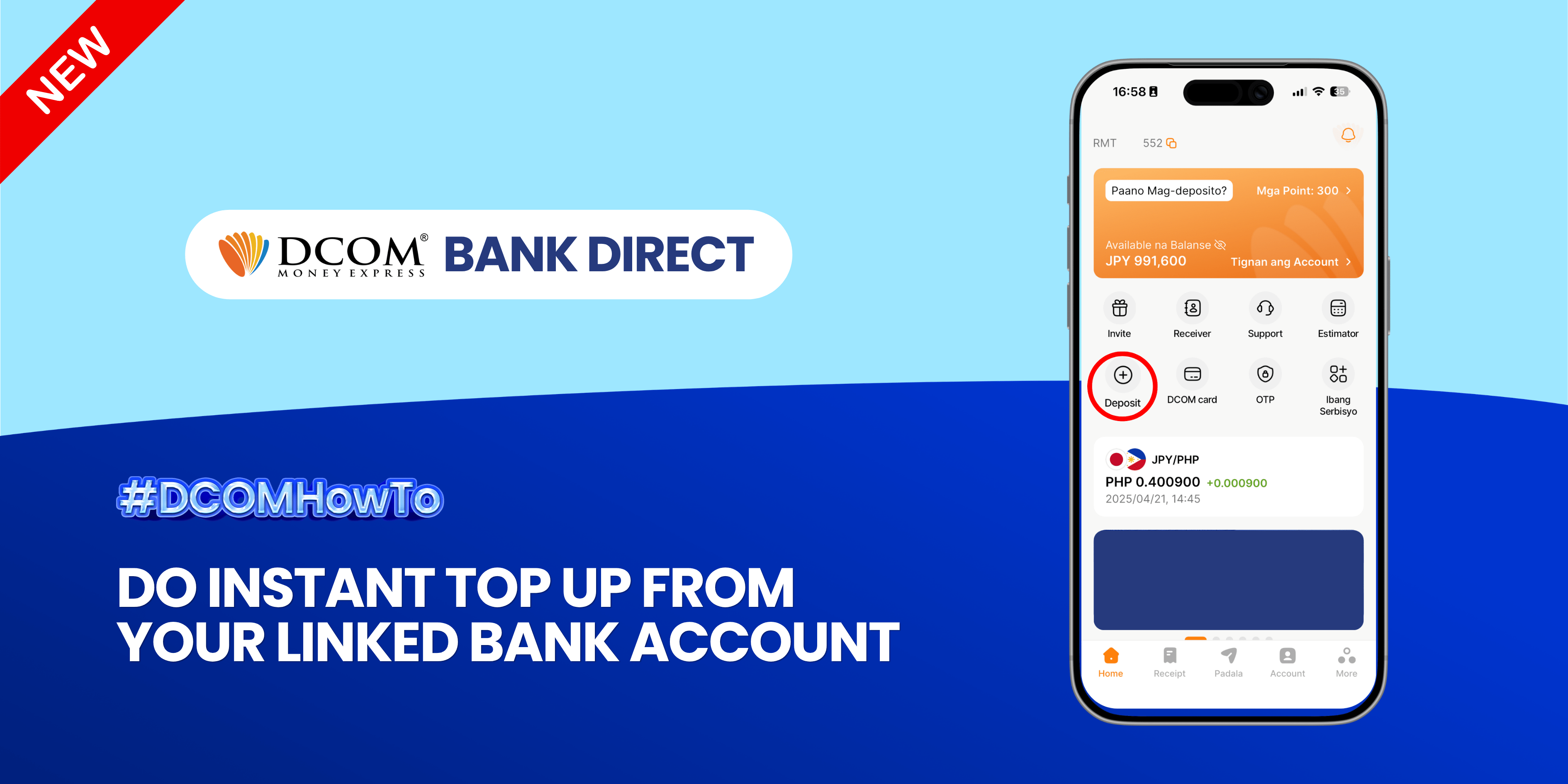
Enjoy the freedom of moving your money back to your bank account anytime, anywhere. With DCOM’s seamless withdrawal feature, getting your funds exactly where you need them is faster and easier than ever. Step 1: Open the DCOM App and press ...
Lost your password? Please enter your email address. You will receive a link and will create a new password via email.
DCOM Help Center is a FAQ website. Learn more about popular topics and find resources that will help you answer all of your questions about DCOM's services.
Enjoy the freedom of moving your money back to your bank account anytime, anywhere. With DCOM’s seamless withdrawal feature, getting your funds exactly where you need them is faster and easier than ever. Step 1: Open the DCOM App and press ...
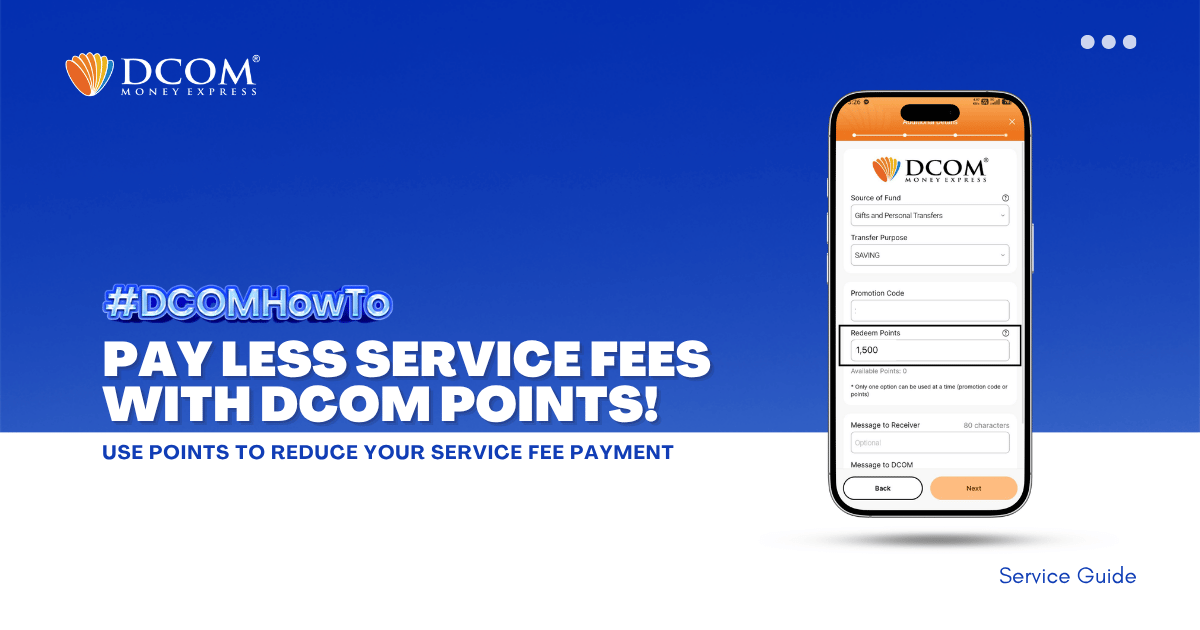
Unlock exclusive savings in just a few taps! Redeem your DCOM points now to enjoy lower service fees on your next transaction. Don’t let your rewards go to waste! Follow the steps below: Step 1: Tap SEND.
To enjoy seamless, hassle-free deposits via DCOM Direct Banking, ensure your current Japanese phone number is registered to your JP Bank account. Here is your quick ATM guide: 📌 Important Reminder: Please note that changing your phone number are only available ...
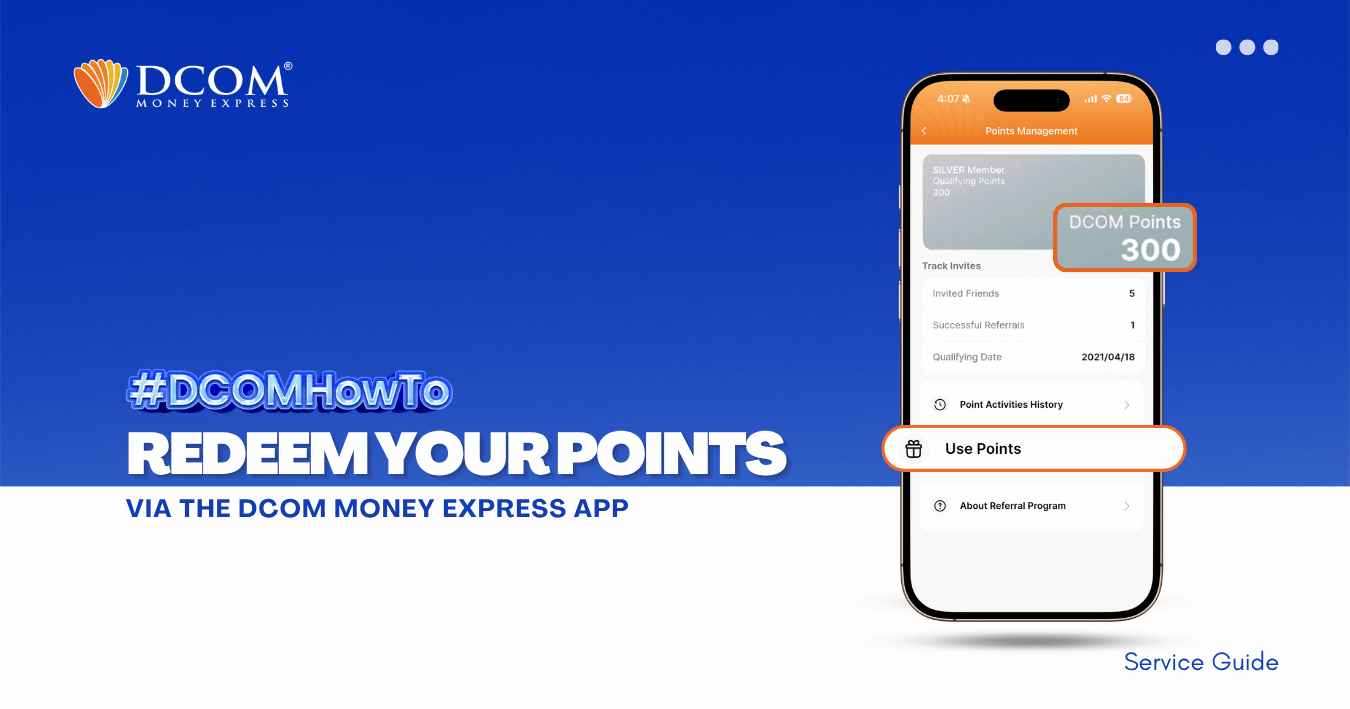
You can redeem your DCOM Points in two (2) ways using the DCOM Money Express App. Choose the option that best fits your needs. A. Redeem to DCOM Balance Convert your DCOM Points into DCOM Balance and use it for future remittance ...
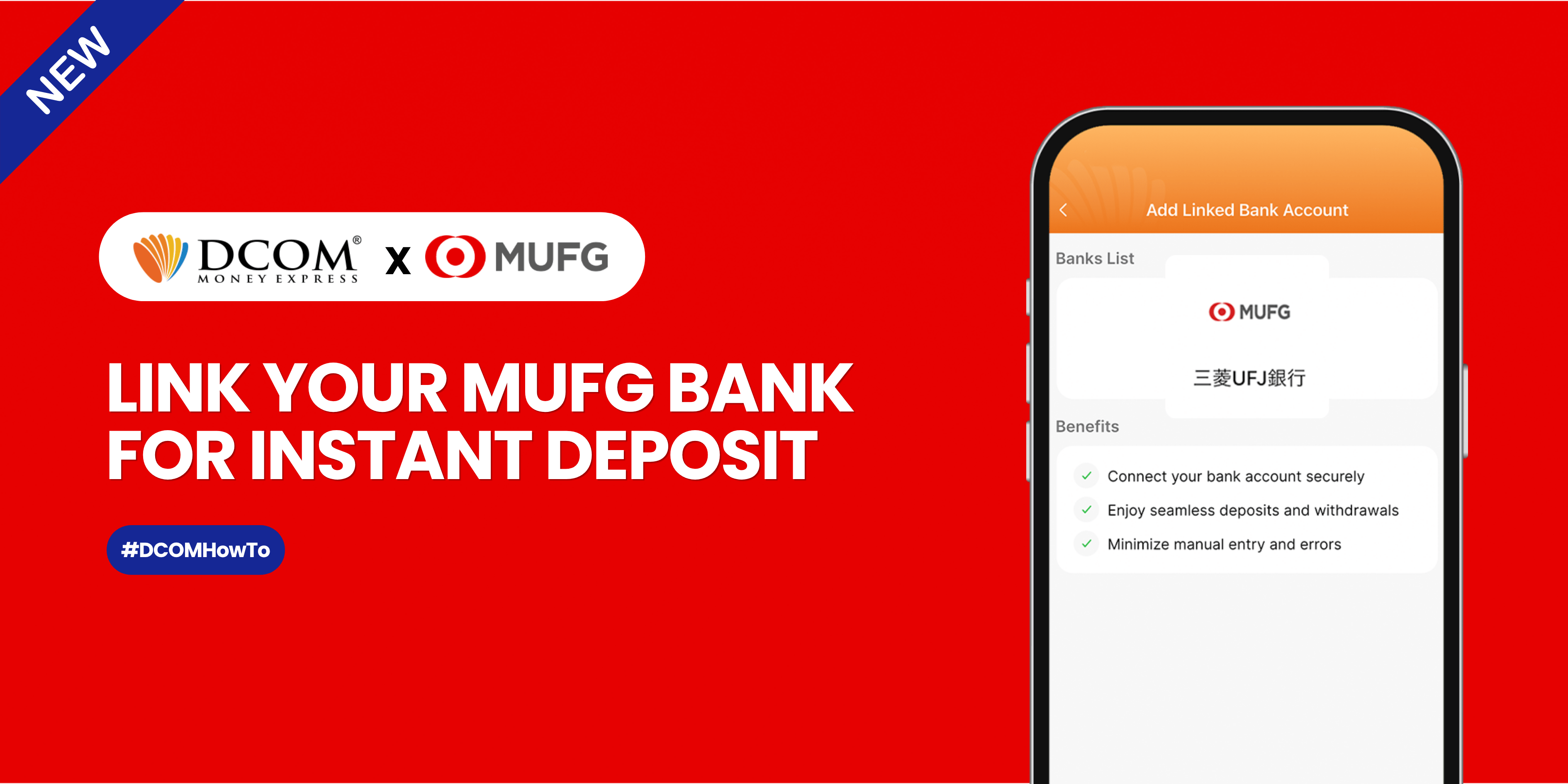
Sending money home should be effortless. By linking your MUFG Bank account to your DCOM app via Mitsubishi UFJ Trust Bank, you can instantly top up your balance whenever you need to. Follow this quick, hassle-free guide to link your account ...
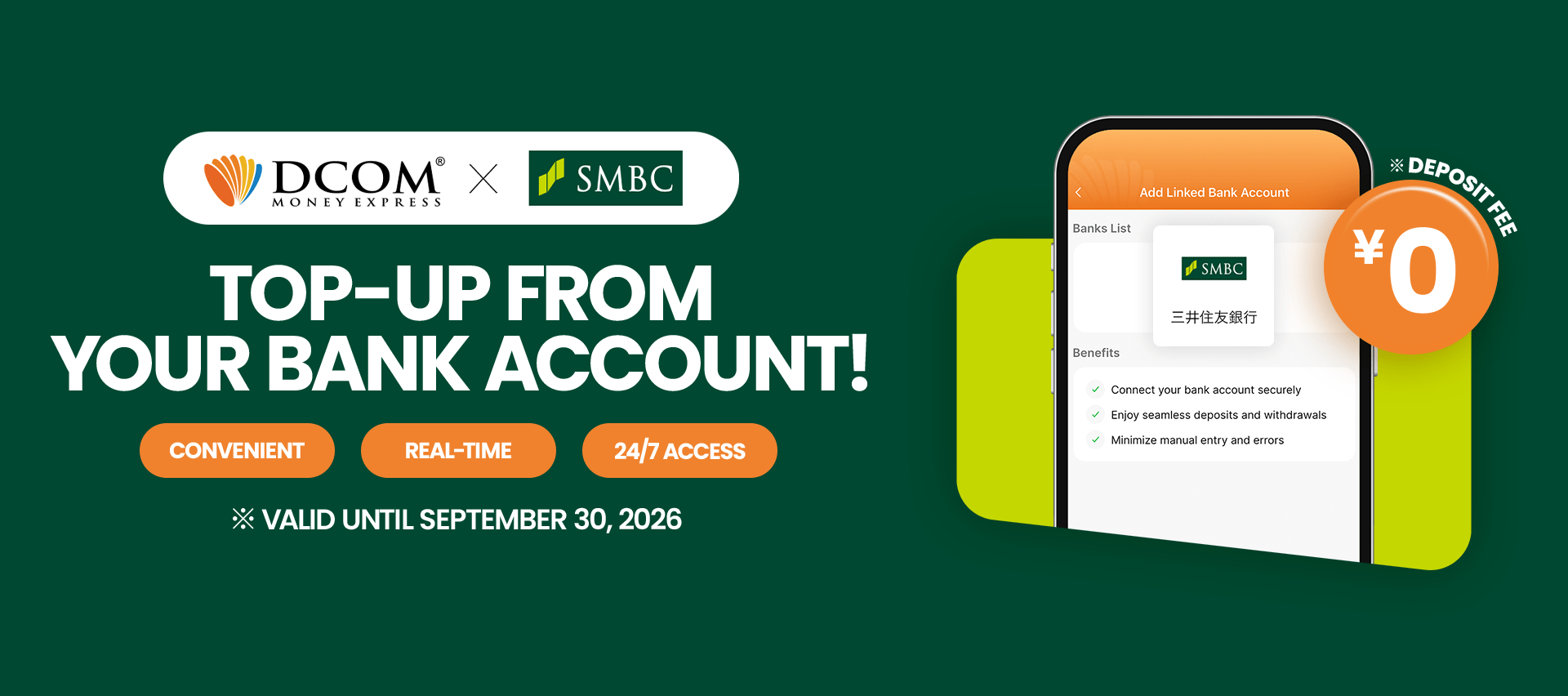
Say goodbye to manual transfers. Follow this quick 12-step guide to connect your Sumitomo Mitsui Banking Corporation (SMBC) account and enjoy seamless, direct top-ups. Before you begin: Please ensure you have your SMBC online banking credentials, branch number, account number, and ...
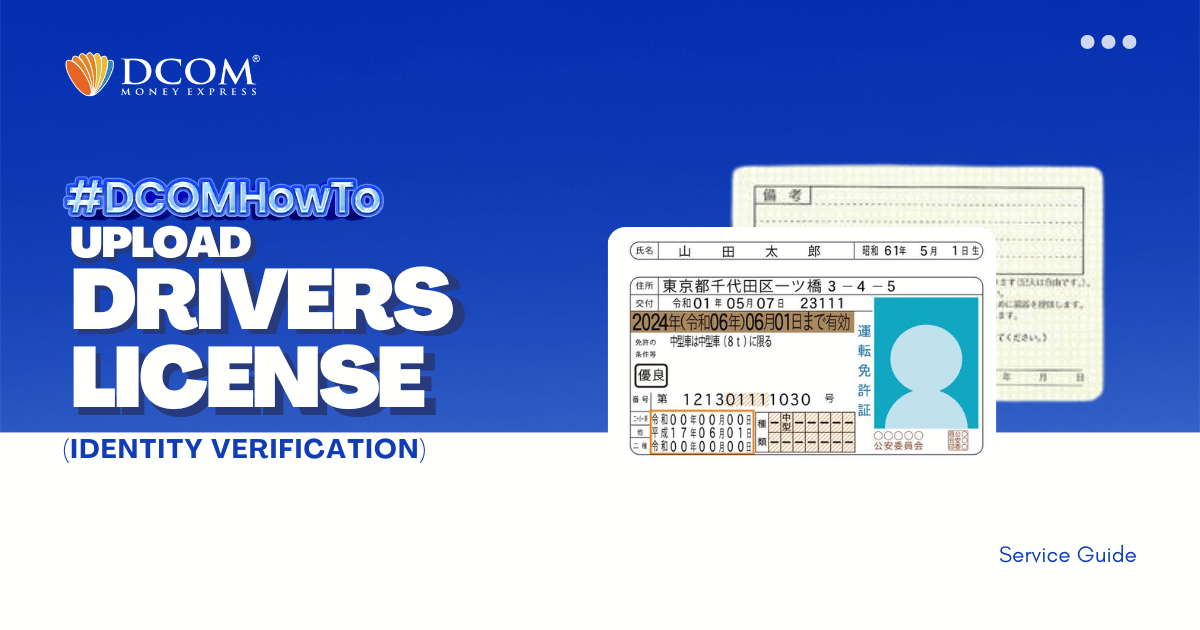
Experience hassle-free registration with DCOM App version 5.7. Follow our step-by-step guide to uploading your Driver’s License via biometrics. The modern way of remitting money is here. Step 1: Tap the “VERIFY YOUR IDENTITY” notification on the Home Page.
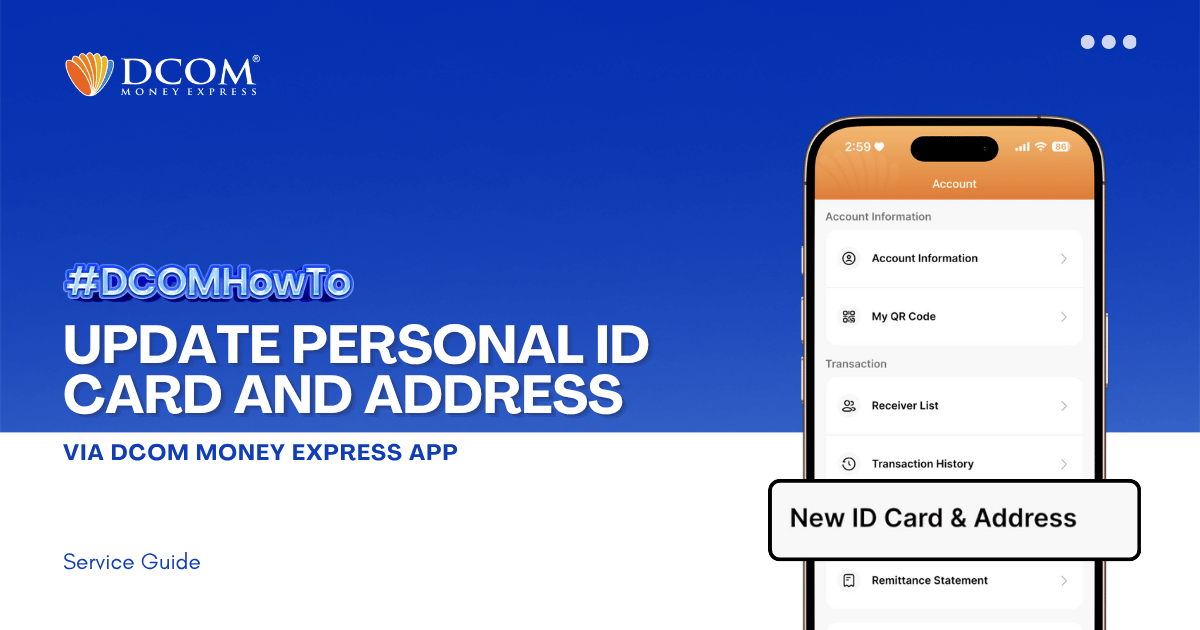
Keeping your identification and address records current is essential for uninterrupted and secure transactions. To ensure a seamless upload and verification process, please make sure your DCOM App is updated to version 5.7 before you begin. Step 1: From the Main ...
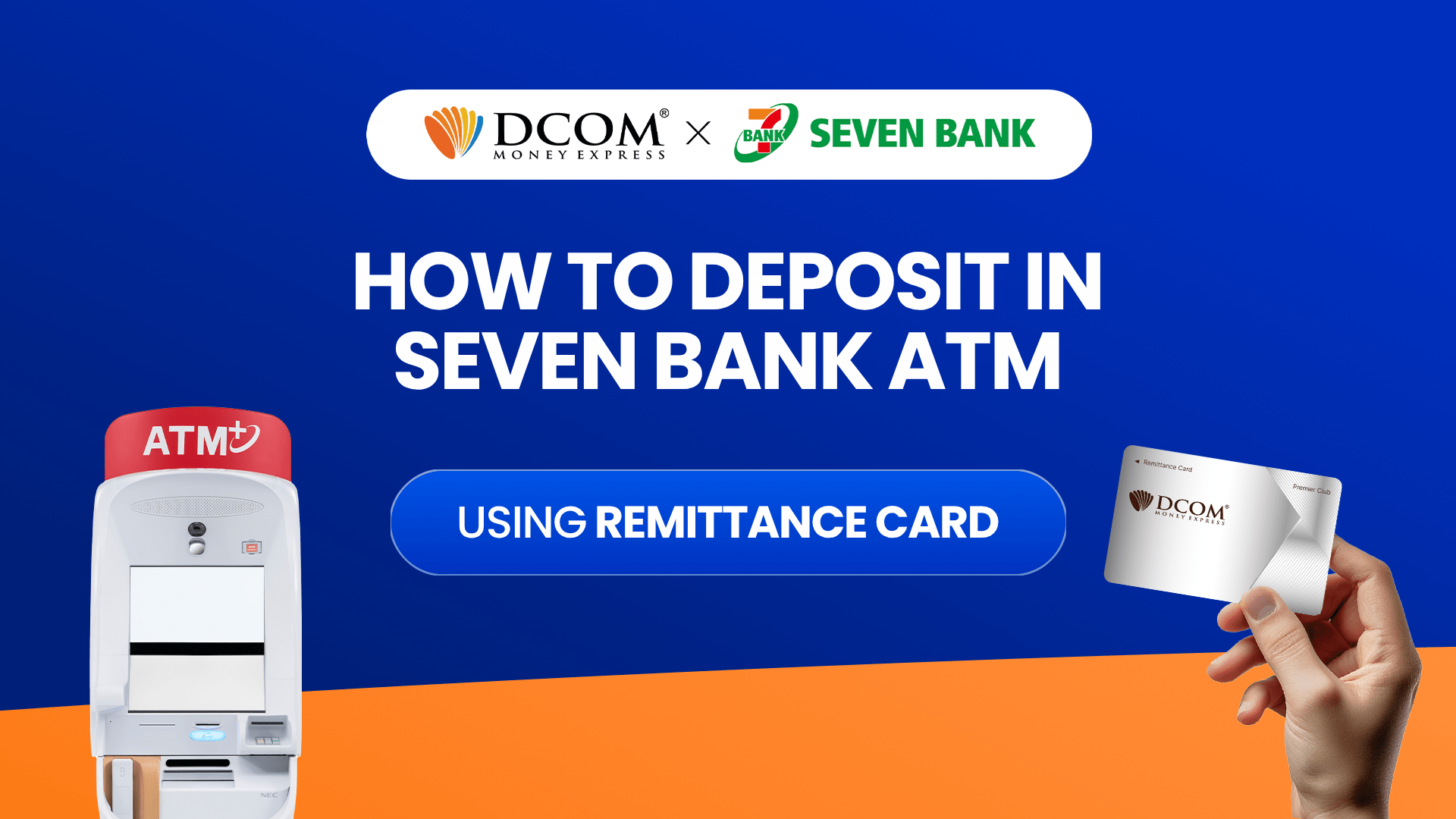
Experience the Convenience You’ve Been Asking For Available 24/7 Nationwide. Follow these simple steps to fund your account and send money home instantly using any of the 27,000+ Seven Bank ATMs across Japan. Step 1: Insert your DCOM Card
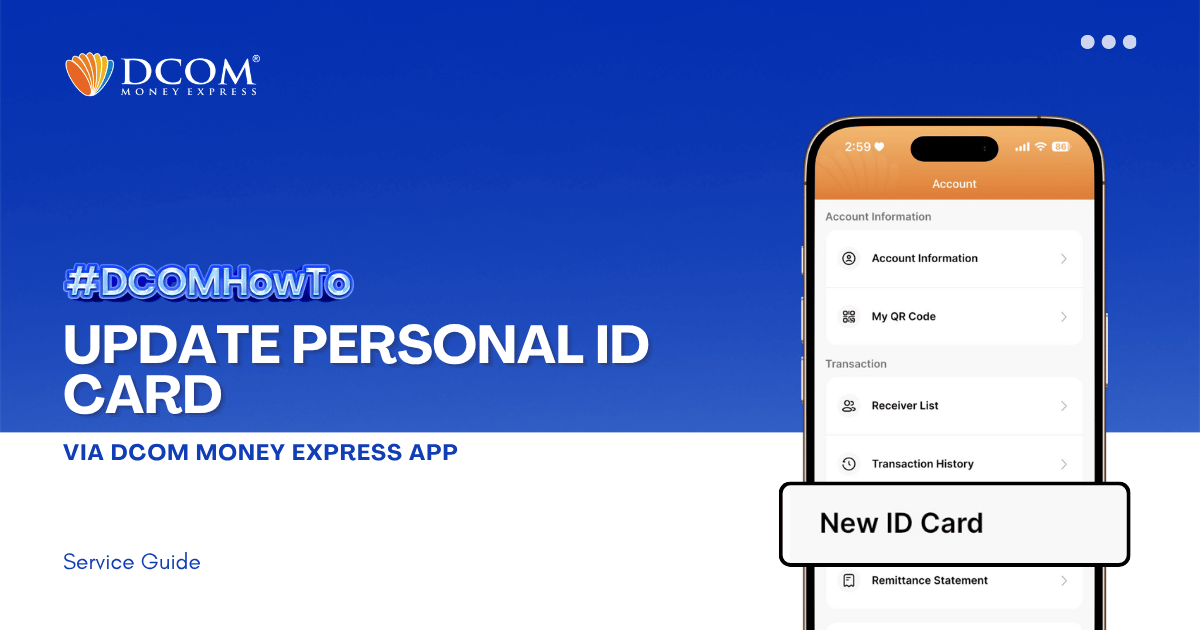
Keep your account active and secure by ensuring your latest identification documents are registered. To enjoy the latest features and a smoother upload experience, please ensure that your DCOM App is updated to version 5.7 before you begin. Step 1: From ...