


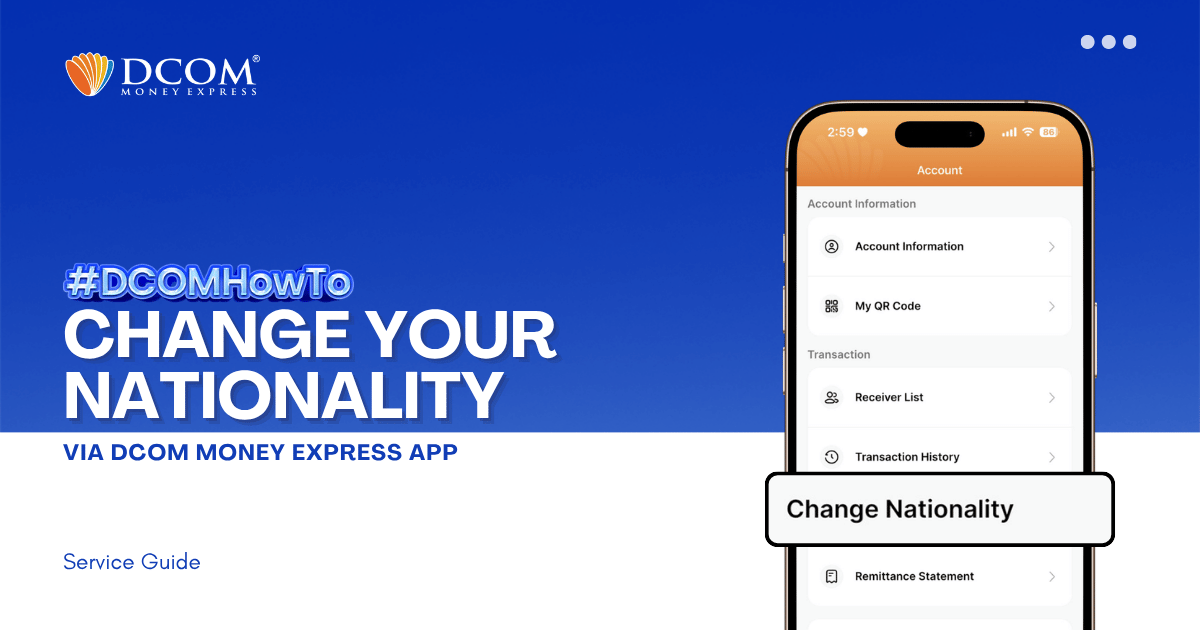
Keep your account seamless and compliant with just a few taps. To enjoy a faster and more secure verification process, please ensure that your DCOM App is updated to version 5.7 before proceeding. Step 1: From the Main Screen, tap the ...
Lost your password? Please enter your email address. You will receive a link and will create a new password via email.
DCOM Help Center is a FAQ website. Learn more about popular topics and find resources that will help you answer all of your questions about DCOM's services.
Keep your account seamless and compliant with just a few taps. To enjoy a faster and more secure verification process, please ensure that your DCOM App is updated to version 5.7 before proceeding. Step 1: From the Main Screen, tap the ...
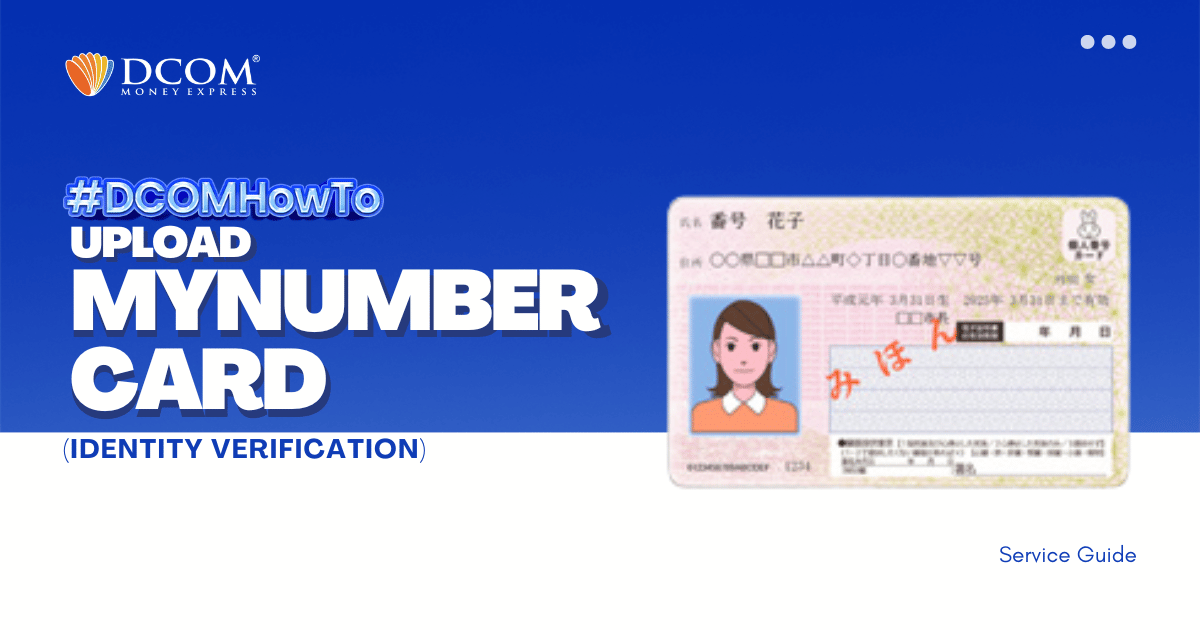
Identity verification made seamless. Secure your account and unlock faster remittances by completing your identity verification today. Follow our simple guide below to get started! Step 1: After successfully registering your account, log in to the DCOM App and select “VERIFY ...
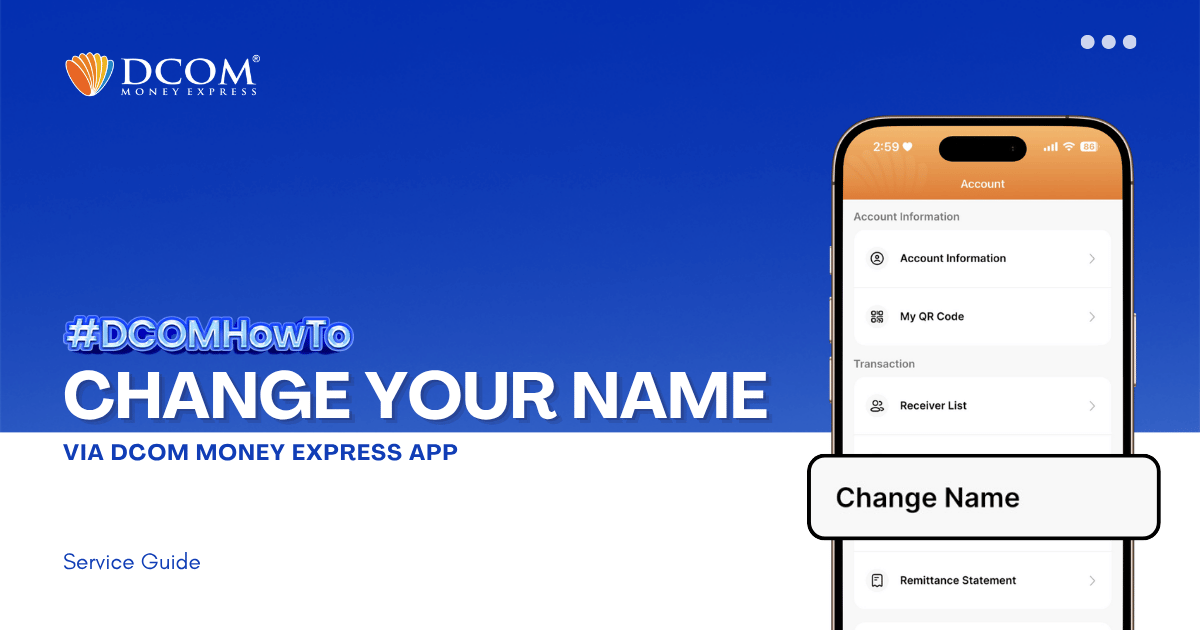
Learn how to easily update your registered name on the DCOM App. Follow our step-by-step guide to submit your Residence Card for verification and keep your account information accurate. Step 1: From the Main Screen, tap on the ACCOUNT.
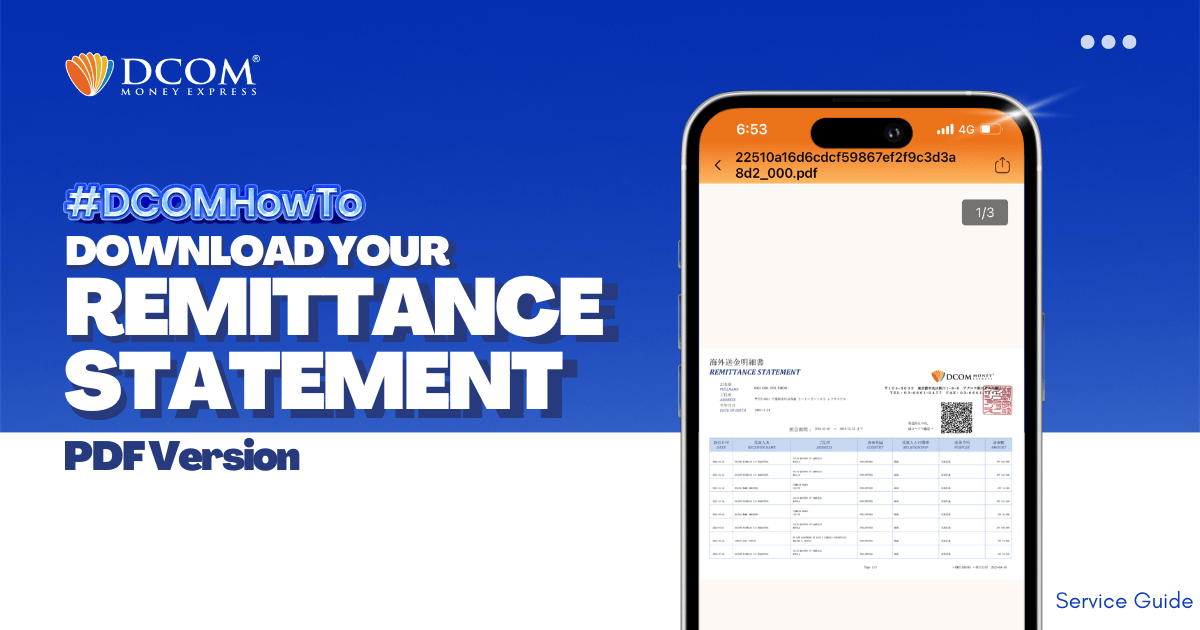
With DCOM, you can easily download your Remittance Statement to view your remittance transactions or use it for your tax refund. Simply follow the steps below: Step 1: From the Home screen, tap ACCOUNT.
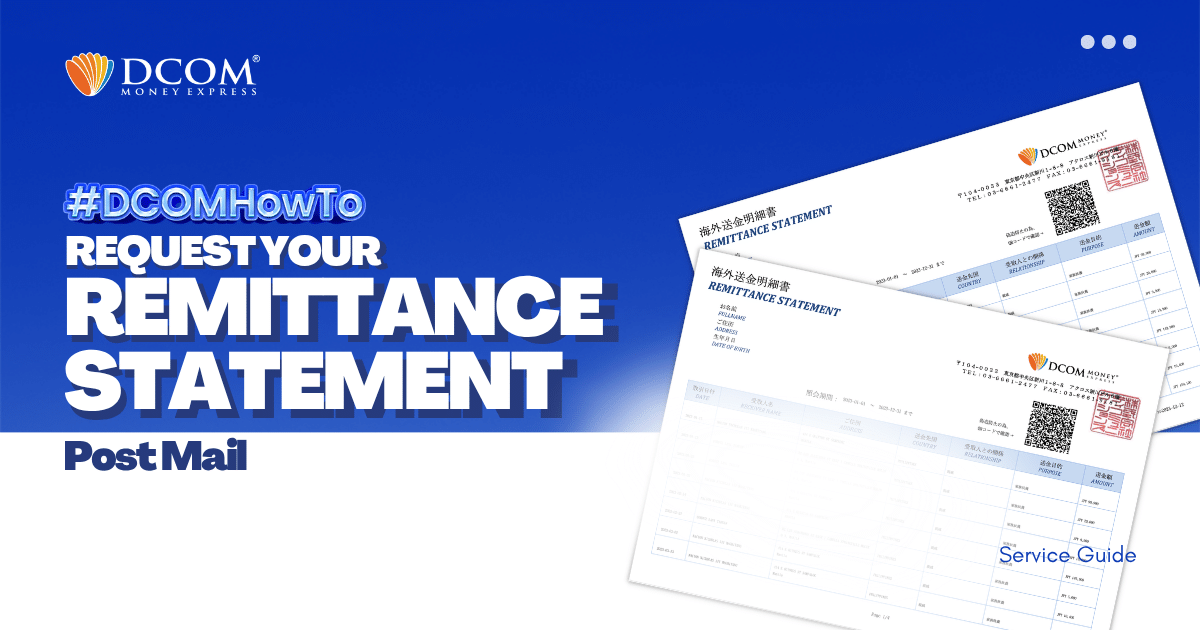
With DCOM, you can easily request to have your Remittance Statement sent by post. You can use it to review your remittance transactions or if you need it for your tax refund. Follow the simple steps below: Step1: Open the DCOM App, ...
Need a printed copy of your DCOM Remittance Statement? You can print your PDF file using a 7-Eleven Multicopy machine and the 7-Eleven Multicopy app. Before Printing Save your Remittance Statement PDF on your smartphone.Install the 7-Eleven Multicopy app from the App ...
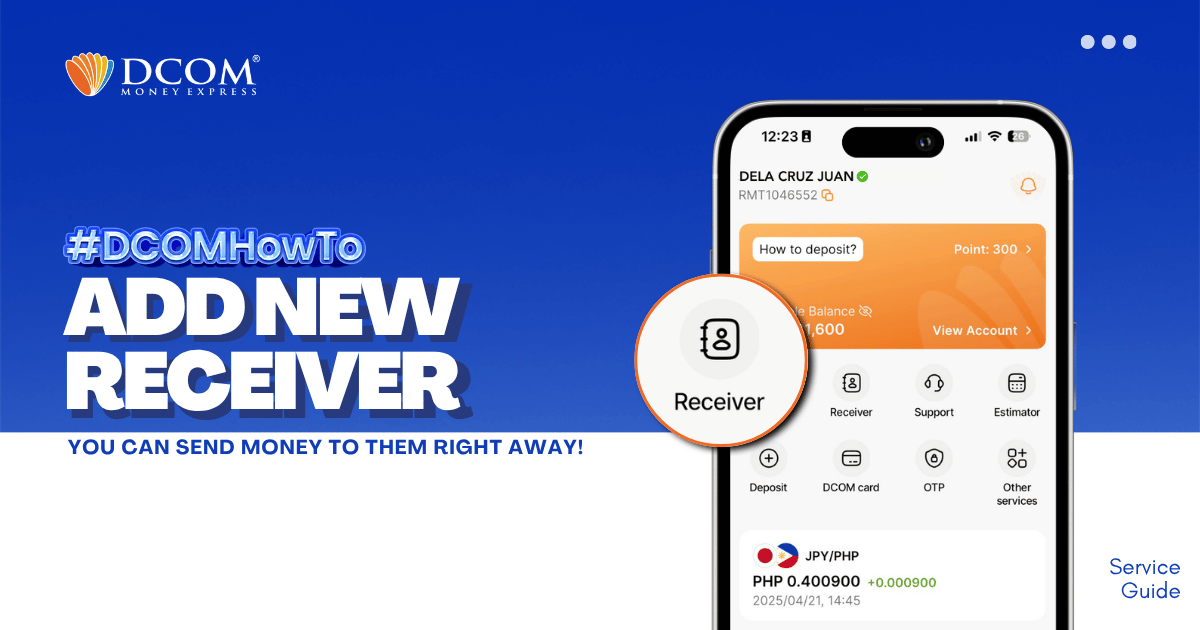
Whether it’s for Cash Pickup or Account Deposit, adding a receiver is now easier with the DCOM App! STEP 1: Tap the RECEIVER.