


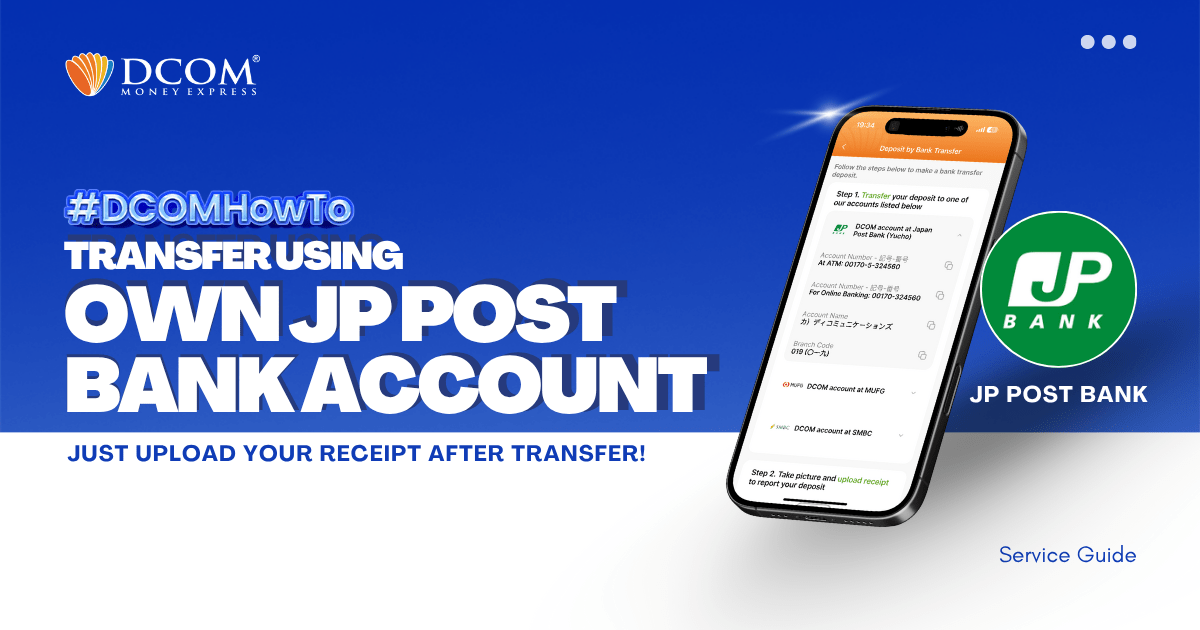
You can use your personal Online JP Post Bank Account (Yuucho Direct) to transfer to DCOM’s bank account. You can also use the DCOM Deposit Card (GOLD) for a faster funds reflection, click here for details: Deposit using DCOM ...
Lost your password? Please enter your email address. You will receive a link and will create a new password via email.
DCOM Help Center is a FAQ website. Learn more about popular topics and find resources that will help you answer all of your questions about DCOM's services.
You can use your personal Online JP Post Bank Account (Yuucho Direct) to transfer to DCOM’s bank account. You can also use the DCOM Deposit Card (GOLD) for a faster funds reflection, click here for details: Deposit using DCOM ...
You can use your personal JP Post Bank Account to transfer to DCOM’s bank account. You can also use the DCOM Deposit Card (GOLD) for a faster funds reflection, click here for details: Deposit using DCOM Card at Lawson ATMs
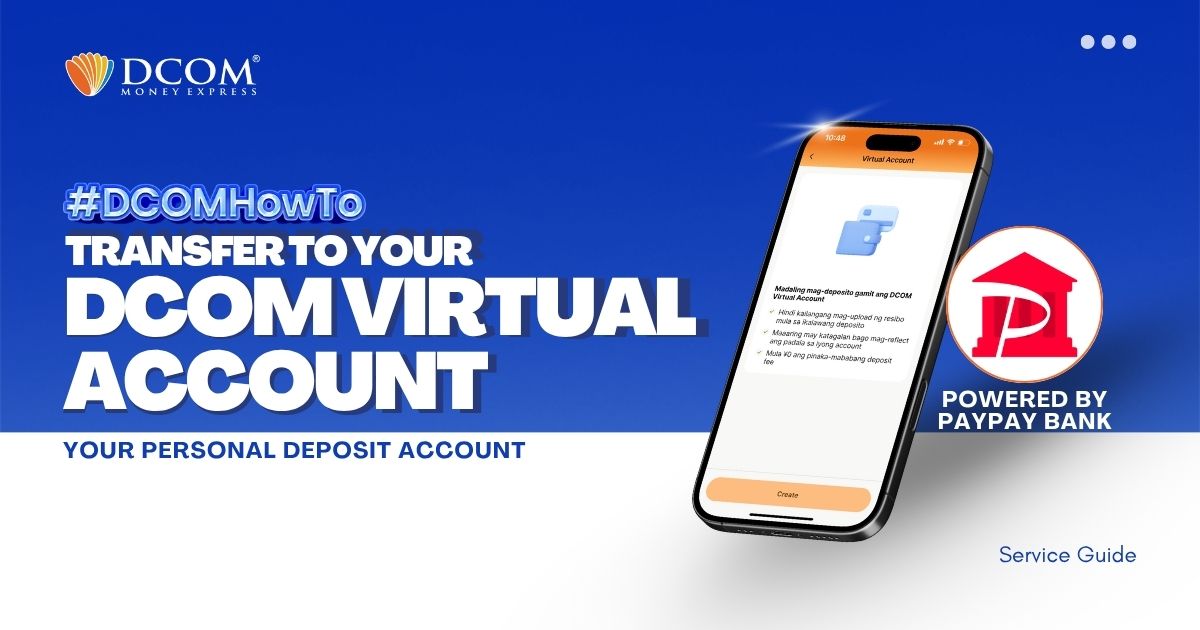
You can easily transfer funds from any of your personal bank accounts to your DCOM Virtual Account. But first make sure you’ve created your virtual account.How to Create a DCOM Virtual Account. Once your virtual account is ready, follow the ...
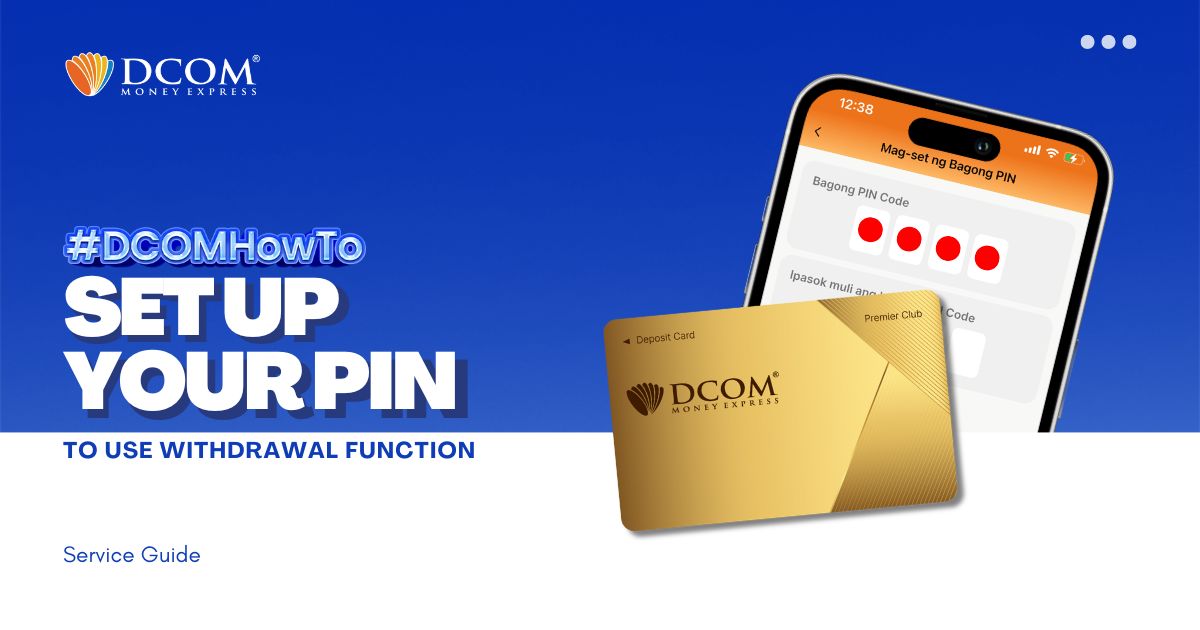
You now have the power to withdraw money using the DCOM Gold Card at any JP Post Bank/Yucho or Lawson ATMs nationwide! To utilize this feature, you must first set up your PIN. Here’s how: Step 1: On the Home screen, tap ...
Keep your account seamless and compliant with just a few taps. To enjoy a faster and more secure verification process, please ensure that your DCOM App is updated to version 5.7 before proceeding. Step 1: From the Main Screen, tap the ...
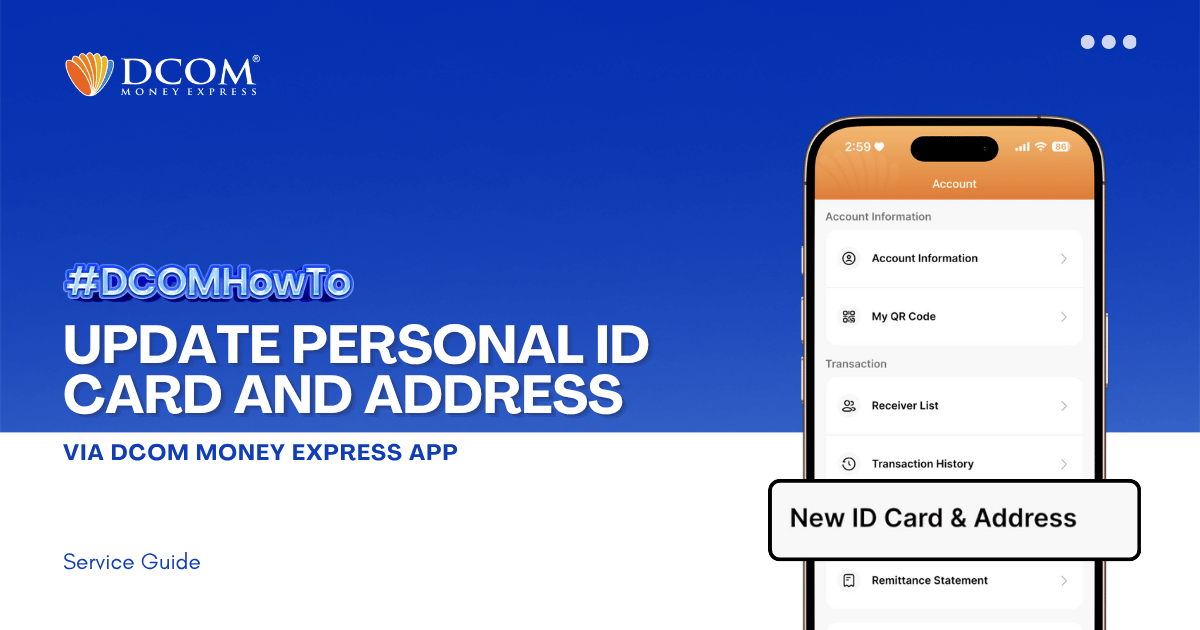
Keeping your identification and address records current is essential for uninterrupted and secure transactions. To ensure a seamless upload and verification process, please make sure your DCOM App is updated to version 5.7 before you begin. Step 1: From the Main ...
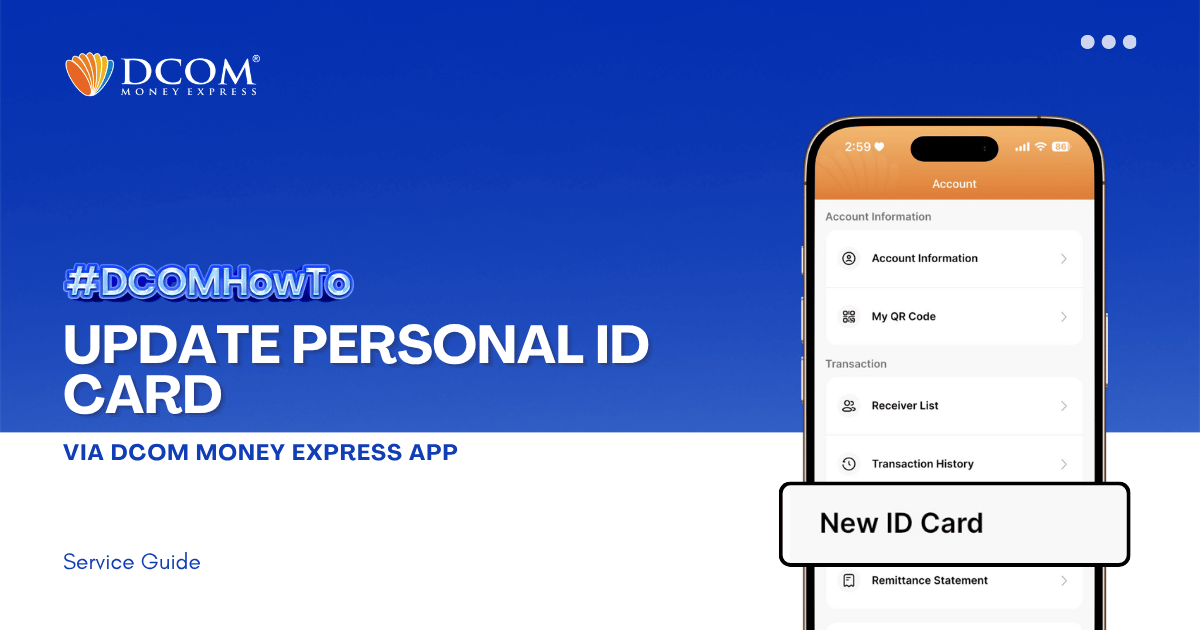
Keep your account active and secure by ensuring your latest identification documents are registered. To enjoy the latest features and a smoother upload experience, please ensure that your DCOM App is updated to version 5.7 before you begin. Step 1: From ...
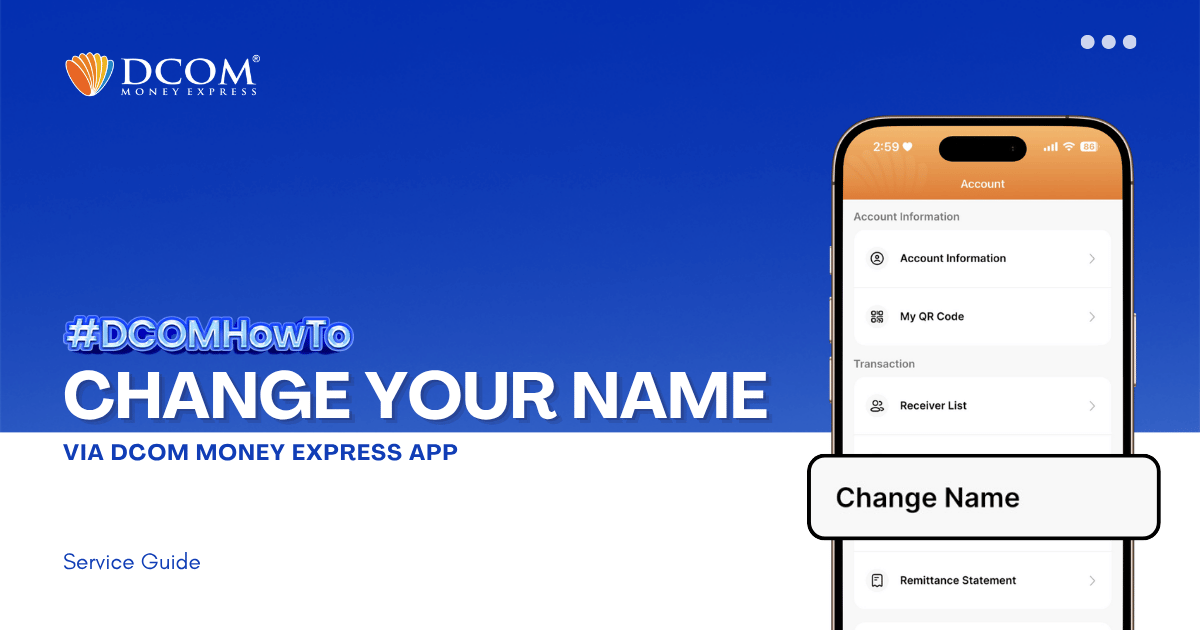
Learn how to easily update your registered name on the DCOM App. Follow our step-by-step guide to submit your Residence Card for verification and keep your account information accurate. Step 1: From the Main Screen, tap on the ACCOUNT.
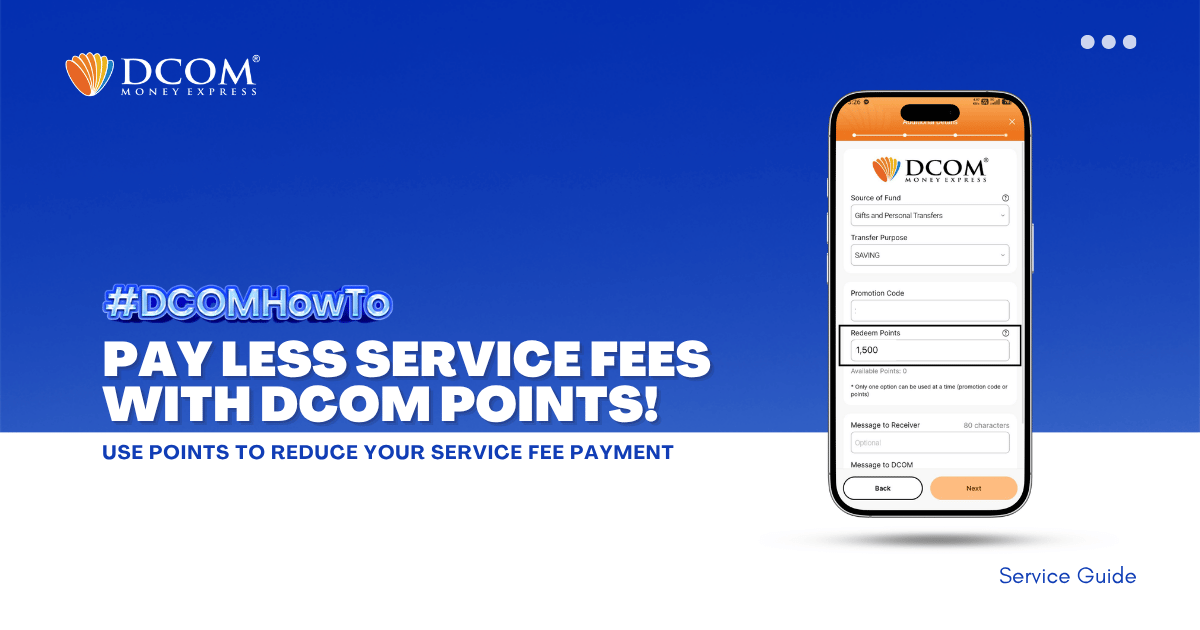
Unlock exclusive savings in just a few taps! Redeem your DCOM points now to enjoy lower service fees on your next transaction. Don’t let your rewards go to waste! Follow the steps below: Step 1: Tap SEND.
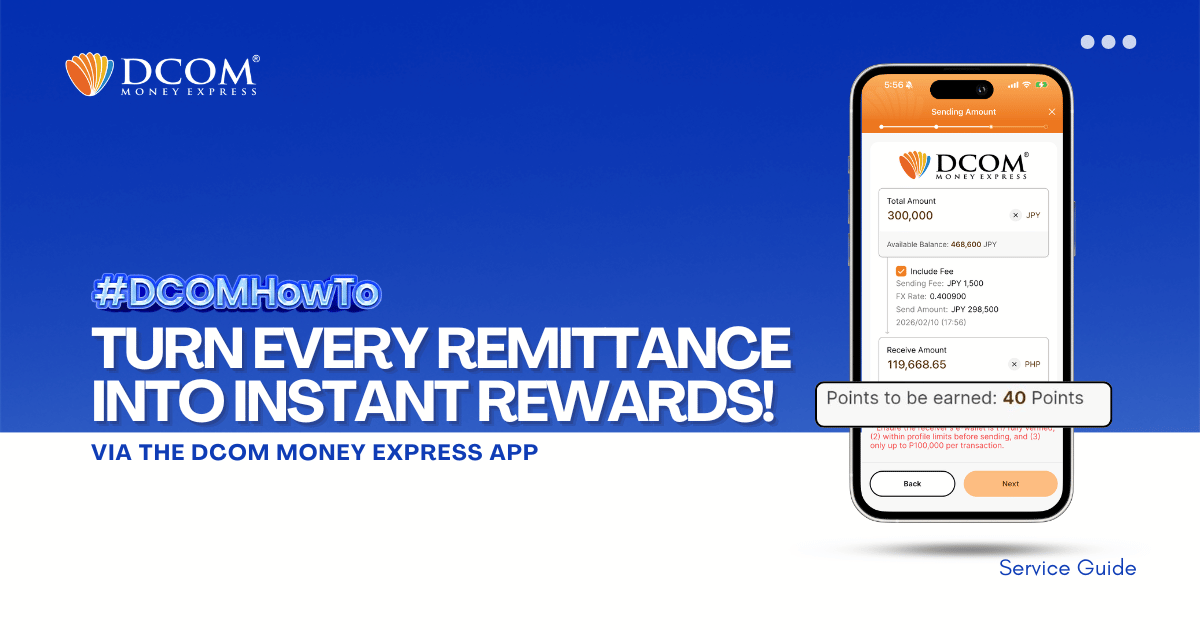
Why pay more when you can save? Every time you send money with DCOM, you earn points that can be used to lessen your service fees. Maximize your hard-earned money and enjoy a more rewarding way to remit today! Step 1: ...