


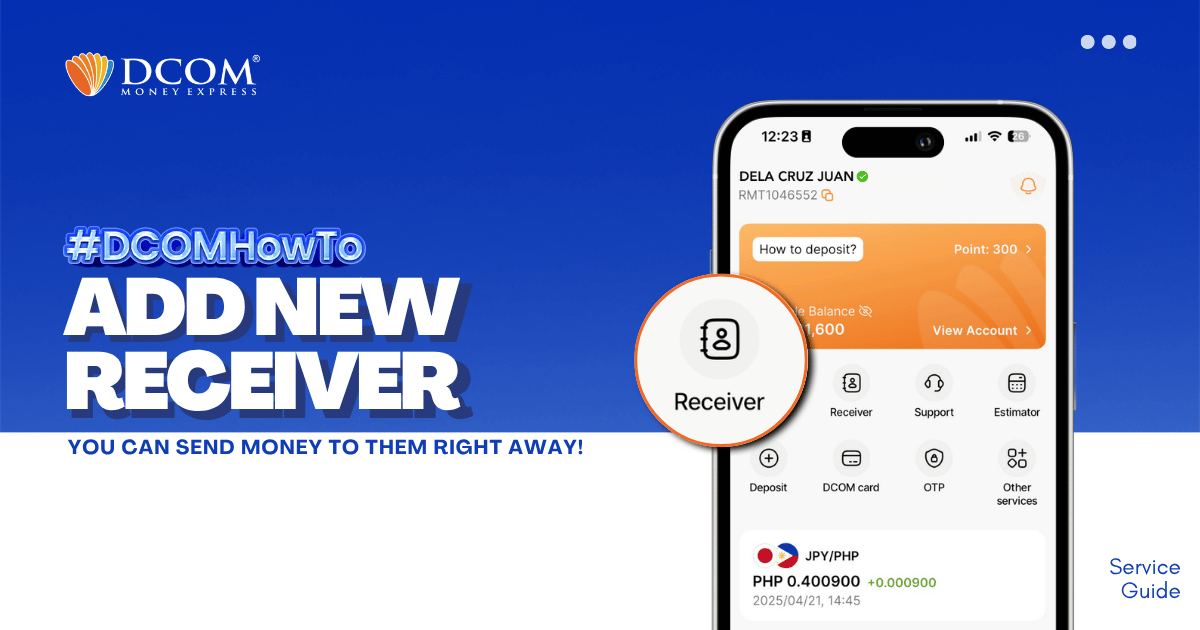
Whether it’s for Cash Pickup or Account Deposit, adding a receiver is now easier with the DCOM App! STEP 1: Tap the RECEIVER.
Lost your password? Please enter your email address. You will receive a link and will create a new password via email.
DCOM Help Center is a FAQ website. Learn more about popular topics and find resources that will help you answer all of your questions about DCOM's services.
Whether it’s for Cash Pickup or Account Deposit, adding a receiver is now easier with the DCOM App! STEP 1: Tap the RECEIVER.
I want to register DCOM account. What are the steps and requirements?
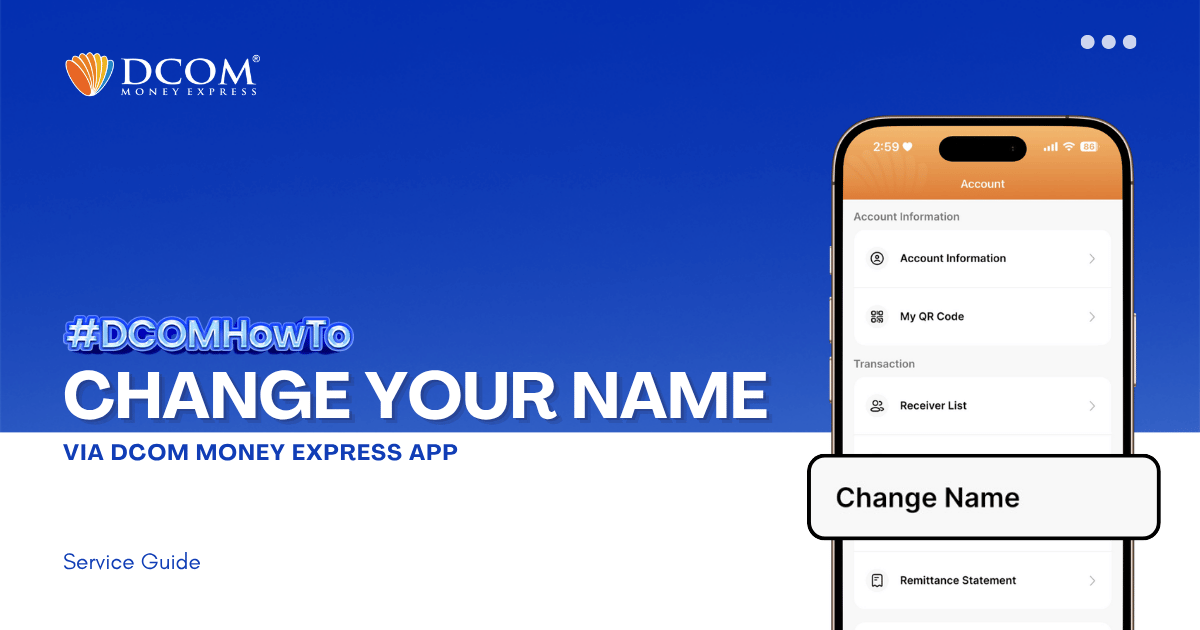
Learn how to easily update your registered name on the DCOM App. Follow our step-by-step guide to submit your Residence Card for verification and keep your account information accurate. Step 1: From the Main Screen, tap on the ACCOUNT.

With the DCOM Gold Card, you can actually deposit money via JP Post Bank/Yucho ATMs or any Lawson ATMs all throughout Japan. Follow these easy step-by-step guide on how to deposit money via Lawson ATMs. STEP 1. Press ENGLISH GUIDE.
Can I change my receiver because I have already sent money but my receiver can not claim?
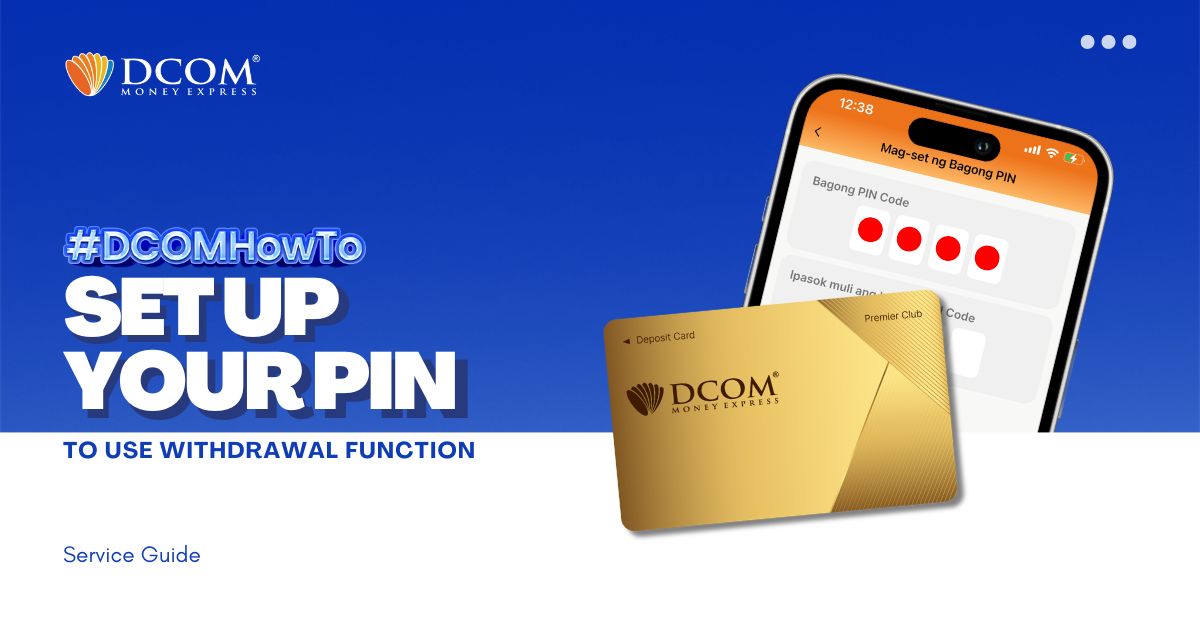
You now have the power to withdraw money using the DCOM Gold Card at any JP Post Bank/Yucho or Lawson ATMs nationwide! To utilize this feature, you must first set up your PIN. Here’s how: Step 1: On the Home screen, tap ...
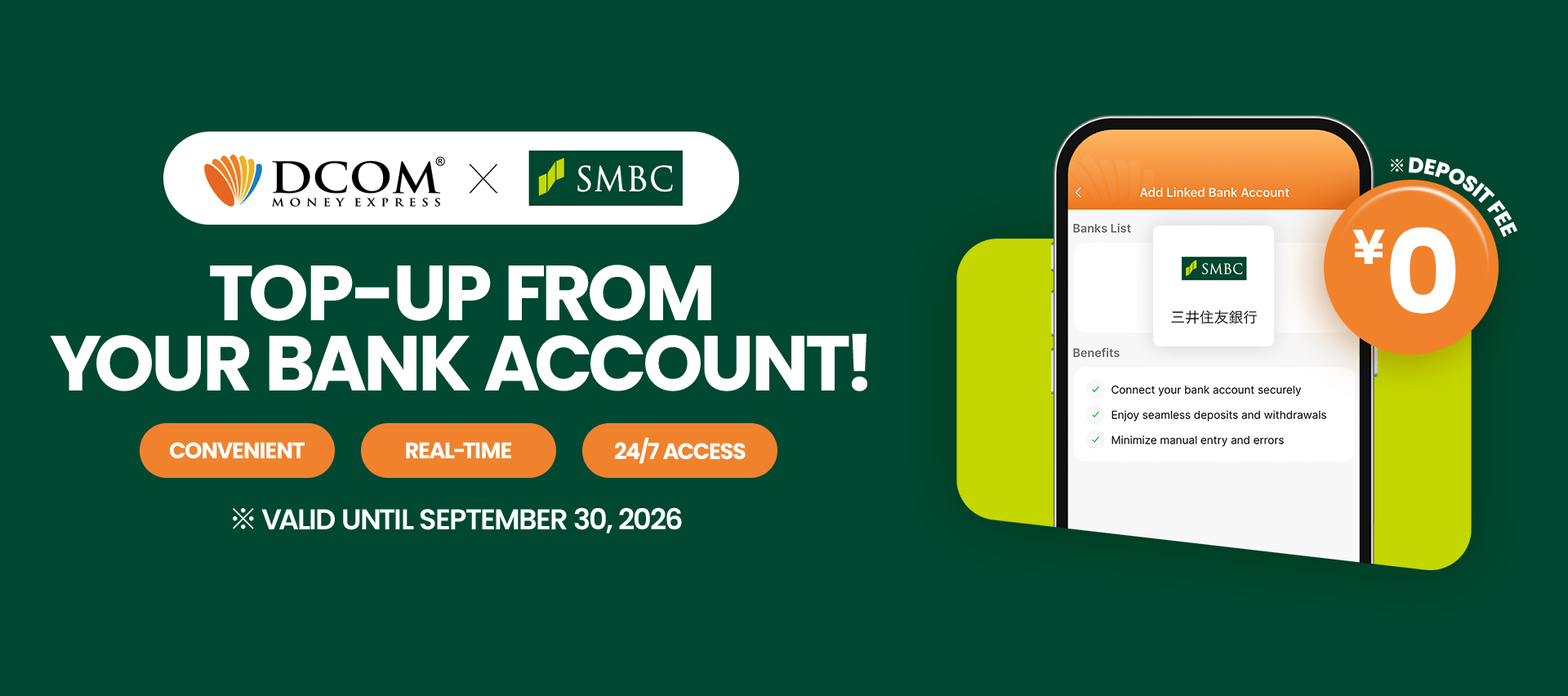
Say goodbye to manual transfers. Follow this quick 12-step guide to connect your Sumitomo Mitsui Banking Corporation (SMBC) account and enjoy seamless, direct top-ups. Before you begin: Please ensure you have your SMBC online banking credentials, branch number, account number, and ...
Does DCOM card cost? How much is it?
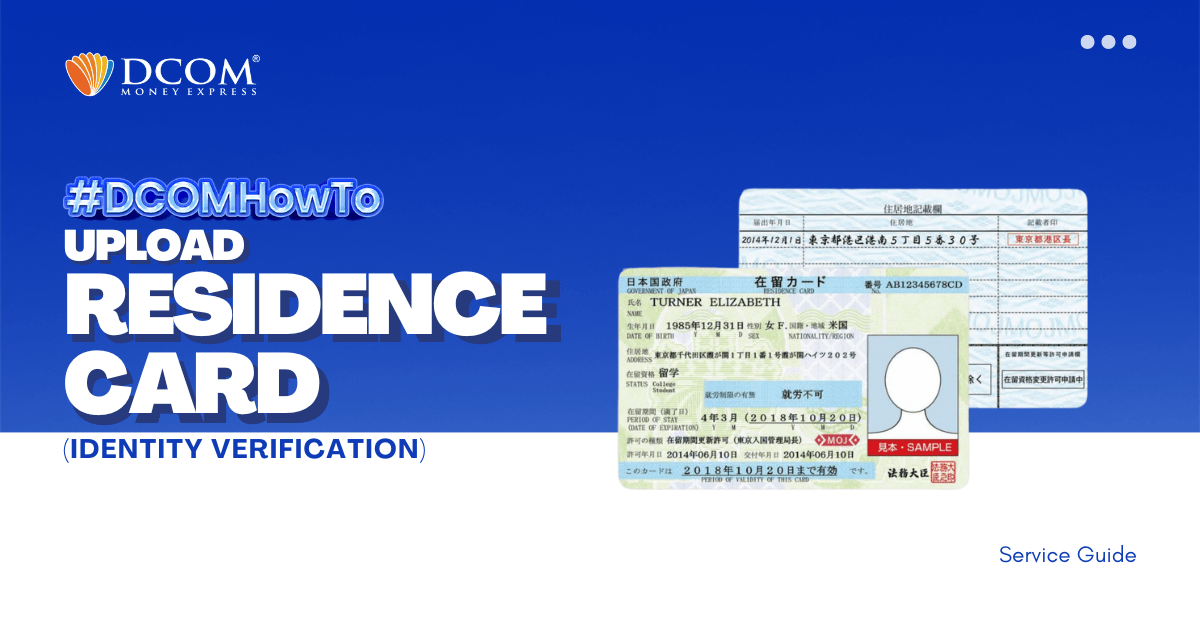
To complete your registration, here are the steps to easily upload your Residence Card using the DCOM APP through Online Verification. Step 1: Tap the “VERIFY YOUR IDENTITY notification on the DCOM App.
Is it OK if I send my ID via messengers to DCOM for verification’s purpose?

