


I have registered DCOM account. When can I receive DCOM card?
Discy Latest Questions
How will I know if my remittance has already been sent in my receiver’s bank?
Is there any walk-in office of DCOM in Japan?


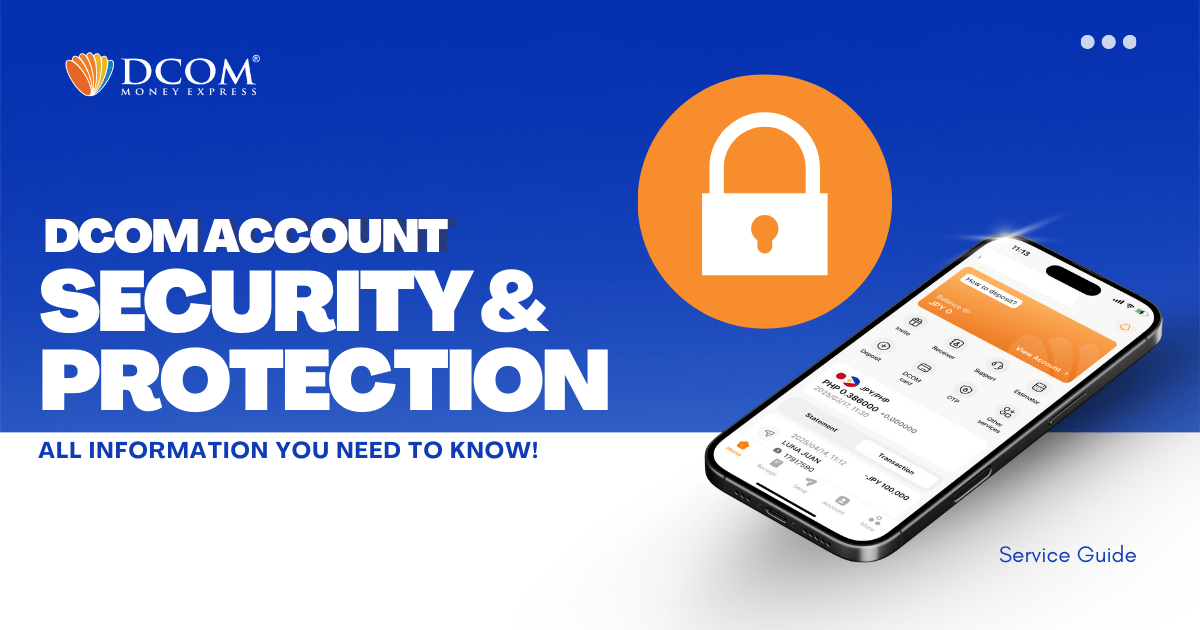
DCOM places great importance on account and customer information security. Therefore, DCOM applies various modern technologies such as integrating OTP codes into the application, using biometric security, etc., to help customers protect their accounts as well as their assets. In addition, ...
To enjoy seamless, hassle-free deposits via DCOM Direct Banking, ensure your current Japanese phone number is registered to your JP Bank account. Here is your quick ATM guide: 📌 Important Reminder: Please note that changing your phone number are only available ...
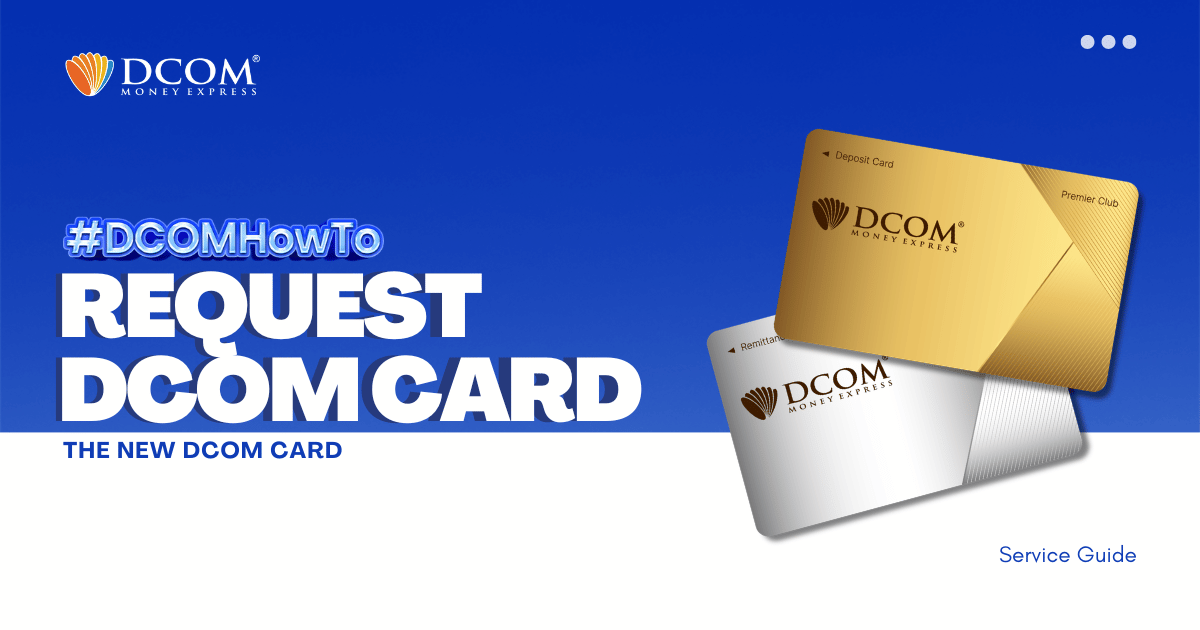
IMPORTANT NOTICE FOR CUSTOMERS REGISTERED BEFORE FEBRUARY 1, 2024 ‼️ DCOM successfully transitioned to an upgraded card system on January 2, 2024. If you are still using an old card (card number starting with “BA…”), please request your new card today ...
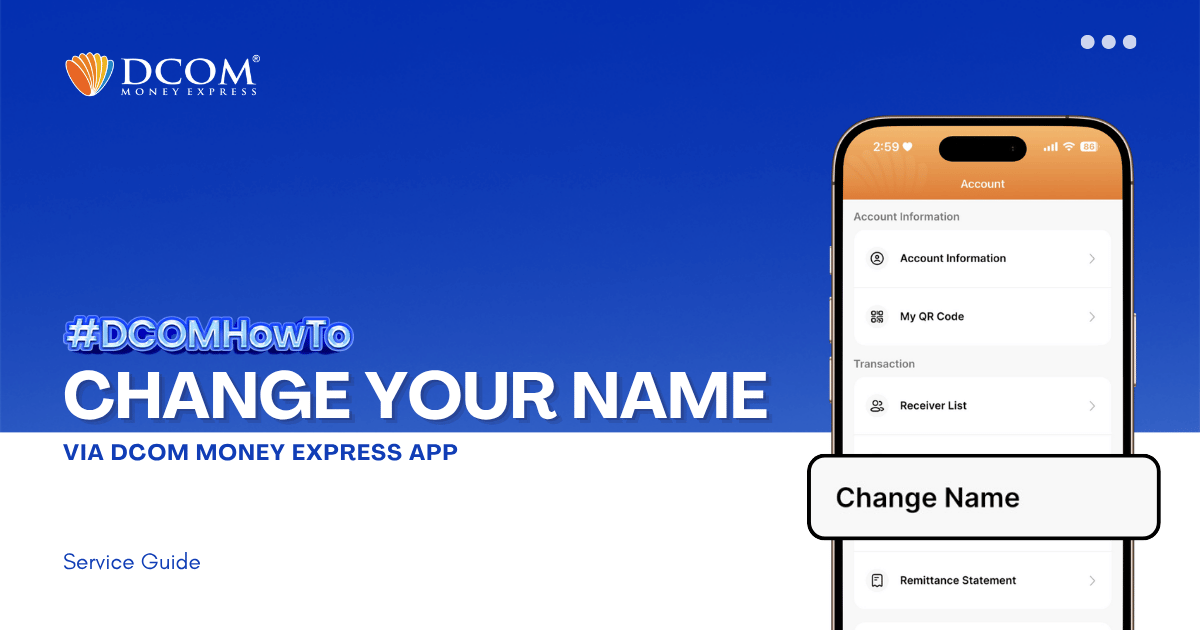
Learn how to easily update your registered name on the DCOM App. Follow our step-by-step guide to submit your Residence Card for verification and keep your account information accurate. Step 1: From the Main Screen, tap on the ACCOUNT.
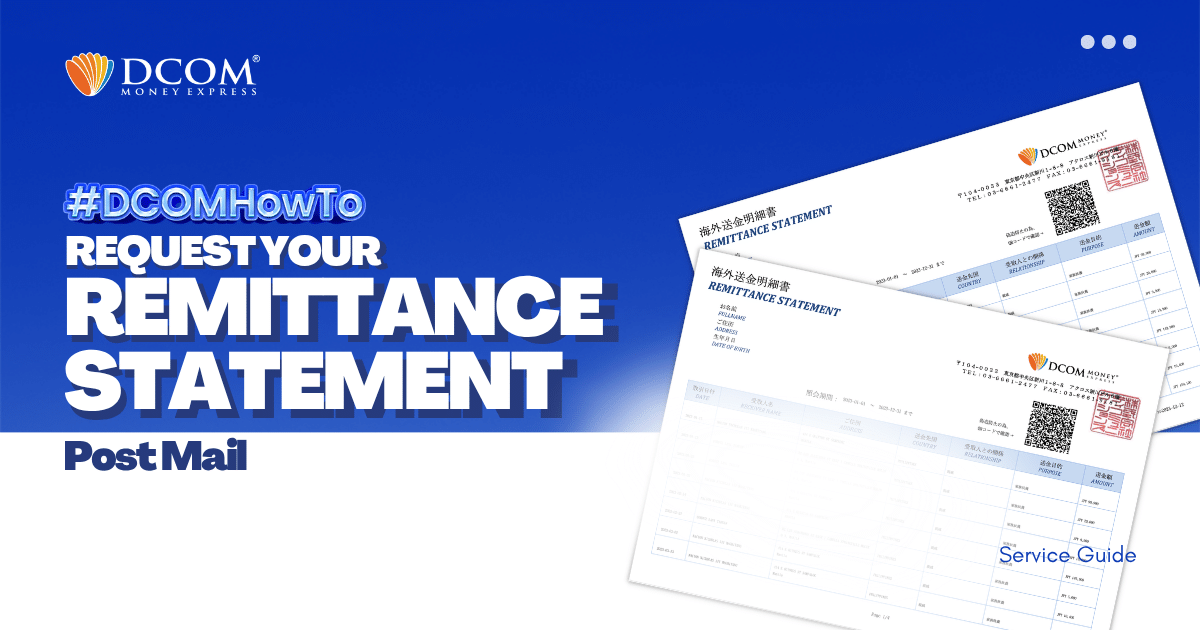
With DCOM, you can easily request to have your Remittance Statement sent by post. You can use it to review your remittance transactions or if you need it for your tax refund. Follow the simple steps below: Step1: Open the DCOM App, ...
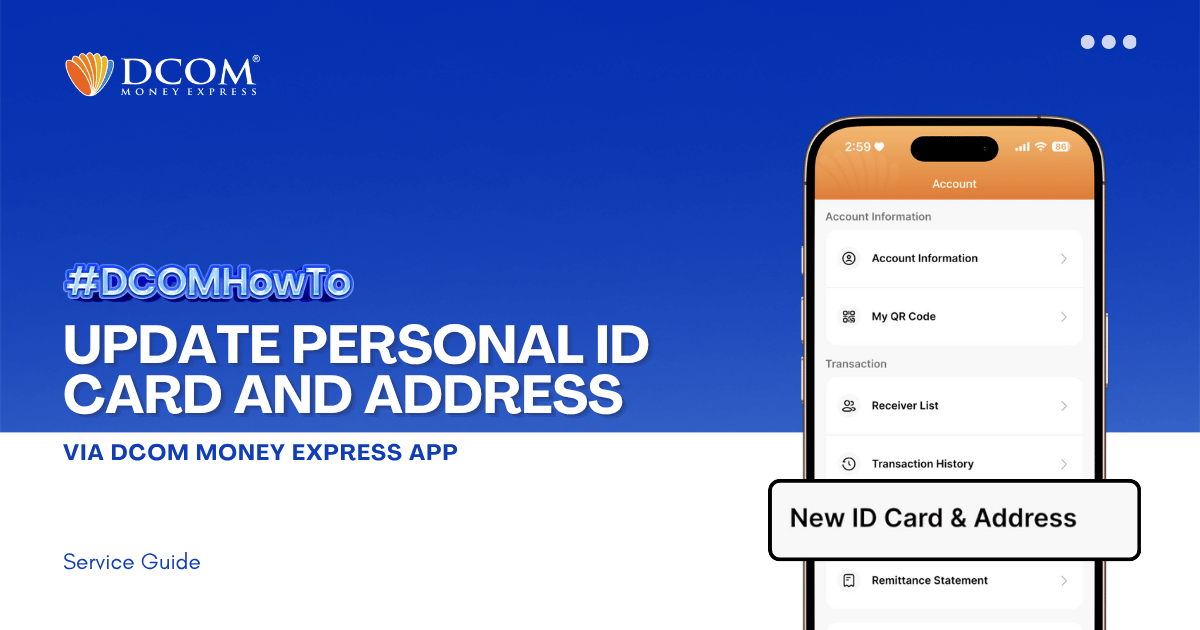
Keeping your identification and address records current is essential for uninterrupted and secure transactions. To ensure a seamless upload and verification process, please make sure your DCOM App is updated to version 5.7 before you begin. Step 1: From the Main ...
How long does it take until my remittance is credited in receiver’s bank account?