Sign Up

Continue with Facebook
Continue with Google
or use

Have an account? Sign In Now

Sign In

Continue with Facebook
Continue with Google
or use

Forgot Password?

Don't have account, Sign Up Here

Forgot Password

Lost your password? Please enter your email address. You will receive a link and will create a new password via email.

Have an account? Sign In Now

You must login to ask question.

Continue with Facebook
Continue with Google
or use

Forgot Password?

Need An Account, Sign Up Here
Sign InSign Up

DCOM Money Express

DCOM Money Express Logo DCOM Money Express Logo

DCOM Money Express Navigation

  • EnglishEnglish
    • Tiếng ViệtTiếng Việt
    • 日本語日本語
    • EnglishEnglish
    • TagalogTagalog
    • Bahasa IndonesiaBahasa Indonesia
Search
Ask A Question

Mobile menu

Close
Ask a Question
  • Home
  • New Registration
  • DCOM Card
  • DCOM App
  • OTP and Password
  • Service fee and Exchange rate
  • Remittance Statement
  • Send Money
  • Receive Money
  • Submit Identify Documents
  • Bank Direct Service
  • Others
  • EnglishEnglish
    • Tiếng ViệtTiếng Việt
    • 日本語日本語
    • EnglishEnglish
    • TagalogTagalog
    • Bahasa IndonesiaBahasa Indonesia

DCOM HELP CENTER

DCOM Help Center is a FAQ website. Learn more about popular topics and find resources that will help you answer all of your questions about DCOM's services.

Register a new DCOM Card
What's your question?
  • Recent Questions
  • Most Answered
  • Answers
  • No Answers
  • Most Visited
  • Most Voted
  • Random

Discy Latest Questions

Customer
Customer

Customer

  • 70 Questions
  • 0 Answers
  • 0 Best Answers
  • 90 Points
View Profile
  • 0
Customer
Asked: 30-11-2020In: DCOM Card

How do I use DCOM Card?


  • 0

I received DCOM card but do not know how to use.

#dcom remittance card#dcom service
  • 1 1 Answer
  • 2k Views
Answer
Customer
Customer

Customer

  • 70 Questions
  • 0 Answers
  • 0 Best Answers
  • 90 Points
View Profile
  • 1
Customer
Asked: 30-11-2020In: Others

When is your holiday?


  • 1

What is DCOM’s day-off?

#dcom day-off#dcom holiday
  • 1 1 Answer
  • 4k Views
Answer
DCOM Filipino Help Center

DCOM Filipino Help Center

  • 54 Questions
  • 1 Answer
  • 0 Best Answers
  • 376 Points
View Profile
  • 0
DCOM Filipino Help Center
Asked: 10-04-2026

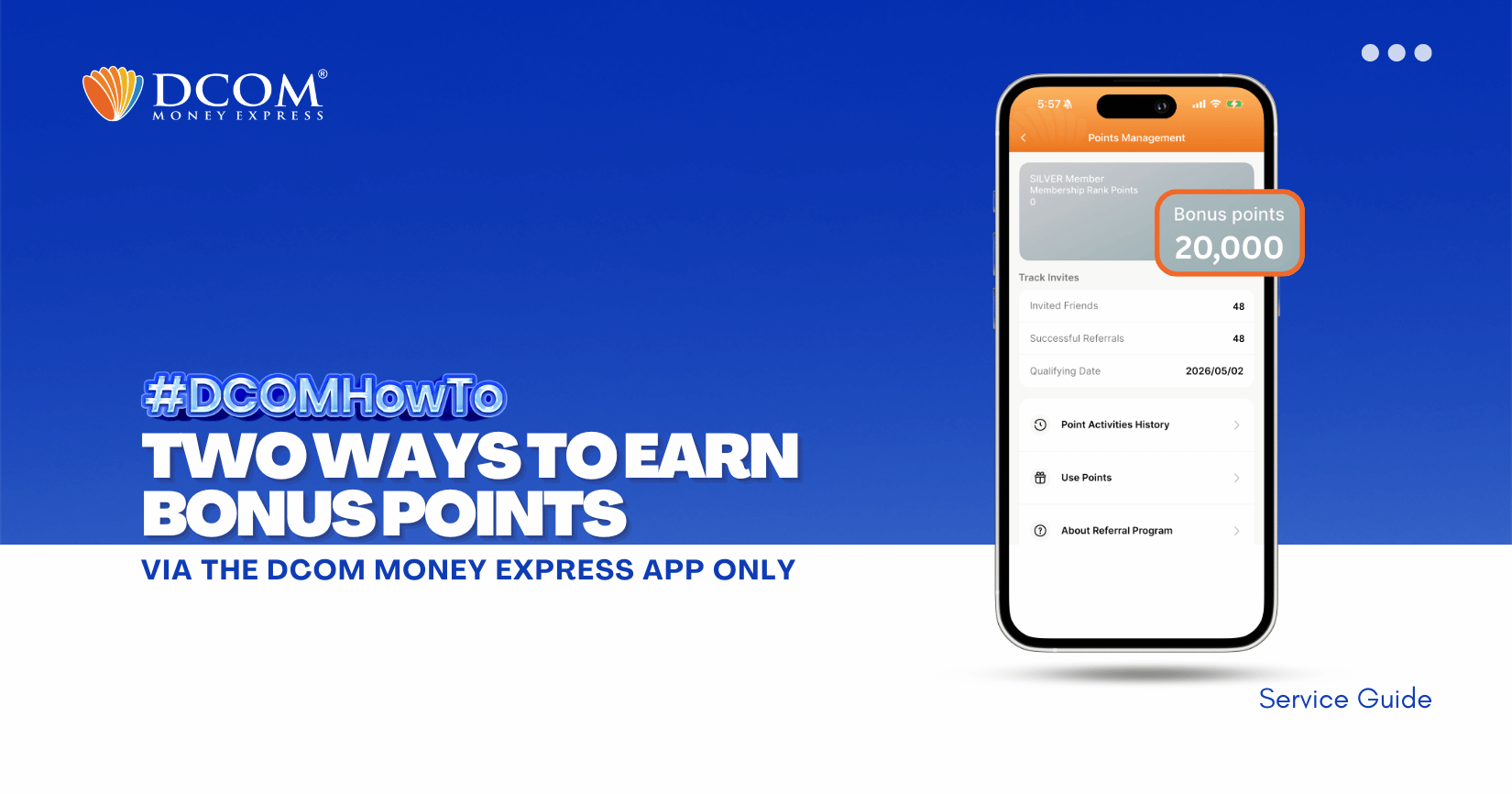
Send, Share, Earn: How to Get DCOM Points in the DCOM App


  • 0

Double the ways to earn, double the rewards! Whether you’re sending money or referring a friend, your DCOM points grow fast. Start maximizing your balance today and turn your points into instant savings. 1️⃣ Earn DCOM Points from Every Completed Remittance ...

  • 0 0 Answers
  • 576 Views
Answer
Customer
Customer

Customer

  • 70 Questions
  • 0 Answers
  • 0 Best Answers
  • 90 Points
View Profile
  • 2
Customer
Asked: 30-11-2020In: DCOM App

How to log-in using DCOM App?


  • 2

How can I log into my DCOM account using DCOM App?

#dcom app log-in#dcom log-in
  • 1 1 Answer
  • 4k Views
Answer
Customer
Customer

Customer

  • 70 Questions
  • 0 Answers
  • 0 Best Answers
  • 90 Points
View Profile
  • 0
Customer
Asked: 02-12-2020In: Receive Money

Can I receive money in Japan from the Philippines?


  • 0

I want to receive money in Japan from the Philippines.
#dcom philippines#dcom receive money
  • 1 1 Answer
  • 3k Views
Answer
DCOM Filipino Help Center

DCOM Filipino Help Center

  • 54 Questions
  • 1 Answer
  • 0 Best Answers
  • 376 Points
View Profile
  • 0
DCOM Filipino Help Center
Asked: 01-07-2026In: Bank Direct Service

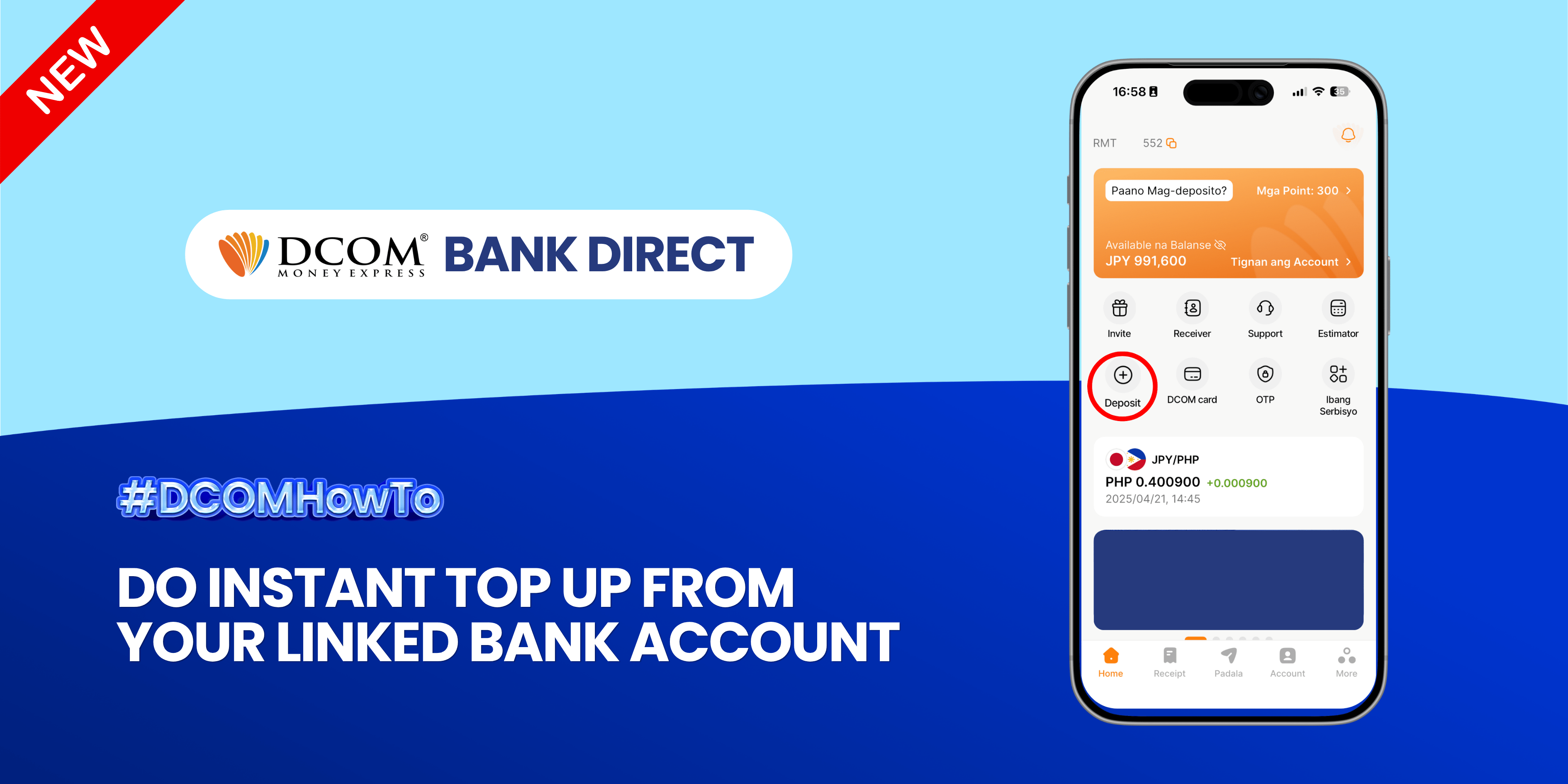
Instant Funding at Your Fingertips: Top Up in Seconds!


  • 0

Experience the ultimate convenience of real-time transfers. Seamlessly move funds from your linked bank account to your DCOM account and keep your money moving as fast as you do. Follow the guide below: Step 1: Open the DCOM App and ...

  • 0 0 Answers
  • 804 Views
Answer
Customer
Customer

Customer

  • 70 Questions
  • 0 Answers
  • 0 Best Answers
  • 90 Points
View Profile
  • 0
Customer
Asked: 02-12-2020In: DCOM Card

How to add new receiver using DCOM App?


  • 0

I want to add receiver using DCOM App.

  • 1 1 Answer
  • 4k Views
Answer
Customer
Customer

Customer

  • 70 Questions
  • 0 Answers
  • 0 Best Answers
  • 90 Points
View Profile
  • 0
Customer
Asked: 30-11-2020In: Send Money

How many receivers can i register?


  • 0

How many receivers can i register and send money to?

#dcom receiver
  • 1 1 Answer
  • 6k Views
Answer
DCOM Filipino Help Center

DCOM Filipino Help Center

  • 54 Questions
  • 1 Answer
  • 0 Best Answers
  • 376 Points
View Profile
  • 0
DCOM Filipino Help Center
Asked: 02-07-2026

Ready for DCOM Instant Top-Up x JP Bank? Update Your Phone Number First!


  • 0

To enjoy seamless, hassle-free deposits via DCOM Direct Banking, ensure your current Japanese phone number is registered to your JP Bank account. Here is your quick ATM guide: 📌 Important Reminder: Please note that changing your phone number are only available ...
  • 0 0 Answers
  • 513 Views
Answer
DCOM Filipino Help Center

DCOM Filipino Help Center

  • 54 Questions
  • 1 Answer
  • 0 Best Answers
  • 376 Points
View Profile
  • 0
DCOM Filipino Help Center
Asked: 05-06-2026In: DCOM App

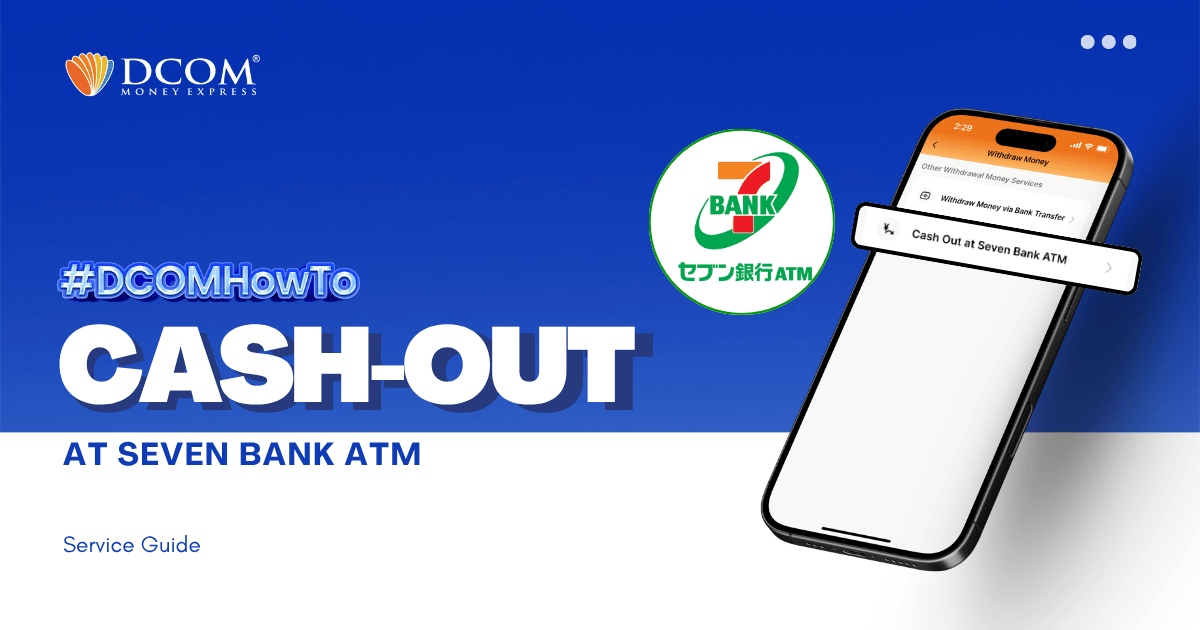
How to Cash-Out at Seven Bank ATM


  • 0

With the DCOM App, you can cash-out or withdraw money from your DCOM Account via Seven Bank ATM! To cash-out your DCOM funds, you have to log-in to your DCOM Account and make a cash-out request. Follow the step-by-step ...

  • 0 0 Answers
  • 3k Views
Answer
1 … 4 5 6 … 13

Sidebar

Ask A Question

User Ranking

DCOM Vietnam Help Center

DCOM Vietnam Help Center

  • 2 Questions
  • 1k Points
DCOM Filipino Help Center

DCOM Filipino Help Center

  • 54 Questions
  • 376 Points
DCOM Indonesia Help Center

DCOM Indonesia Help Center

  • 0 Questions
  • 346 Points
DCOM Help Center

DCOM Help Center

  • 0 Questions
  • 206 Points
DCOM Vietnam Help Center

DCOM Vietnam Help Center

  • 0 Questions
  • 205 Points
  • Popular
  • Answers
  • Customer

    Can I send dollars to the Philippines using DCOM?

    • 0 Answers
  • Customer

    Can I send money to Hongkong / US via DCOM

    • 1 Answer
  • Customer

    How to send money to banks in the Philippines?

    • 0 Answers
  • Customer

    Is there a fee for requesting Remittance Statement?

    • 0 Answers
  • Customer

    Can I change my DCOM App password to an easier

    • 7 Answers
  • Isabelita Fernandez Hatayama
    Isabelita Fernandez Hatayama added an answer Thanks. 06-12-2024 at 12:10 pm
  • DCOM Vietnam Help Center
    DCOM Vietnam Help Center added an answer You cannot use the DCOM card to withdraw money from… 04-12-2020 at 8:35 pm
  • DCOM Filipino Help Center
    DCOM Filipino Help Center added an answer Unfortunately, We don't have that service yet. Just follow our… 03-12-2020 at 11:36 pm
  • DCOM Help Center
    DCOM Help Center added an answer Choose ACCOUNT DEPOSIT > GCASH (PAYMAYA) 02-12-2020 at 5:39 pm
  • DCOM Help Center
    DCOM Help Center added an answer As of now, we are not yet available for the… 02-12-2020 at 5:37 pm

Question Tags

dcom direct card dcom fee dcom philippines dcom receive money dcom receiver dcom register dcom registration dcom remittance dcom remittance statement dcom remittance time dcom send money dcom verification how to register dcom one-time password otp

Explore

  • Home
  • New Registration
  • DCOM Card
  • DCOM App
  • OTP and Password
  • Service fee and Exchange rate
  • Remittance Statement
  • Send Money
  • Receive Money
  • Submit Identify Documents
  • Bank Direct Service
  • Others

Footer

About


DCOM Money Express, a money transfer service to more than 200 countries, based in Tokyo, Japan. Operated by D. COMMUNICATIONS, INC. under Money Transmitter Registered No. 00001 issued by the Hokuriku Local Finance Bureau of Japan since 2011.

HEAD OFFICE

Address: 6F Across Shinkawa Bldg.,
1-8-8 Shinkawa, Chuo-ku, Tokyo.
Tel: 03-6661-2477
Fax: 03-6661-9181
E-mail: cs@sendmoney.co.jp

DCOM NAGOYA BRANCH

Address: 1B, 1F Nagoya Sakae Bldg,
5-1 Buheicho, Higashi-ku, Nagoya-shi, Aichi.

Connect with us

Copyright © 2021 D. Communications, Inc. All Rights Reserved.